A remote newsroom meeting is a scheduled, agenda-driven video call where reporters, editors and desk staff in different locations coordinate assignments, pitch stories, hand off edits and share newsroom information in real time instead of in person. Learning how to run a remote newsroom meeting that works comes down to four habits: state the outcome before the call, give the call named roles, time-box every segment, and send a written recap with owners and deadlines. Get those four right and a 25-minute standup will outperform an hour of unstructured talking.
The failure mode is familiar. Someone opens a call, says “any updates?”, and forty people take turns describing what they are doing without anyone deciding anything. An hour later the meeting ends, nobody knows who is chasing what, and the reporters who joined from another time zone have nothing but a laggy connection and a calendar invite for tomorrow.
This playbook covers the full arc: what to prepare, how to run the call, what to capture, and how to know whether any of it worked. It assumes a distributed team of reporters, section editors, assigning editors, copy desk and visuals staff, plus freelancers who need to plug into the same workflow. Nothing here requires a paid tool.
Table of Contents
- What You Need to Run a Remote Newsroom Meeting That Works
- Step-by-Step
- Common Mistakes
- Frequently Asked Questions
- What is a good length for a remote newsroom meeting?
- Should a remote newsroom meeting be recorded?
- How should you handle participants across time zones?
- What do you do when the video platform fails?
- How can you tell whether the remote meeting was effective?
- Should every newsroom meeting include a developer and designer?
- Conclusion
What You Need to Run a Remote Newsroom Meeting That Works
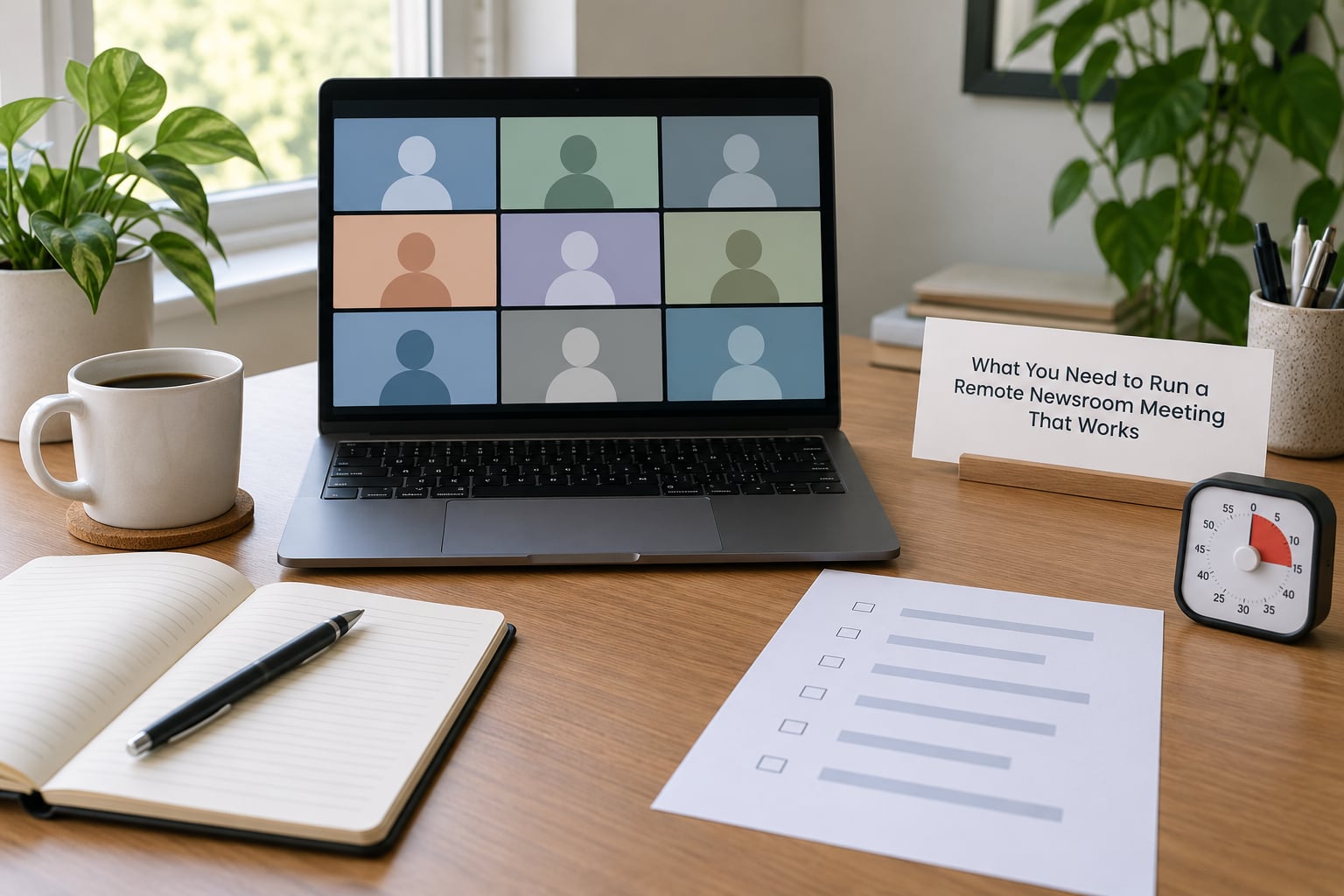
Six things need to exist before anyone dials in. If any of them is missing, the call will drift, and drift is what turns a 25-minute standup into a 55-minute meeting that decides nothing.
- A stated outcome. One sentence naming what the meeting must decide, produce or unblock, plus the deadline and what “done” looks like.
- Named roles. A facilitator, a timekeeper, a note-taker, a subject lead for each segment, and a decision owner who has final call when the group splits.
- A timed agenda. Minutes assigned to each item, sent at least one business day ahead, with the links to any pre-read in the same message.
- A tested video platform. One tool the whole newsroom can reach, with audio, captions, screen share and chat verified on each person’s machine.
- Circulated materials. Pitch docs, drafts, data files and legal notes shared before the call so nobody reads a document live while eight people wait.
- A follow-up channel. A shared doc or chat thread where the recap lands within an hour, so absent colleagues and people on other shifts can catch up.
Pick the meeting format before you pick the tool, because the format determines the attendee list. A reporter roundtable, an edit handoff and a breaking news war room look identical on a calendar and function nothing alike.
| Format | Typical length | Who must attend | Required output |
|---|---|---|---|
| Daily editorial standup | 10-15 minutes | Assignment editor, desk editors, reporters on shift | Assigned stories and blockers flagged |
| Story pitch meeting | 30 minutes | Section editor, pitching reporter, assignment editor | A go, no-go or punt with a reason |
| Edit and copy handoff | 20 minutes | Reporter, assigning editor, copy desk, visuals | File names, cut times, who does what |
| Breaking news war room | 30-45 minutes, then async | Everyone with a live task, nobody else | Roles, verification status, next checkpoint |
| Reporter roundtable | 45-60 minutes | Reporters; editors optional or absent | Problems raised, not decisions made |
| Postmortem or retro | 45 minutes | Only the people who did the work | Two changes with owners |
Source protection is part of this list too. A newsroom call can touch unpublished documents, named sources, embargoed material and legal review. Treat the confidentiality rule as a ground rule stated at the top of every meeting that touches sensitive material, not as something a host remembers halfway through.
Step-by-Step
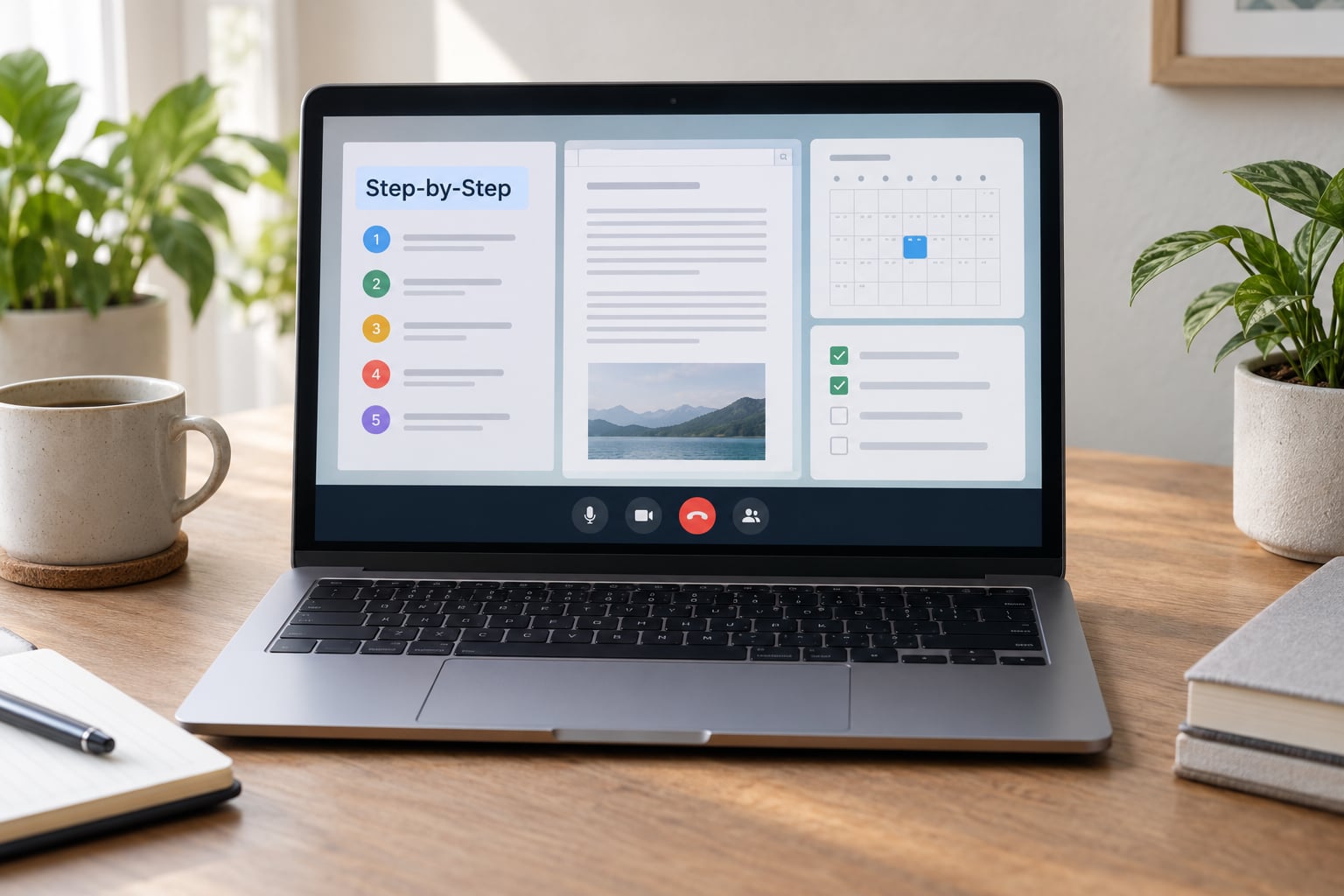
Define the decision or outcome
Start by asking the organizer to state exactly what the meeting must decide, produce or unblock, with a deadline and a clear definition of completion.
“We need to talk about the investigation” is not an outcome. “We need to decide by 4 p.m. Tuesday whether we publish the delayed-transit data set this week or hold it until the records request comes back” is. The second version can be closed. The first one can never be closed.
Write the outcome in the invite subject line. When people know before they join what the meeting is for, the people with nothing to contribute stay out and the people with the decision stay in.
Choose the right participants and assign roles
Invite only people with a needed contribution, then assign a facilitator, a timekeeper, a note-taker, subject lead and decision owner.
Every extra face adds a few seconds of silence to each exchange and dilutes accountability. If a reporter’s name is on the invite, that person either speaks or listens on purpose.
The note-taker is the role people skip, and it is the one that decides whether the meeting existed. Assign a named person, tell the room who they are in the first ten seconds, and give them permission to interrupt to capture a decision. A facilitator running three calls at once cannot do this and the recording never will.
Editors stepping out entirely is a separate design choice worth making for reporter roundtables. One roughly 200-person newsroom described in the American Press Institute’s write-up of its own staff development program runs monthly reporter roundtables where editors deliberately stay out of the conversation, and treats those sessions as its main morale driver. Reports from journalists working fully remotely echo the same pattern: recurring, well-structured internal sessions build the community that an ad hoc status call never will.
Send a focused agenda in advance
Give participants the topic, the desired outcome, preparation, timing and links at least one business day before the meeting, and mark which items require discussion versus notification.
That last part does most of the work. If nine of twelve stories are just “assigned, on track, no help needed,” say so in the invite and make them a written update. Two items can then take the live time instead of twelve.
A copy-ready agenda for a 25-minute standup:
| Minutes | Item | Type | Owner |
|---|---|---|---|
| 0-2 | Outcome, roles, ground rules restated | Facilitator | Facilitator |
| 2-8 | Breaking or developing story check | Discuss | Assignment editor |
| 8-14 | Blockers needing a decision | Discuss | Named per item |
| 14-20 | Edit and copy handoffs due today | Discuss | Copy desk |
| 20-23 | Visuals, video, graphics status | Notify | Visuals editor |
| 23-25 | Readback of decisions, owners, deadlines | Decision | Note-taker |
Set up and test the remote collaboration tools
Choose video, audio, shared documents, chat and recording functions that work across the team, then verify permissions, captions, audio, screen sharing and a backup communication method.
The backup method matters more than people expect. Agree in advance that if video fails, everyone moves to the chat thread and the meeting continues there, and if chat fails, phone calls begin. Decide that while everything works, not during the outage.
Audio is the thing that actually ruins newsroom calls. A reporter in a noisy location mutes and disappears, or un-mutes and talks over the assignment editor. Encourage headsets, encourage a written chat channel for anyone who cannot speak, and treat captions as on by default rather than as an accommodation request.
Run the test the day before: five minutes, four people, one screen share, one file open. Check that people outside your department can actually open the shared doc rather than landing on a permission screen.
Open with roles, timing, and ground rules
Begin by confirming the outcome, the agenda, who facilitates, who takes notes, the time limits, the speaking order and how remote participants ask questions or request a pause.
Two minutes of setup buys back ten. Say the outcome out loud, name the note-taker, state the hard stop, and say whether anyone can pass on a segment asynchronously. Then start.
Newsroom ground rules are short. Cameras on unless a source or a person is off the floor. No recording of sensitive pitches without telling the room first. Interrupt the chair only for an urgent correction to a fact. Disagree with the idea, not with the person who pitched it. Nobody answers for a colleague who is not in the room. That last rule keeps a quiet remote reporter from being treated as a spokesperson for someone else’s story.
Facilitate focused discussion and explicit decisions
Keep each topic on the stated outcome, use the agenda to manage time, invite quieter participants, surface disagreement, and record each decision with an owner and a deadline.
Remote participants speak less than in-room ones, usually because the half-second of hesitation that signals turn-taking barely registers on video. Fix it structurally rather than waiting: round-robin the two names most likely to be skipped, and put status items into the chat so a camera-off reporter can type instead of talk.
Surface disagreement out loud. Someone going quiet after the chair summarizes usually means they disagree and nobody caught it. Ask directly, take the objection, then let the named decision owner call it.
A 40/20/40 split works as a rough diagnostic for a status call. If forty percent of the time is spent on status updates and twenty percent on actual discussion, the meeting is reporting rather than deciding. Push more of the middle and consider whether the whole thing should have been a document.
Close with a readback and action list
End by summarizing decisions, unresolved questions, owners, deadlines, dependencies and the next scheduled communication, then ask the group to confirm the record is accurate.
The readback is two minutes and it is the difference between a decision and an impression. Say it out loud, get a yes or a correction, and let the note-taker fix anything wrong before the call ends.
Then post the recap within the hour, even if it is four lines. Decision, owner, deadline. Unresolved, and who takes it next. Include the absent: reporters on other shifts, freelancers, anyone who declined, and the people who watched a recording later. Newsday’s roundtables and twice-monthly data office hours work partly because they have a shape colleagues can rely on rather than a surprise on the calendar.
Common Mistakes
Most bad remote newsroom meetings come from one of these seven, and each has a specific fix.
Vague objectives. “Synergy on the project” produces chatter. Replace it with one sentence naming the decision and the deadline, written into the invite.
Oversized invitations. Twenty people on a call where four are needed. Every extra person adds silence and slows every turn. Invite the subject leads, send the rest the recap.
Agenda overload. Twelve items in twenty-five minutes means nothing gets decided. Move status items to written update, then protect the two things that genuinely need a conversation.
Passive participation. The chair talks for fifteen minutes and gets four one-word answers. Round-robin by name, and move status into chat so camera-off reporters contribute in writing.
Hidden decisions. A decision gets made in side conversation or hallway-afterwards and never reaches the recap. Name the decision owner out loud and capture it in the shared doc during the call, not afterwards from memory.
Technical surprises. Screen sharing fails, a permissions screen blocks the draft, nobody can hear the reporter from the other coast. Test the day before and keep a chat-and-phone fallback that everyone knows about.
Missing follow-up. The call ends and nothing changes, so next week repeats it. Post the recap within the hour with owners and deadlines, and if the same item shows up two meetings running without progress, the problem is the item, not the meeting.
One more habit is worth naming: know when to skip the meeting entirely. If the topic is a decision with no disagreement, a status read-out, or a piece of feedback that fits in a paragraph, write it down and send it. A newsroom that protects meeting time for actual decisions gets more decisions out of the same hour.
Frequently Asked Questions
What is a good length for a remote newsroom meeting?
Keep a daily editorial standup to 10-15 minutes, a pitch or edit handoff to about 20-30 minutes, and a war room to 30-45 minutes before moving to written updates. Breaking newsroom meetings run long for a reason, so do not cap those. Publish the length in the invite and hold the hard stop, because a call that always overruns teaches the room that the time limit is optional.
Should a remote newsroom meeting be recorded?
Record routine status and handoff calls so colleagues on other shifts can catch up, but ask before recording anything involving pitches, unpublished material, named sources or legal review. Say at the top of the meeting that it is being recorded, and post the transcript or a summary with the recap. A recording nobody was told about is a source protection problem, not a convenience.
How should you handle participants across time zones?
Rotate the burden of the awkward hour. Anchor the call at a time that is not cruel for the largest group, then rotate which group eats the early or late slot rather than always taxing the same bureau. Keep the written recap and chat current so the off-shift team is not dependent on the recording, and let one named person represent a bureau that cannot attend.
What do you do when the video platform fails?
Decide the fallback before the call, not during the outage: move everyone to the chat thread and run the agenda there, and fall back to phone if chat is also down. The note-taker keeps capturing decisions in the shared doc regardless of audio, so the meeting survives losing its video layer. Post the outcome to the whole newsroom when service returns so nobody assumes the call was cancelled.
How can you tell whether the remote meeting was effective?
Check three things after two or three cycles: did the call start and end on time, did every decision leave the room with a named owner and a deadline, and did the same blocker show up three meetings running without progress. Track the count of meetings per person per week too. A rising meeting load with flat decision output means the format is wrong, not the people.
Should every newsroom meeting include a developer and designer?
Only where their work is on the agenda. Designers belong in the handoff for anything with graphics, video or layout, and developers belong in the pitch or product discussion where tooling, data pipelines or interactive graphics are involved. A standup that includes both by default wastes their time and lengthens the call, so invite them to the segments that need them and send them the recap for the rest.
Conclusion
Here is the first action, and it takes five minutes: write one sentence naming what the next remote newsroom meeting must decide, assign the five roles, and send a timed agenda with links and preparation instructions a business day ahead. Everything after that is follow-through, and follow-through is what separates a call that works from a call people sit through.