Setting boundaries as a journalist online means deciding in advance which channels you answer, how fast, and at what cost to your time and safety, then holding to those rules even when a story breaks at 9pm. Most reporters do the opposite: they answer everything as it arrives and then wonder why they are exhausted and why their address keeps turning up in comment threads.
The good news is that boundaries work better when they are written down before you need them. You can build a working plan in an afternoon, adjust it as your beat changes, and review it once a month. This guide walks through that process step by step, from the first audit to the conversations you may need to have with an editor.
One thing worth saying early: none of this is about becoming less reachable. Readers, sources and colleagues all need a way in. The plan is about making that way predictable, so the channels that matter get your attention and the rest get a quiet, deliberate no.
Table of Contents
- What You Need
- How to Set Boundaries as a Journalist Online
- How to set boundaries as a journalist online by identifying your pressure points
- How to set boundaries as a journalist online by choosing clear communication rules
- How to set boundaries as a journalist online with platform controls
- How to set boundaries as a journalist online while covering breaking news
- How to set boundaries as a journalist online without losing sources or trust
- How to set boundaries as a journalist online when colleagues or editors cross them
- How to set boundaries as a journalist online and review the plan
- Common Mistakes
- Frequently Asked Questions
- How often should journalists respond to online messages?
- Should journalists be expected to answer comments and direct messages during evenings or weekends?
- How can journalists set social media boundaries while keeping readers engaged?
- What should a journalist do if an editor expects constant availability?
- How do journalists separate urgent breaking-news contact from routine messages?
- Can online boundaries make a journalist seem less accessible or less professional?
- Conclusion
What You Need
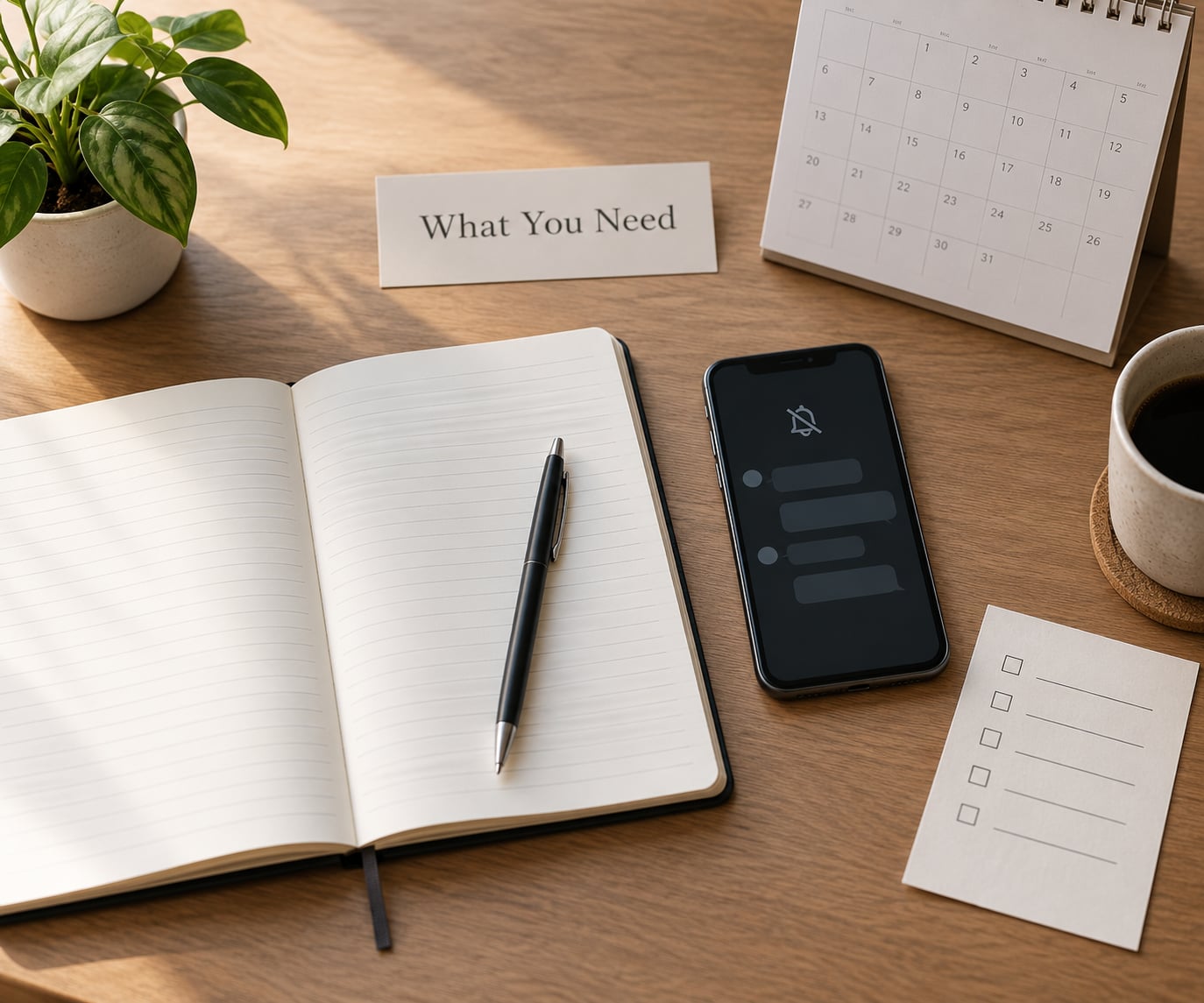
Before you write a single rule, gather four things. Skipping this step is how most plans end up as vague intentions that nobody follows.
A personal inventory
List every account you hold, whether public or private, and note which ones were created for work. Include the throwaway email you used for the last tip line, the old byline photo still sitting in an archive, and the family member who still tags you on holiday. Anything that links a work identity to a private one belongs on the list.
An editorial picture
Write down what your beat actually demands right now. A local politics reporter covering a council vote has a different rhythm from a science correspondent chasing a long investigation, and both differ from a breaking news reporter on a rotating shift. Note the times your publication expects you live, and whether there is a formal policy on online abuse.
Your technical baseline
Confirm that two-factor authentication is on for your work email and your main accounts, that you use a password manager, and that your phone locks itself. Then open a private browsing window and search your own name plus your town. Whatever comes back is your current exposure, and it is usually worse than you expected.
A workplace anchor
Identify one person at your outlet who takes safety questions seriously. It might be an editor, a union rep, a standards lawyer or a security lead. If you freelance, your anchor is external: a colleague, a network, a legal helpline. Having a name written down matters on the day you need it.
How to Set Boundaries as a Journalist Online
Run these seven steps in order. The first three build the plan, the middle two defend it, and the last two keep it alive.
How to set boundaries as a journalist online by identifying your pressure points
Most interruption is not evenly distributed, so find out where yours actually comes from. For one week, log the source of every push: public comments, direct messages, email, social notifications, an editor asking for a quick line, a source phoning at odd hours. Count them.
The tally usually surprises people. One reporter I know expected a flood of abusive comments and found that 70% of her interruptions were nine editors across three time zones asking for “a quick line” on the same story. Her fix was a group thread and a 7am deadline, not a bigger block button.
Look specifically at what the log reveals: which channel dominates, whether it arrives outside your hours, and whether the senders are readers, sources, colleagues or strangers. You cannot set a boundary you have not measured.
How to set boundaries as a journalist online by choosing clear communication rules
Turn your log into three tiers: urgent, routine and non-responsive. Urgent means a live safety issue, a developing story you are covering, or an editor asking for something that goes out within the hour. Routine means everything with a normal news cycle. Non-responsive means pitches, cold approaches, reader mail that needs no reply and anything you can answer next week.
Then set the window. Most reporters land on two scheduled check-ins a day, morning and evening, and treat anything outside those as read-only. Put the schedule where people can see it: in your email signature, on your bio page, or in the newsletter you send after a big story.
Name the channel too. Saying “send tips to the encrypted form on my site, not to my personal inbox” does more work than a block, because it moves the conversation somewhere you control.
How to set boundaries as a journalist online with platform controls
Rules you never configure are requests, not boundaries. On every account you use for work, work through this list in about twenty minutes.
- Turn off notifications for everything except direct messages from people you have cleared.
- Filter keywords rather than people. Filtering “whore”, “terrorist” or your own surname catches the pile-on before it reaches you.
- Restrict replies on posts that attract organised abuse. Restricted accounts are removed from the thread entirely, which saves the energy of muting one person at a time.
- Change direct message settings to “people you follow” or “followers”, or to an approval queue.
- Move source contact onto a second number or a separate messaging app, so a leaked contact list does not map onto your personal one.
- Check that location data and contact syncing are off, and that your photo history is not visible to anyone you did not approve.
- Set up an alert on your own name so a fresh page of search results reaches you rather than a stranger.
Two accounts, not five. Keeping a work profile and a genuinely private personal profile reduces the number of surfaces someone can find. If you use a content scheduling tool, log out of the shared device afterwards.
How to set boundaries as a journalist online while covering breaking news
Strict boundaries and live coverage collide, so plan the collision in advance. Write a short escalation protocol and keep it in your notes app, where you can find it fast.
The protocol has four parts. Who can interrupt you: name the specific people, usually your breaking news editor and one named colleague. What qualifies as urgent: a developing incident you are covering, a request with a stated deadline inside three hours, or a safety concern. How you switch: one phone call or one message to the named person, not a group panic. And when it ends: a time when normal limits resume, agreed in advance so nobody has to ask.
Agreeing the end point in advance is the part people skip, and it is the part that protects your sleep. “Live until the story closes” is not an end point. “Back to normal windows from 1am, or when the editor signs off, whichever comes first” is.
How to set boundaries as a journalist online without losing sources or trust
People take a boundary personally when they hear it as coldness. Wording fixes that. Try: “I check messages at 8am and 6pm, and I answer everything in that order.” Or: “Send anything sensitive through the form on my site, not here.” Or with an editor: “I can give you a line any time this week if I know the deadline by 10am.”
Say the reason once, briefly, and do not over-explain. Most sources will accept it. The ones who push are usually pushing on something other than availability.
With sources specifically, boundaries are often about more than reply times. You can say that you cannot discuss a story on a personal channel, that you do not record calls without asking, or that you are unavailable on certain days. None of that weakens the reporting. Silently absorbing a source’s expectations is what burns reporters out.
Tell your audience something too, once, and keep it simple. A line on your bio page saying when you read comments prevents the endless scroll that eats an evening.
How to set boundaries as a journalist online when colleagues or editors cross them
This is the hard part, because the boundary-crosser often has power over your work. Handle it in four stages, and do not skip to the last one.
- Note it. Keep a dated log of what arrived, when, and through which channel. Patterns matter later.
- Say it once, plainly. A short message naming the behaviour and what you need instead. No accusation, no history.
- Change the setup. If requests keep landing at 11pm, set a published deadline and let silence do the arguing. Many reporters find this is enough on its own.
- Escalate along the line that exists. If your outlet has a safety policy, a standards route or a union rep, use it. Bring your log. Frame it as workload and safety, which are much easier to discuss than personality.
If you are freelance, the equivalent escalation is your network, your union, or a recorded conversation with the commissioning editor with your timeline in front of you. Irregular income makes this harder, not a reason to skip it.
How to set boundaries as a journalist online and review the plan
Set a recurring thirty minutes, on the same day each month. Four checks are enough.
- Compare this month’s log with last month’s. Which channel grew, and did it replace work or eat it?
- Re-open your notification settings. Half of them get reset by app updates and new devices.
- Check your direct message requests for anyone who has migrated from one channel to another.
- Run the recovery test: did you get a stretch of two or three days without checking anything after hours? If not, the plan is not working yet.
Adjust the window rather than abandoning the plan. Most people find they need to shrink their promised availability once, and everything feels normal a fortnight later.
Common Mistakes
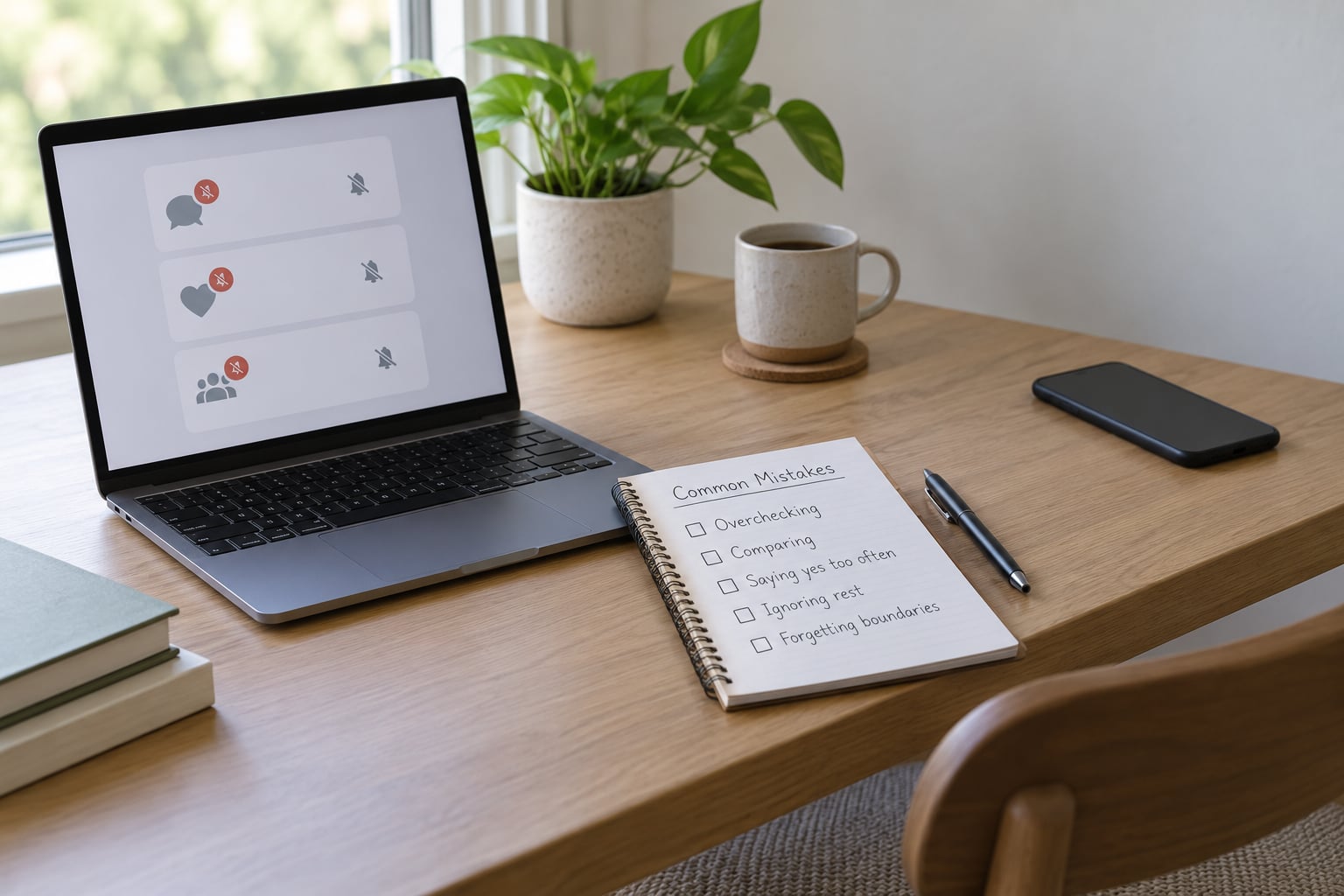
Most failed boundary plans share one of six causes. Each has a fix.
Vague rules that nobody can follow
“I will be less available” is not a boundary, because nobody can tell when you have broken it. Replace it with a number: two check-ins a day, comments on Fridays, no phone after 8pm.
Consistent enforcement, then none
The pattern that costs reporters the most credibility is answering at midnight once, then disappearing for a week. Pick a window you can hold for months, not one you can hold during a crisis.
Arguing in public with people who crossed a boundary
You will lose that exchange, and it hands the other side fresh material. Mute, restrict, report, move on. Your reply is a service to them, not to you.
Using one account for everything
A single blended profile means every stranger who wants to reach you can see your family, your location and your holiday photos. Two separated profiles costs an hour and removes an enormous amount of surface area.
Ignoring safety signals
A post naming your street, a photo of your building, a direct message mentioning your family. Treat these as escalation, not noise. Save the evidence, then contact your editor or a legal helpline the same day.
Treating every message as urgent
If everything interrupts, nothing can. Reserve the urgent tier for things with a real deadline or a real safety issue, and protect the tier by letting routine mail wait.
Two more worth naming
Do not do a security overhaul once and forget. App updates reopen settings. And do not wait for an incident before you know who to call; the anchor contact you listed earlier is only useful if the number is already in your phone.
Frequently Asked Questions
How often should journalists respond to online messages?
Two scheduled check-ins a day works for most reporters, usually one in the morning and one in the evening. Anything that genuinely breaks that pattern belongs in your urgent tier: a developing story you are covering, a deadline inside three hours, or a safety concern. The exact number matters less than the fact that it is written down and you keep to it.
Should journalists be expected to answer comments and direct messages during evenings or weekends?
Only if that expectation is explicit and paid into your role. Many reporters quietly absorb evening and weekend messages and end up treating every day as a workday. If your outlet expects live availability, ask for it in the job description rather than assuming it. If nothing is written down, set your own window and publish it in your bio page or email signature.
How can journalists set social media boundaries while keeping readers engaged?
Separate access from attention. Reply to direct messages inside your two check-ins, filter keyword-based noise rather than individual accounts, and use restricted replies on posts that attract organised abuse. Readers rarely notice a consistent, predictable schedule. What they do notice is silence, so put your window where people can see it and keep to it.
What should a journalist do if an editor expects constant availability?
Keep a dated log of out-of-hours requests, then ask for a published deadline instead of a standing open line. Frame it around deadline quality rather than comfort. If it continues, take the log to whoever handles safety or standards at your outlet, or to a union rep. As a freelancer, raise it at commissioning with your timeline in front of you.
How do journalists separate urgent breaking-news contact from routine messages?
Write a four-part escalation protocol before you need it. Name who is allowed to interrupt you, define what qualifies as urgent, agree how the switch happens, and set the time normal limits resume. Agreeing that end point in advance is what protects your sleep, because it removes the need to ask whether tonight is finished.
Can online boundaries make a journalist seem less accessible or less professional?
Rarely, and only in the first week or two. Predictability reads as professionalism once people are used to it, and almost every contact you defer is answered inside your stated window. The journalists who look unavailable are the ones who vanish for days without saying anything. State your schedule once and keep it, and readers adjust quickly.
Conclusion
Start smaller than feels useful. Name the single channel that interrupts you most, decide on one response window for it, change one setting on that platform today, and tell one person what changed. That is a working boundary, and a working boundary is worth more than a perfect one you never install.
Once it holds for a couple of weeks, add the next channel. Boundaries that arrive in stages tend to survive contact with a real newsroom in a way that a total lifestyle overhaul does not.