Testing a news app with real readers means watching a small group of actual readers attempt realistic reading tasks on the app while you observe where they hesitate, backtrack or give up, then fixing those points before launch. You do not need a research budget or a lab. You need a testable build, about five representative readers per reading path, neutral tasks, and a disciplined way to write down what you saw.
Most newsroom product teams can run a full round in ten to fourteen days. It is also the cheapest evidence you will ever get about whether readers can find, understand and trust what your app is showing them — and the part everybody skips is recruitment, not analysis.
Updated for 2026.
Table of Contents
- What You Need
- Step-by-Step: How to Test a News App with Real Readers
- 1. Define the reader problem and success criteria before you test a news app with real readers
- 2. Recruit readers who represent real use
- 3. Prepare realistic test scenarios
- 4. Choose the right testing method
- 5. Run the session without leading the reader
- 6. Measure more than satisfaction
- 7. Analyze patterns and prioritize changes
- 8. Improve the app and run a follow-up test
- Common Mistakes
- Frequently Asked Questions
- Conclusion
What You Need

A first round can be run with almost nothing. Here is the kit list I would send to anyone about to book their first reader session.
- A build a reader can actually hold. A TestFlight build, a Google Play internal testing track, or a Figma prototype running on a real device. Anything that requires the reader to imagine the interaction instead of performing it will produce fake findings.
- A short list of reader scenarios. Name the specific things you want to watch, such as opening a developing story, finding a section, or saving an article for the commute. Vague goals produce vague sessions.
- Recruitment criteria written down first. Decide which reader characteristics matter before anyone replies, or you will recruit whoever is quickest to say yes.
- A feedback method. Screen and audio recording, ideally with the reader’s device mirrored so you can watch the real gestures. A phone on a stand over a paper notebook also works.
- A consent and privacy process. Readers will assume recordings exist, so have a one-paragraph consent script ready, plus a rule for storage and deletion. Decide in advance whether they can withdraw after the session and what you will say if they ask.
- One place for observations and decisions. A shared sheet with columns for reader, scenario, observation, severity, owner and status. Findings that live in someone’s notebook do not get fixed.
Add one more thing that is easy to skip: an honest statement of what the test can and cannot change. Readers often assume a usability session is a referendum on the journalism. Saying plainly that this is about the interface, and that no editorial decision is on the table, buys you better sessions.
Step-by-Step: How to Test a News App with Real Readers
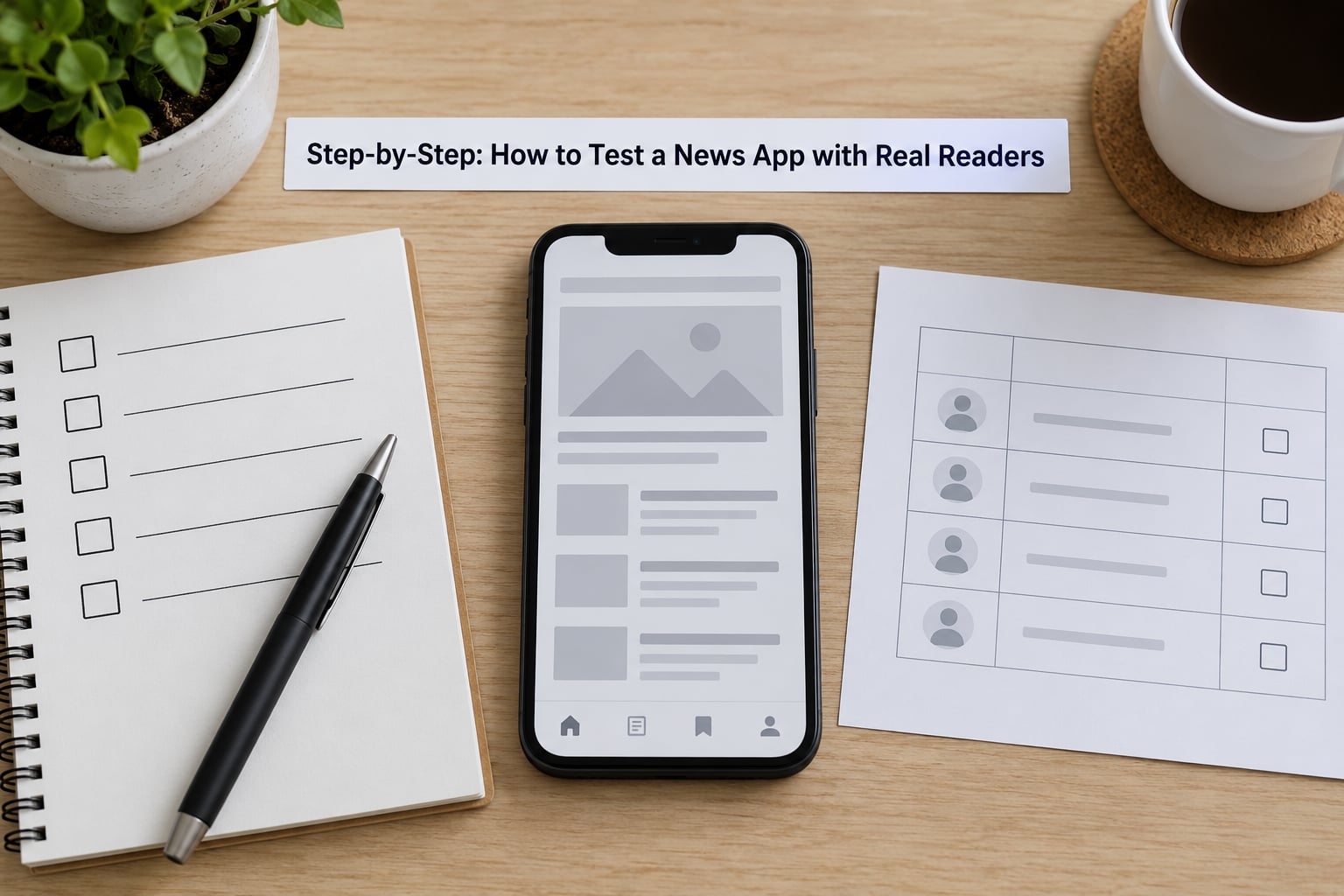
The workflow below is the one I would run for any reader-facing app. The point is not to collect opinions about a design you already like. The point is to watch how a representative reader understands the app, uses it under real distraction, trusts what it shows them and remembers it afterwards — then turn that behaviour into a short, prioritized list of changes.
1. Define the reader problem and success criteria before you test a news app with real readers
Start with three to five testable reader goals, written as behaviour rather than opinion. “Readers can find the live blog for a developing story in under 30 seconds without leaving the home screen” is testable. “The navigation feels clearer” is not.
Then write down what counts as success for each goal before you recruit anyone. That matters more than it sounds: once five sessions are in, you will be tired, the newsroom will be noisy, and a goal with no pass mark will be argued about instead of measured.
Define the target reader in the same breath. A redesign aimed at casual daily openers is a different test from one aimed at subscribers reading long investigations on a tablet, and mixing them hides both signals.
2. Recruit readers who represent real use
Recruitment is where most newsroom tests fail, and it is the one step you cannot rush. The people who answer fastest are almost always your most engaged existing readers, which biases every finding toward a product that already works for them.
Five channels work in practice, in rough order of quality per unit of effort:
- Your newsletter list and subscriber segments. Cheapest and highest quality, with one warning: cap how many heavy subscribers you take in a single round, or filter for reading habit in the screener.
- A reader advisory panel. If one already exists, this is the natural test group. They know your product, so use them for comprehension and trust questions rather than first impressions.
- A beta cohort via TestFlight or the Google Play internal testing track. Best for a build you have not shipped. Schibsted’s Next app programme recruited 2,000 beta readers in 2017 specifically to reach reluctant news readers, which is the clearest example of treating hard-to-reach readers as a recruitment problem rather than a bonus.
- Your own community: social channels, forums, comment threads, events. Watch for superfan bias and screen accordingly.
- A paid panel such as Respondent. Slower and pricier, but it is the only reliable route to casual or non-subscriber readers, and to specific age bands or locations you cannot reach otherwise.
Set quotas before you start: reading habit, platform, device size, age band, and any accessibility need relevant to your audience. A copy-paste screener gets you most of the way:
- How often do you read the news on any device?
- Which device do you use most for reading news?
- Do you currently have any news app installed that you open weekly or more?
- Do you pay for any news subscription today?
- How far do you usually read an article before stopping?
- Do you use any accessibility features, such as larger text or a screen reader?
Ask about behaviour, not about your product. A screener that names the publisher or the feature you are testing will attract applicants who want to please you.
3. Prepare realistic test scenarios
Write short, neutral tasks that mirror how people actually read: opening a developing story, understanding a chart or graphic, following a timeline, or saving something for later. Five scenarios per session is plenty, because fatigue shows up as cooperation rather than as complaints.
Four rules keep tasks honest. State the goal, not the route — say “find out what the latest update is on the flooding story”, never “tap the live blog icon”. Use the reader’s vocabulary rather than your feature names. Never mention what is new or what you hope they find. And run the tasks on real, current content, because a placeholder article hides every readability problem you are trying to find.
Test the paths that carry the most risk first. For most news apps that means the first run, the daily open and browse, the breaking-news alert, save-for-later, and the subscription or paywall moment.
4. Choose the right testing method
Match the method to the question. If you need to know why a reader backtracked, you need someone in the room who can ask. If you need volume across a wide reader base, you need automation and accept shallower insight.
| Method | Best for | Readers per round | Turnaround | Depth |
|---|---|---|---|---|
| Moderated remote | Navigation, comprehension, new features | 5–8 per scenario | 1–2 weeks | High |
| Moderated in person | Older or less tech-comfortable readers, comprehension | 4–6 per scenario | 1–2 weeks | High |
| Unmoderated remote | Funnel drop-off, larger samples, regression checks | 15–30 | 2–4 days | Low |
| Guerrilla | First impressions of a prototype, fast signal | 5–10 | Same day | Shallow |
| Rolling beta cohort | Real behaviour over weeks, alerts and retention | 50+ | Ongoing | Behavioural |
Most practitioners would tell you to skip the cheap unmoderated option for anything you intend to act on, and to pay for a facilitator. That advice lands harder for news apps than for most products, because your audience skews older and remote screen sharing is exactly where those readers fall apart.
Unmoderated testing still earns its place, just not first. It is the right tool for confirming that a drop-off in your analytics is real, and for regression checks after a release.
5. Run the session without leading the reader
Thirty to forty minutes is the sweet spot: long enough to get past the polite first run, short enough that attention survives. Ask the reader to think aloud as they work, then stay quiet. The value is in the hesitation, the half-finished sentence, and the moment they go looking for a back button.
Write down what you saw before you write down what you think it means. “Opened the search icon three times, then closed the keyboard” is an observation. “Got confused by search” is an inference, and inferences made mid-session contaminate the next question.
Four habits spoil sessions. Helping too early, confirming that an interface choice was deliberate, defending the design, and asking whether they like something. Replace “do you like this?” with “what would you expect to happen if you tapped that?”
6. Measure more than satisfaction
Satisfaction scores from a single session tell you very little. Behaviour tells you a lot, and it is the thing your roadmap can actually be defended with.
| Measure | What it tells you | What to watch |
|---|---|---|
| Task completion | Whether the path works at all | Any failure that ends the task, not just slow finishes |
| Time on task | Friction and hesitation | Long pauses before a confident tap |
| Errors and recovery | How forgiving the app is | Backtracking, dead ends, repeated attempts |
| Comprehension | Whether the reader understood the story or the chart | Can they restate the main point unaided |
| Trust cues | Whether source and date signals are noticed | Does the reader check who is behind a piece |
| Single ease question | A comparable score per scenario | Use one consistent rating, never several |
| Funnel analytics | Whether sessions match real behaviour | Where the same path loses people in production |
Pair the sessions with your existing funnel data. A finding is far harder to argue with when the qualitative hesitation lines up with a real drop-off step in production.
7. Analyze patterns and prioritize changes
Group observations by scenario, then code severity: a blocker stops a reader from finishing, a major one makes them work around the app, a minor one irritates them, and cosmetic issues wait. Cross severity with frequency, because one reader struggling badly matters more than three readers mentioning a headline style.
Keep the reader’s own words next to each finding. “I assumed that was a live blog” is worth more in a pitch meeting than any severity score, because it describes the reader’s mental model rather than your interface.
Then separate the two kinds of problem. A reader misunderstanding an icon is a design fix. A reader refusing to pay is an editorial and commercial question, and no amount of interface work will move it. Mixing them in one list is how fixes get stuck for months.
Give every item an owner and a date, and deliver the punch list within 72 hours of the last session. Teams that write the report a month later usually never act on it.
8. Improve the app and run a follow-up test
Ship the blockers first, then re-run the same scenarios with two or three fresh readers who have not seen the app. Use the same tasks and the same measurement so the comparison is honest — changing the script between rounds makes the results useless.
Report three things honestly: what improved, what stayed the same, and what remains uncertain because five readers cannot settle it. A second round that confirms three fixes and leaves two open is a good outcome, not a disappointing one.
Common Mistakes
Recruiting only people you work with. Colleagues know where everything is and will not tell you. Cap insiders at zero in the round where you are making the decision.
Testing the polished final build. Test the messiest, riskiest part first — onboarding, the paywall, the alert permission flow. Catching problems there is worth far more than a confirmation session on finished work.
Leading the witness. “This new section makes things easier to find, doesn’t it?” ends the session’s usefulness in one sentence. Write your questions, then read them aloud to someone who has not seen the design; anything that sounds like a hint needs rewriting.
Treating comments as votes. “I would use that” from three readers is not a signal about whether anyone uses it. Count patterns in behaviour, and treat opinions as hypotheses to test in the next round.
Ignoring accessibility and device differences. One iPhone and one flagship Android will miss older readers, tablet layouts, larger text settings and screen reader flows entirely. If your audience skews older, test with older readers, in person if the remote setup is a barrier.
Not closing the loop. Findings without an owner, a date and a follow-up test are a diary exercise. Send readers a short note about what changed, and the next round recruits faster because people who saw their feedback land volunteer again.
One more trap worth naming: testing the article rather than the app, or the app rather than the article. A reader who finishes a 1,800-word piece on a commute may be telling you about story length, not navigation. Decide which question you are asking before the session starts, or you will get a blended answer that fits no decision.
Frequently Asked Questions
How many readers do you need to test a news app?
Five readers per reading path is the working minimum, which comes from Jakob Nielsen’s 5-user rule: about five users surface most usability problems in a given flow. News apps need more than that in practice because behaviour splits by platform and habit. Budget five iOS, five Android, and at least two readers over 50 or readers using accessibility settings. If you test five separate paths, that means up to 25 sessions, not five.
Should I test a prototype or the live app?
Test a prototype when the question is about structure, wording or comprehension, and a real build when the question is about gestures, load times, alerts or anything that depends on the real backend. Prototypes are faster and cheaper to change, but they hide install friction, performance and notification behaviour. If the change is close to launch, test the build on TestFlight or the Google Play internal testing track so readers handle the app as they will in production.
How long should a reader testing session last?
Thirty to forty minutes covers a warm-up, three to five scenarios and follow-up questions without exhausting the reader. Add ten minutes if you are testing a first run, because install, permissions and account creation eat the clock. Longer sessions produce polite agreement rather than honest struggle, so split a broad test into two rounds rather than running one hour-long session.
Should I pay readers who take part in a usability test?
Yes, a modest thank-you is the norm, and sessions in participant marketplaces are advertised at a fixed rate precisely so testers expect one. A gift card or a short gift subscription usually works better than cash for a news app, and it avoids attracting applicants motivated only by the reward. Whatever you offer, offer it to every participant, including newsletter subscribers, so the sample is not sorted by who cares most about freebies.
Which metrics matter most for a news app?
Task completion, time on task and errors with recovery are the three that survive scrutiny in a roadmap meeting. Below those sit comprehension, whether a reader can restate the story’s main point, and trust, whether they noticed the source and date. Skip multi-question satisfaction scales; one consistent ease rating per scenario is enough. Pair all of it with funnel analytics so you can show which observed problem matches real drop-off.
How do I test a news app with no research budget?
Run guerrilla sessions in a newsroom-adjacent spot such as a cafe near your office, with a phone recording audio and a checklist of scenarios. Recruit from your newsletter list, cap committed subscribers at a few readers, and use a rolling beta cohort on TestFlight or the Google Play internal testing track to collect real behaviour for free. Spend any small budget on recruiting casual readers rather than on tooling, because tooling is not your bottleneck.
Conclusion
Pick one reader path today — the first run, the daily open, or the breaking-news alert — and recruit five readers who are not your colleagues. Watch them attempt it, record what they do, and write the punch list within 72 hours with an owner against each item.
Then make it a habit rather than a launch event. A short round before each release catches problems while they are still cheap to fix, and a rolling beta cohort keeps giving you real behaviour in between. One core task and a handful of representative readers is genuinely all it takes to know whether your app works for the people reading it.