To build a news app from scratch, settle four things in order: the single reader job it does, the content source you have the right to publish, the reading experience, and where readers will find it. A browser-first or cross-platform MVP is realistic in four to eight weeks for one developer. A native build for both platforms is a different project entirely.
This guide is written for the people who actually have to answer those questions. That means editors deciding what the app promises, journalists who need to understand where their stories live inside it, and the developers wiring it together. I have watched small newsrooms get three months into a build before agreeing on a single screen, and I have watched a plain RSS-backed reader ship in a fortnight and work perfectly. The difference is almost never the technology.
One thing to say plainly early, because it is the question behind most of the forum threads on this topic: you can build the app, but you cannot republish someone else’s journalism just because an API hands it to you. Feeds carry headlines and links, and using a headline with a link back to the publisher is a very different act from republishing the article body. Licensing is a build decision, not a legal footnote you add later.
What You Need
Before any code gets written, five things have to be settled on paper. Skipping any one of them turns into a rewrite later, usually the expensive kind.
The audience and the job. “People who read news” is not an audience. “People in a specific district who need to know which school closures affect their street” is. Write down the job as one sentence a reader would recognise as their own problem.
The editorial promise. What does this app deliver that the website does not? Faster breaking alerts, offline reading on a commute, a chronological feed with no algorithm, a single vertical nobody else covers properly. If the honest answer is nothing, you want a fast mobile website instead, and that is a fine outcome.
The content source. Decide between your own CMS, a public news API such as NewsAPI, RSS or Atom feeds from publishers, a licensed wire feed, or a mix. Your own CMS gives you full editorial control and no licensing risk. Aggregated feeds are faster to launch and carry the rights questions described in step 4.
The team and the budget. A small reader needs an editor, a developer, and someone who owns the editorial calendar after launch. Budget for hosting, a domain, an annual developer membership for app stores, and a content designer for the first few weeks. That is the honest floor; everything else is optional until you have readers.
The minimum viable feature set. For a first release, keep it to a headline feed, category sections, an article or card detail view, search, source attribution with publication dates, and saved stories. Everything else is a version two conversation.
For the recommended starting stack, I would use a responsive web app built with semantic HTML, modern CSS, and a maintained JavaScript framework such as Next.js, backed by a headless CMS such as WordPress in headless mode or a hosted document database. A Progressive Web App wrapper gives you an installable icon, offline caching, and push notifications without two native builds. A native mobile app is unnecessary until you need background sync, deep hardware features, or store-driven discovery at real volume.
How to Build a News App from Scratch: Step-by-Step
1. Define the news problem and target user
Start by shrinking the idea until it fits in one job. “A news app” becomes “track local election results by constituency”, “follow public-service alerts for a region”, or “compare policy proposals side by side”. Each version implies a different content model, a different refresh pattern, and a different notification strategy.
Then find the source material. Look at what you actually have access to today: your own archive, a set of permitted feeds, public records, partner material. If the source material does not exist yet, that is the project, and the app is the easy part.
How you know it worked: two people who were not in the room can read your one-sentence job description and agree on what the app does. If they argue about the wording, the scope is still too wide.
2. Write a one-page product brief
One page, no more. It should cover the audience, the editorial promise, the primary reader actions, the content types you will support, the platforms, the constraints, a target launch date, and an explicit list of what is excluded from the first release. That exclusion list is the most valuable paragraph in the document. It is what stops week six from becoming a redesign debate.
Acceptance checklist for the brief: three primary actions are named, each content type has a real example attached, every excluded feature has a reason, and someone outside the project could read it and say yes or no without a meeting.
How you know it worked: the brief survives a week untouched. If new ideas arrive, they get added to a “not now” list rather than into the scope.
3. Design the core user journeys
Map the journeys before opening a design tool. A first-time visitor lands, understands what kind of news this is within seconds, scans headlines, and opens something. A returning reader checks what is new, filters by a section they care about, searches for a specific story, saves one, and shares it. A reader on a train needs the saved story to open without a connection.
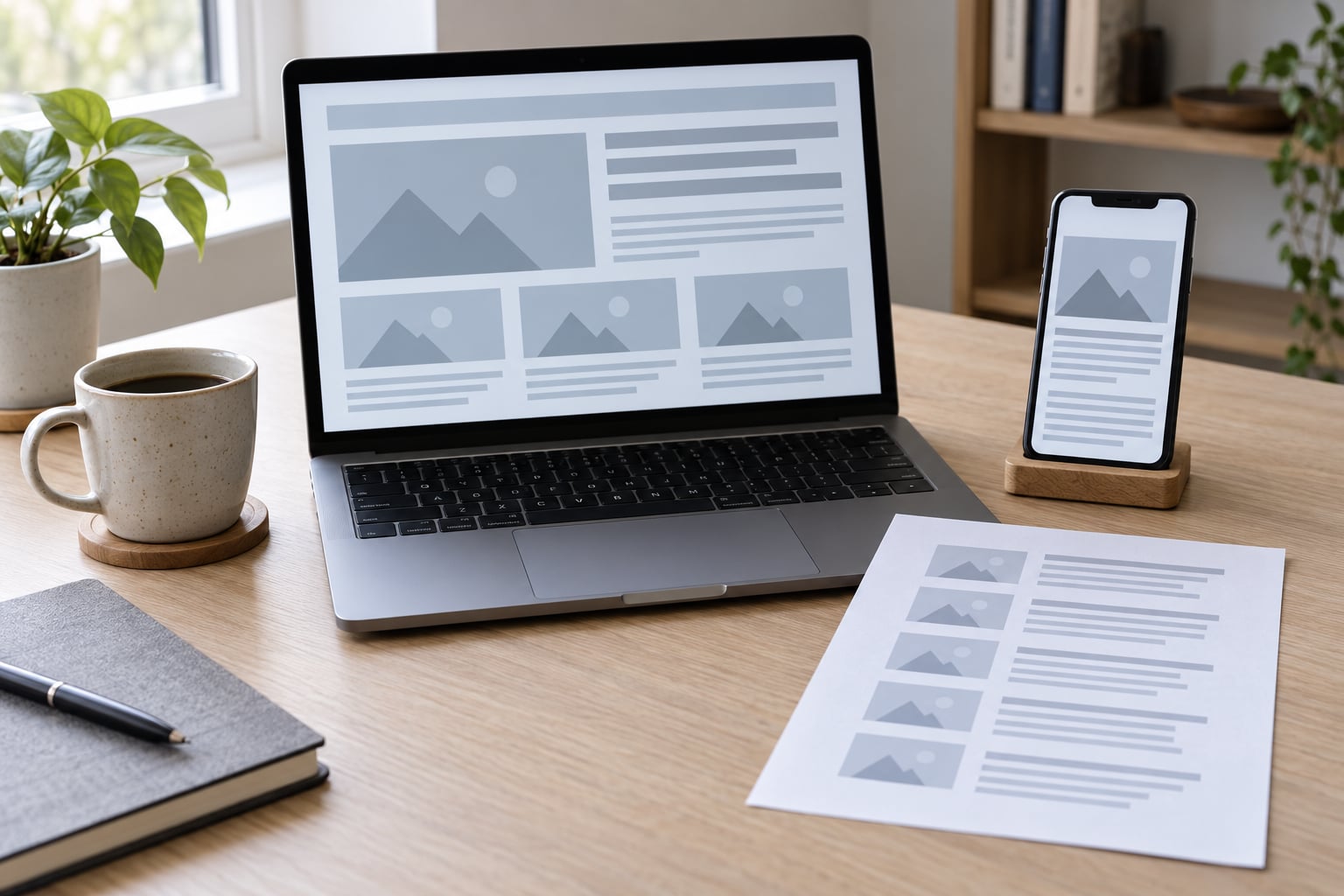
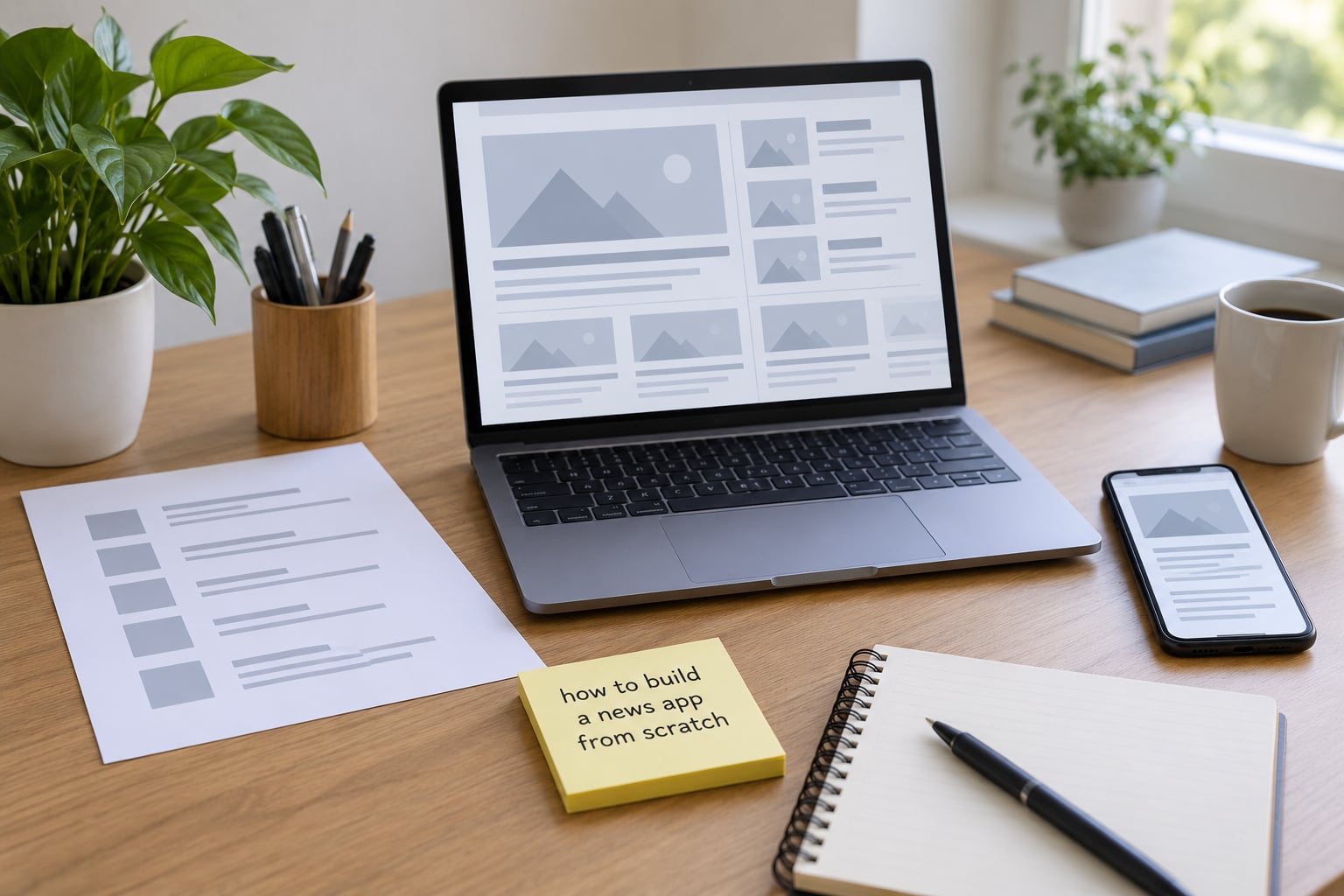
Wireframe those flows as plain boxes on a page. Low fidelity is a feature here. It keeps the conversation about structure, and structure is what breaks when the app meets real stories with 140-character headlines and missing images.
How you know it worked: five people who have never seen it can finish “find a story about buses, read it, and share it” using only your wireframes. Any hesitation is a missing screen or a missing label.
4. Choose the data model and content sources
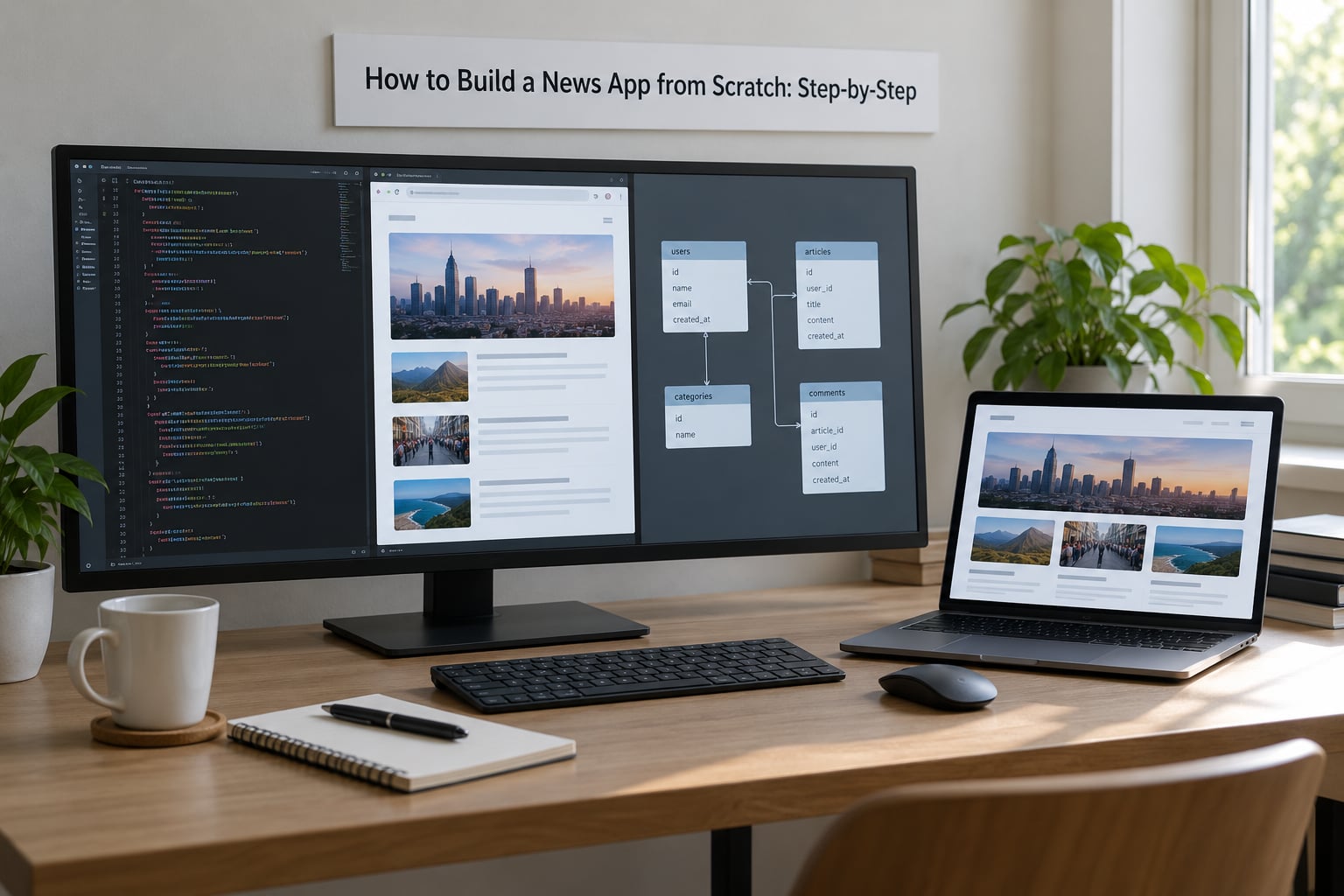
This is the step that decides how the app ages. A story object should carry an identifier, headline, summary or body, author, section and tags, publication timestamp, last-updated timestamp, media assets with dimensions, a source URL, and a canonical URL. Build the update fields in from day one. Breaking news gets corrected, and a schema without a modified date will make that invisible to your readers.
Compare your options honestly:
- Your own CMS — full control, no licensing risk, updates appear as soon as an editor publishes. Best fit when you are the publisher.
- A news API such as NewsAPI — quick start, wide coverage, free tiers that are for development and testing rather than commercial launches. Headlines and links are what you get.
- RSS and Atom feeds — reliable, cheap, and still the backbone of a lot of aggregation. They carry a title, a link, and often a summary, and nothing else.
- A licensed wire feed — the only route to republished article text. It costs money and comes with attribution rules you have to implement.
Caching is what keeps this honest. Fetch on a schedule, store the parsed result, serve the cached copy, and refresh in the background so a slow source never blocks the feed. When a source is unavailable or returns malformed data, show the last good version with a timestamp rather than an empty screen.
How you know it worked: you can publish a test story in your CMS and watch it appear in the app within your refresh window, with no store submission and no redeploy. That automatic flow is what separates a news app from a screenshot of a news app.
5. Build the first usable version
Build the smallest thing that shows a real list of real stories. Headline feed, detail view, responsive navigation, then states. Loading states, empty states, and error states get built at the same time as the happy path, because they are the paths your readers will actually hit at 7am on a bad connection.
The rendering path is short enough to describe in one paragraph. Request your JSON feed, parse it into story objects, map those objects to a list component, and render each item with a headline, section, timestamp, and image that reserves its space before it loads. A minimal fetch in a modern framework looks roughly like this:
const res = await fetch('/api/articles?section=council&limit=20')
const { items } = await res.json()
Keep the component tree shallow: a feed screen, a story card, a detail screen, and a shared empty-state component. Do not build a state management library until the state needs managing.
How you know it worked: the app runs on a mid-range Android phone and an older iPhone over a throttled connection, and every screen is usable while content is loading.
6. Add search, context, and sharing
Add only the discovery features that support the editorial promise. Search can be client-side for a few hundred stories, or server-side once the archive passes a few thousand documents; index headline, summary, author, and tags. Filters should mirror your sections exactly, not an invented taxonomy.
Context is the part that builds reader trust, and it is what competitors leave out. Every story shows its source, its publication time, and its last-updated time when applicable. Give people a link back to the original publisher. Add deep links so a shared story opens inside the app rather than in a browser tab, and set the title, description, and image metadata so shared links render a proper preview card instead of a bare URL.
How you know it worked: a story pasted into a messaging app produces a link that opens the right article with a readable preview, in both an installed and a non-installed state.
7. Test with readers and real data
Editorial checks come first. Pull in the awkward content: a story with no image, a 140-character headline, a headline in all caps, a live update that changed four times, and a story with a broken source link. Most feed bugs live in that set, not in your happy-path sample.
Then technical and accessibility checks. Test keyboard navigation through every screen, screen reader labels on the feed and on each card, colour contrast in both themes, and tap targets on a real phone. Throttle the connection to a slow mobile network and watch what a reader sees. Check the app under a reader who has declined notifications, and under one who has granted everything.
How you know it worked: five to eight readers who were not on the team each complete one task — find a story in a specific section, read it, save it — while you watch. Where they hesitate is your bug list, in priority order.
8. Deploy, measure, and improve
Publish the web app first and watch it for a few weeks before touching a store. When you do submit, the checklist is short: an Apple Developer Program membership for iOS, a one-time Google Play Console registration for Android, app icons and screenshots at required sizes, a privacy policy, a support contact, and a data-collection disclosure if you use analytics or accounts. Expect a review on both stores and leave a gap for rejections and fixes.
Set up analytics and error monitoring before launch, not after. Then measure task completion rather than raw volume: what percentage of readers open a story from the feed, how many reach the end of one, how many return the next day, what share of readers save a story, and how many turn notifications off within the first week. A rising notification opt-out rate is the clearest early signal that your alert strategy is too loud.
How you know it worked: you can answer, with evidence, whether readers can find a story, understand where it came from, and come back tomorrow. Those three answers are what justify version two.
Common Mistakes
Trying to replace the newsroom. The app is a delivery surface. If it needs its own staff, its own corrections process, and its own original reporting, you have started a second publication. Fix: reuse the existing editorial workflow and put your effort into the reading experience.
Building everything at once. Comments, video, live audio, watchlists, and an in-app store are version four features shipped during week one. Fix: cut the brief to three primary actions and hold a written “not now” list. One of the shipped indie readers in this space caps a session at fifteen stories on purpose; restraint is a product decision.
Ignoring source attribution. A story without a source, a timestamp, or a link home is the fastest way to lose a reader’s trust and possibly your licence to publish. Fix: make attribution a required field in the content model, not a UI detail added later.
Designing for desktop only. A layout that looks fine on a wide screen will fall apart on a phone held one-handed on a moving train. Fix: design the phone layout first and treat the larger breakpoints as the adaptation.
Treating breaking news as static content. If a correction or an update requires a new build or a fresh store submission, readers will find out before you do. Fix: build the refresh and update paths in step 4, so published changes propagate on their own.
Skipping accessibility. Small tap targets, missing labels, and poor contrast quietly push away the readers who need your reporting most. Fix: keyboard and screen reader passes before launch, not after feedback.
Launching with no measurement or no owner. Without analytics you cannot tell whether anyone came back. Without a named editorial owner, the app goes stale within a month and stays that way. Fix: assign the owner in the brief and instrument the app on day one.
One last launch tip: ship to a real hostname on a real device, then send the link to ten readers before you submit to any store. Store review is a formality compared with the ten people who will tell you the headline list is unusable.
Frequently Asked Questions
How can I build a news app from scratch?
Settle the reader job, pick a content source you have the rights to, wire your CMS or feed to a JSON endpoint, then build a headline feed and a detail view with a maintained framework before adding search, saved stories, and notifications. A browser-first MVP takes one developer four to eight weeks. Publish to the web first and submit to app stores only after real readers have used it.
Can I build my own app for free?
Mostly. The code is free, and a personal project can run on free tiers for hosting, a database, and a development-tier news API. You cannot avoid every cost though: a domain, hosting that grows with traffic, an annual developer membership for iOS, and a one-time registration fee for Google Play. Only the native app stores charge you; a Progressive Web App costs nothing to distribute.
How much does it cost to make a news app?
It depends almost entirely on the build path, not on the feature list. A no-code or Progressive Web App version runs on hosting plus a subscription and takes weeks. A cross-platform build with one developer is measured in months of time rather than money. Two native apps with an agency involved is a five-figure project. The most common mistake is paying agency rates for something a single developer could ship.
What content API should a news app use?
If you are the publisher, use your own CMS in headless mode: no licensing risk and updates publish instantly. For aggregation, RSS and Atom feeds are reliable and nearly free, while news APIs such as NewsAPI give broader coverage with development and testing limits on free tiers. Republishing article text requires a licensed wire feed. Start with one source and add a second once the feed is stable.
Is it legal to use other outlets news content in an app?
Headlines, links, and short summaries with clear attribution are a normal way to point readers at a publisher. Republishing the full article text is a different act and generally requires a syndication or licence agreement. Check the terms attached to every API and feed you use, credit the source visibly on every card, and get a written answer from your own publisher before assuming redistribution is fine.
Should my publication build an app at all?
Build one when your readers have a specific, repeated need a fast mobile site does not meet: offline access on a commute, breaking alerts for a narrow beat, or a chronological feed with no algorithm. If your traffic comes from search and your website already loads quickly on a phone, a Progressive Web App with offline caching and notifications is the cheaper answer. Ship that first and keep native for later.
Start with the one-page brief and one content source, not with a framework. A readable, attributed, chronological feed of real stories is a shippable news app, and it is the version readers will actually tell you about.