
Updated for October 2026
Ask anyone who has done this twice: how to run a callout for reader stories comes down to about a week of setup and a few hours a week of triage afterwards. You define the ask, pick one submission channel, write the copy, promote it, then verify, clear rights and credit every contributor before anything runs. Most of the work is done before you publish the first line of the callout.
A reader callout is a newsroom-published invitation asking readers to send in specific material, such as eyewitness accounts, photographs, opinions, tips or video, with clear rules on what to send, the deadline, where to send it and how it will be published.
It is not a press release, which is one organisation pitching one publication, and it is not a design callout box, which is a highlighted panel inside a page. Reader callouts run in regional papers and major titles alike, and they follow the same skeleton: a topical question hook, what to send, the constraints, a deadline and a submission link.
Table of Contents
- What You Need Before Running a Callout for Reader Stories
- Step-by-Step: Running a Reader Callout
- How to run a callout for reader stories: set the editorial brief first
- Choose one submission channel and name its owner
- Write a callout readers can answer in under 100 words
- Test the form and the triage workflow with a real submission
- Launch, monitor and answer reasonable questions
- Review submissions for relevance, safety and verification
- Select, edit and publish with explicit permission
- Credit readers and close the loop
- Common Mistakes in Reader Callouts
- Frequently Asked Questions
- Conclusion: Start With the Brief and the Channel
What You Need Before Running a Callout for Reader Stories
Eight things have to exist before the callout goes live. If any one of them is missing, the submissions will still arrive, and you will still publish, but you will be sorting it out at the worst possible moment.
- An editorial brief. One page stating the reporting goal, who you want to hear from, what you will exclude, who reviews submissions and what the finished piece looks like.
- One submission channel. A secure web form, a monitored inbox, a social platform thread or a CMS intake tool. Pick one primary and treat the rest as backup.
- A field list. Decide in advance what each submission must carry: contact details, location, date of the event, consent to publish, and for photos, confirmation the submitter took the picture.
- Consent language. Written plainly, at the point of submission, covering what you may publish, in which territories, for how long, and how they will be credited.
- A fact-check and verification routine. The steps a reporter will take on any submission that makes a contested factual claim.
- An accessibility check. Every field labelled, the form usable by keyboard, a stated route for readers who cannot use the form.
- A publishing workflow. Where submissions are stored, who has access, how long they are kept and who deletes them.
- A named staff owner. One person readers can contact, and one person who owns triage. Practitioners on journalism forums keep repeating the same point: editor time, not audience size, is the real constraint.
Exact controls vary by platform, so check what your CMS, form tool or intake system actually offers rather than assuming a feature exists.
Submission channels compared
Channel choice sets your volume ceiling and your verification friction. These are the options most newsrooms actually use.
| Channel | Best for | Volume ceiling | Verification friction | Setup cost |
|---|---|---|---|---|
| Secure web form | Photo, video and story submissions with required fields | High | Low, fields are pre-filled | Low |
| Monitored email inbox | Tips, eyewitness accounts, short opinions | Medium | Medium, fields arrive as prose | None |
| Embeddable upload widget | Large media from signed-in users | High | Low | Medium |
| Newsroom intake platform | Moderation, rights and duplicate scanning at volume | Very high | Low, built-in status flags | Medium to high |
| Social post or DM | Rapid local reaction, low commitment responses | High and unpredictable | High, identities and rights unclear | None |
| Phone or voicemail line | Readers who cannot write, older or lower-income readers | Low | Medium, transcription needed | None |
For a small or regional newsroom, a Google Form or a plain inbox beats a paid platform, according to the consensus in r/Journalism. Tools solve moderation and rights at volume. They do not write your callout copy, and they will not fix a vague ask.
Callout formats compared
| Format | Editor effort | Reader effort | Best for |
|---|---|---|---|
| Photo submissions | Medium, verification heavy | Low | Anniversaries, seasons, local scenes |
| Eyewitness stories | High, needs interviews | High | Breaking events, community impact |
| Opinion and reader pulse | Low | Low | Debates, budget impact, local decisions |
| Tips and documents | High, needs verification | Medium | Investigations, accountability work |
| Polls and surveys | Low | Low | Quick read on local sentiment |
| Video responses | High, storage and rights | Medium | Community voices, memory projects |
Step-by-Step: Running a Reader Callout
Eight steps, in order. Each one ends with a check that tells you whether it worked, because a callout that fails at step three cannot be rescued by step seven.
How to run a callout for reader stories: set the editorial brief first
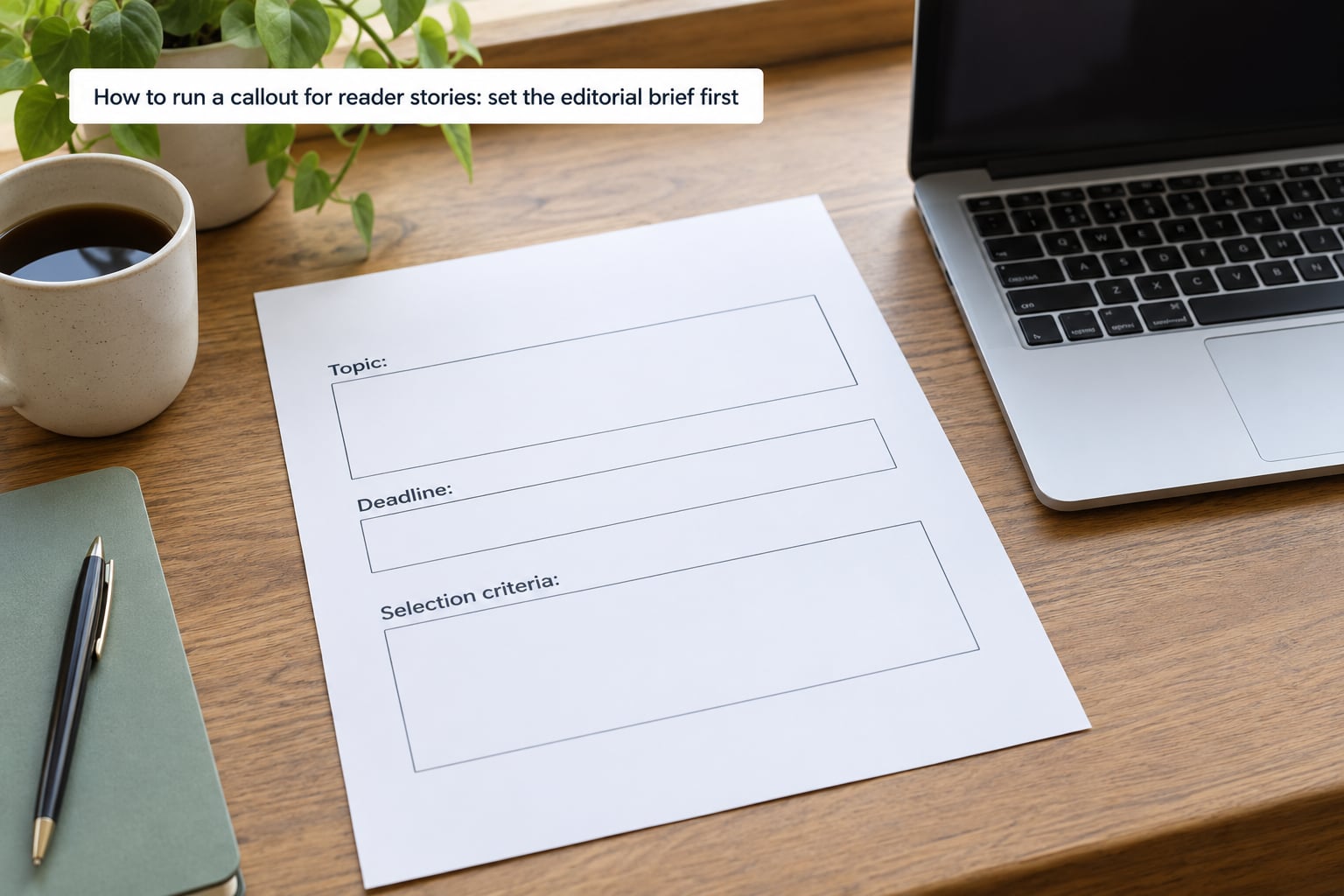
Write the brief before the copy. State the reader experience you are seeking, why it matters now, what you are excluding, when the callout closes, who reviews submissions and what happens to them.
Test the topic with one blunt question: can this produce specific, publishable responses without inviting disclosures nobody consented to give? A question about how a new parking policy changed your commute produces usable answers. A vague prompt about your experiences produces privacy disclosures and little else.
How you know it worked: a colleague who had no part of the conversation can read the brief and describe what you are asking for, who is excluded and when it closes.
Choose one submission channel and name its owner
One primary channel. Readers who cannot tell which route is preferred will send you the same story three times.
A web form carries structure and lifts verification: location, date, consent and contact fields arrive filled in. An inbox is faster to set up and better for tips people send from a phone. A social thread reaches people who will never see your homepage, but it gives you almost no metadata and readers often submit other people’s photographs without noticing.
Whatever you pick, tell readers in the callout who will read their submission and who to contact with questions. Put that person’s actual contact details in the callout. A named human is the single strongest signal that a submission will be respected.
How you know it worked: a test submission arrives within a day, routed to the right person, with the fields you asked for.
Write a callout readers can answer in under 100 words
Good callout copy has seven parts: the hook, what to send, the constraints, the deadline, where to send it, the rights line and a contact. That structure fits in roughly 100 words if you write tightly.
The hook is a topical question, not a topic label. One regional paper ran a callout on why people love living in and around the city, and a major paper ran one on whether you earn more than your siblings. Both work because the reader can answer in one sentence and recognise their own situation in the question.
The constraints do the heavy lifting. Say how many words, which dates, which neighbourhood, which file types and what happens to what they send. Readers who hit an unstated limit send something unusable and feel ignored.
The rights line must say what you may do with the material, where it may run, for how long, and how they will be credited, including the anonymous-on-request option. Say whether you can pay a fee or gift a subscription, and say so plainly even when the answer is no.
How you know it worked: someone outside the newsroom reads only the callout and can state, without guessing, what to send and by when.
Test the form and the triage workflow with a real submission
Send yourself a test from an account with no privileges, on a phone, using a keyboard only. Most of how to run a callout for reader stories well happens in that half hour, because most broken forms pass a desktop mouse test and fail everything else.
Check that required fields are the ones you truly need, that optional fields are optional, that the confirmation message tells the reader what happens next and roughly when, that file size limits are stated, and that spam protection does not eat real submissions. Confirm that notifications route to a shared inbox rather than one person’s personal account that nobody checks in August.
Then check the back end. Can staff acknowledge, label, move and securely retain a submission? Is there a place for a status flag? Do you know how to find and delete everything a contributor sent after a given date?
How you know it worked: your test submission is triaged within an hour and appears in the reporting folder everyone shares.
Launch, monitor and answer reasonable questions
Launch checklist: the callout is on the section page where the story will live, the homepage link is live, the newsletter item is queued, the social posts are scheduled across more than one platform, and the contact person knows it started.
Watch volume daily, and watch for failure modes rather than only for success. A spike with almost no usable content usually means the constraints are missing. Silence usually means the ask is too narrow or too vague.
Answer questions from readers quickly, including requests for an accessible route. If someone cannot use your form, give them an alternative rather than closing the callout for them. Add a triage tag the moment submissions start arriving: new, needs contact, needs verification, needs consent, publishable, hold. Two weeks from now you will not remember which folder anything is in.
How you know it worked: every reader question gets a reply inside one working day, and every submission carries a triage tag within 48 hours.
Review submissions for relevance, safety and verification
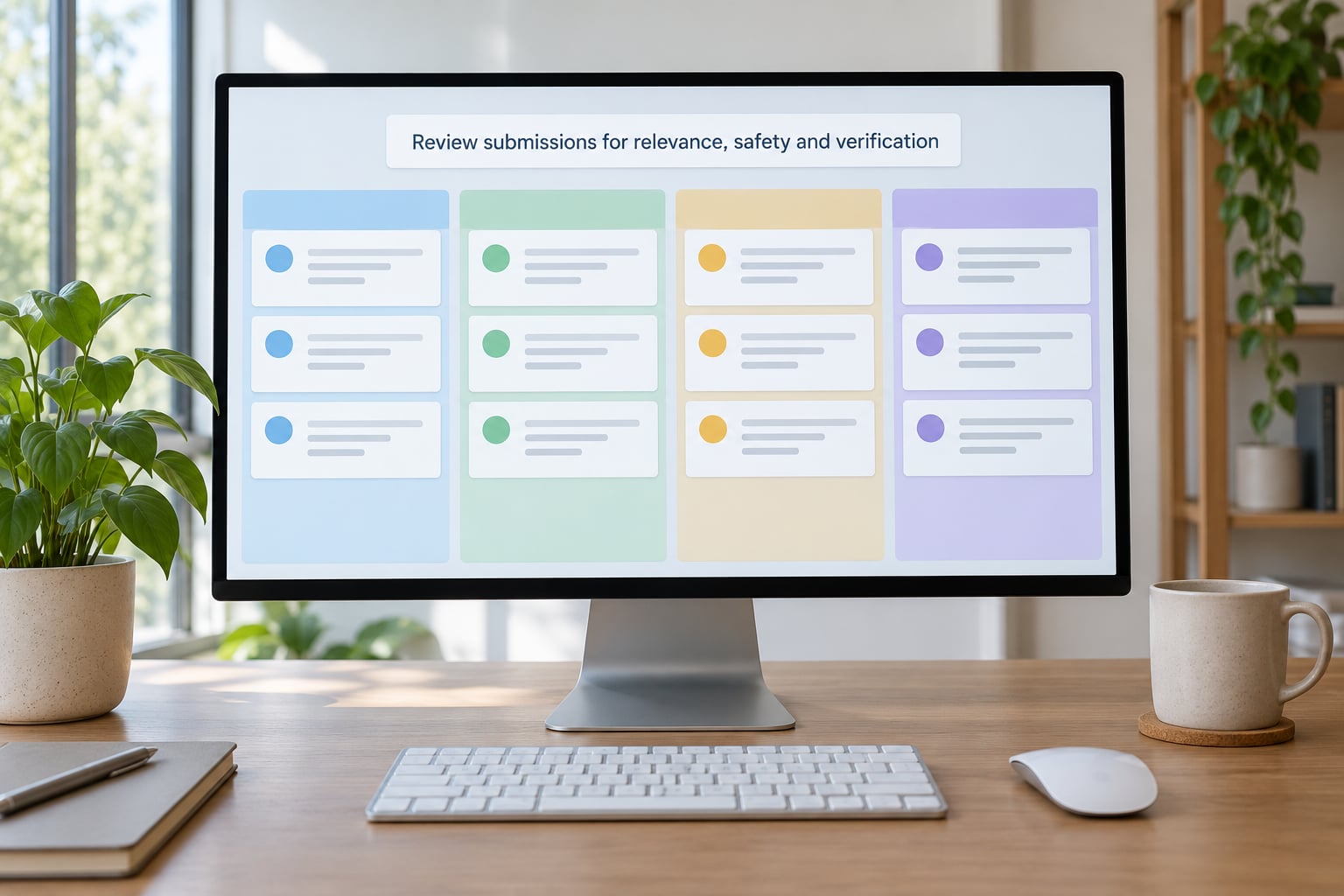
Triage in two passes. The first pass is about fit and safety: does it answer the brief, does the contributor have consent to send it, does it name or photograph someone who might be exposed by publication, is anyone in it a minor, does it read as plagiarised, generated or copied from elsewhere.
Run a reverse image search on submitted photos and compare against your own archive for duplicates. Flag anything where the submitter is not the photographer. For allegations that name a person or business, treat the entire submission as a lead and verify independently rather than repeating it.
The second pass is verification, and the distinction matters. Personal testimony, a reader describing what happened to them, usually needs no proof beyond a credible account and a willingness to be named. A contested factual claim about someone else, a document, a number or an event, needs independent documentation before it runs.
Collect only what you need. A location and a name are usually enough. Ask for a phone number only when you intend to call, and delete the rest once the piece publishes. Keep the retention window short and write it into the form.
How you know it worked: no submission reaches the publish stage without a named verifier, a consent record and a note on what was checked.
Select, edit and publish with explicit permission
Contact every contributor you plan to use before you publish. Confirm how they want to be named, whether they want a photo, and that they have read the final wording. Twenty minutes on the phone prevents nearly every dispute a newsroom will have about reader material.
Explain what you changed if you changed anything, and get agreement to material edits, especially when someone has described a private or painful experience. Do not combine a reader’s account with another reader’s without telling both of them, and do not fill gaps with your own narration without saying so.
Keep a record of the final status for each submission: published, held, declined, withdrawn. If someone asks to be taken down after publication, that is a real decision with a real process behind it, and readers deserve the same respect after publication as before it.
How you know it worked: every published contributor has a recorded permission, a confirmed name and a copy of what they agreed to.
Credit readers and close the loop
Credit by the name the contributor asked for, follow the style your publication uses, and link to a follow-up piece where one exists. Do not overstate what you verified. If a reader described their own experience, you can say a reader told us. If you confirmed the surrounding facts yourself, say that too.
Then publish the results back to readers and tell contributors what happened to their submission, including the ones you did not use. That single message is what converts a one-time responder into a repeat participant, and it is the step most callouts skip.
Measure four things rather than raw volume: how many submissions were usable, how long triage took per submission, how many consent problems came up, and how many contributors came back for the next callout. Volume alone is a vanity number that hides a bad prompt.
How you know it worked: a fair share of your contributors respond to the follow-up, and at least some submit again without you chasing them.
Common Mistakes in Reader Callouts
Most callout failures are cheap to prevent and awkward to fix after publication.
- Prompt too broad. It produces privacy disclosures and unusable replies. Fix it by asking a specific question a reader can answer in one sentence.
- No consent terms at the point of submission. Readers assume nothing and agree to anything. Fix it with plain language on the form itself, not a link to a policy page.
- Collecting more than you need. Address, phone number and full employment history on every form is how a newsroom creates a liability. Fix it by asking for contact details only when you will use them.
- Unclear attribution. People cannot tell whether they will be named. Fix it by stating the rules up front, including the anonymous-on-request option.
- Publishing unverified claims. Repeating an allegation because a reader sent it is the fastest route to a correction or a lawsuit. Fix it by verifying every contested factual claim independently.
- Slow or impersonal follow-up. Silence after a submission reads as contempt and costs you your best contributors. Fix it with a short template and a named owner.
- Confusing corrections with withdrawals. Treat a factual error and a request to be removed as different problems with different processes, and write both down before you need them.
- Counting submissions as success. Two hundred unusable replies is a failed callout. Fix it by tracking the usable rate from the first one.
- Off-topic flood. A question that invites argument attracts argument. Fix it with tighter eligibility rules in the copy.
Test on a small scale first. Run a short callout with a narrow eligibility rule and a one-week deadline, publish the results properly, and read the response patterns before you widen it.
Frequently Asked Questions
How long should a callout for reader stories stay open?
Two weeks is the most common working window, and it suits most photo, eyewitness and opinion callouts. One week keeps momentum high for breaking events. Longer windows suit tips and documents, where people need time to gather paperwork, but expect the response rate to flatten after the first few days. State the exact closing date and time rather than saying soon, and publish the results on a date you name up front.
Should a newsroom accept anonymous reader stories?
Usually yes, as a clearly labelled option rather than the default. Some readers describe a medical event, a workplace dispute or a family situation and still want their account published. Offer anonymity at the point of submission, say in the copy that it is available, and be honest about its limits: anonymised accounts are harder to verify and readers may question their weight. Never promise anonymity and then break the promise quietly in the edit.
How should sensitive or accidental disclosures be handled?
Contact the contributor first and take the material down from any shared queue. Ask whether they submitted it deliberately, and never repeat a detail in a headline, social post or newsletter before deciding to publish it. Where someone has disclosed private information about a third party by mistake, get explicit consent for each specific detail rather than a general release. Get advice from a newsroom lawyer before publishing identifiable medical or safety information.
Do journalists need to verify every detail in a reader account?
Split the account from the claim. A reader describing their own lived experience generally needs a credible account and a willingness to be named, not documentary proof. Any contested factual assertion about another person, a document, a figure or an event needs independent verification before it runs. Check location and date where a story depends on them, and run a reverse image search on submitted photographs. Record who checked what and when.
Can reader stories be edited or combined without consent?
You can edit for length, clarity and accuracy, but tell the contributor about material changes and get their agreement before publication. Combining several readers into one roundup needs each person’s consent to the specific wording that carries their words. Keep a copy of what each person approved so a later correction is easy to trace. Where someone stops responding, hold the piece rather than publish their words without a clear record of approval.
Conclusion: Start With the Brief and the Channel
If you remember one thing about how to run a callout for reader stories, make it this: write the one-page editorial brief first, then choose a single submission channel and test it end to end with a real submission. Everything after that, the copy, the promotion, the verification and the credit, gets much easier when those two decisions are already made.