Most live demos do not fail because the product is broken. They fail because the demo depends on a hotel network, a session that expired at 8:59, or a model that gave a different answer during the rehearsal than it did on stage. To demo a prototype without it breaking, you remove every fragile dependency you do not need, run one short path over and over until it is boring, and carry a fallback you have already rehearsed. Budget about two hours of prep the day before and thirty minutes on the morning of the demo for a three- or four-feature walkthrough.
Table of Contents
- What You Need
- How to Demo a Prototype Without It Breaking: Step-by-Step
- 1. Define the one path the demo must prove
- 2. Audit every dependency before the event
- 3. Build a dedicated demonstration environment
- 4. Test the critical path repeatedly under realistic pressure
- 5. Rehearse how to demo a prototype without it breaking in the room
- 6. Prepare a fallback that preserves the story
- Extra: hardware and AI prototypes fail differently
- Common Mistakes
- Frequently Asked Questions
- Conclusion
What You Need
Most failed demos trace back to something that was never on the list. Gather these before you start rehearsing:
- A stable demo device. The exact laptop you will present on, not your daily machine, with the charger and a spare battery or power bank. Label it so nobody swaps it.
- The latest prototype build. Installed, logged in, and confirmed working on that device. Freeze it. No deploys on demo day.
- A clean or test-backed account. A dedicated login with known data, so nothing personal or confidential appears on the projector.
- Verified credentials. Check that sessions last longer than your slot, that API keys are not about to expire, and that no second-factor prompt will pop up mid-run.
- Your dependency list. Every service the path touches: databases, third-party APIs, model endpoints, fonts, media files, anything loaded from a CDN.
- Network access and a private hotspot. Venue WiFi is a hope, not a plan. A personal hotspot is your second line.
- Presentation assets. Screenshots of every screen state, exported at a size readable from the back of the room.
- A pre-recorded fallback. A screen capture of the same path, the same build, with the same data.
- A test partner or second operator. Someone who can hand you a backup device without a discussion, and who knows how to reset your demo state.
How to Demo a Prototype Without It Breaking: Step-by-Step
1. Define the one path the demo must prove
Decide what the audience must believe by the end, then build the shortest path that makes them believe it. Everything else comes out.
Three features is a normal ceiling. Five is a product tour, not a demo, and a tour is where live failures multiply. Write down the expected result for each step so you can tell a slow load from a broken one.
You know it worked when: someone who did not see the rehearsal can follow the path from your one-sentence setup to the result without you explaining the interface.
2. Audit every dependency before the event
List every moving part the path touches, then decide, one by one, whether it needs to be live on stage. Most of them do not.
- Third-party APIs and CDNs. Replace with mocked responses or cached assets. A demo of your interface does not need a live payment or mapping call.
- Databases. Point at a seeded demo database you control, or a static JSON file with the same shape.
- Fonts, icons, images, video. Self-host or cache them. A missing font changes your layout, and a layout change mid-runup looks like a bug in your product.
- Auth and rate limits. Confirm token lifetimes, key rotation dates, and per-minute request caps under your demo traffic.
- Hardware. Check battery health, adapters, and that any sensor, camera or robot you bring is tested at the venue’s temperature and power.
Then do the boring test: put the device in airplane mode and run the whole path. If it survives offline, the venue network is no longer your problem.
You know it worked when: every remaining dependency is one you control, or one you have a recorded answer for.
3. Build a dedicated demonstration environment
Give the demo its own account, its own data, and its own documented setup. Nothing personal, nothing from a real customer, nothing you would mind projected on a large screen.
Pre-cache what the path needs so the first screen paints in under a second. Disable notifications, badges, and background sync. Write the setup steps down in one page, because the person who runs the demo may not be you.
Practitioners who demo across locations solve this with tunnels and travel monitors: an off-site founder in a coffee shop standing up a local tunnel so the app is reachable, with a cheap second screen so the audience sees what the laptop is doing. That is a reasonable pattern for a prototype that only runs on one machine.
You know it worked when: a teammate can set up from your one page without asking you a single question.
4. Test the critical path repeatedly under realistic pressure
Run the path on the actual device, in the actual browser, at least five times. Then make it harder.
Throttle the connection. Close and reopen the app halfway through. Interrupt yourself mid-demo with a question, because someone always will. Check the browser console when you are not comfortable, since a silent error there often explains a visible glitch.
Stop rehearsing when the outcome is predictable, not when it goes perfectly. Perfect happens by luck; predictable happens by practice.
You know it worked when: you can run it cold, start to finish, without watching the screen for cues.
5. Rehearse how to demo a prototype without it breaking in the room
Delivery is a separate skill from the software, and it needs its own rehearsal. Narrate the value out loud while the screen shows the change, so the audience is listening to you rather than staring at a spinner.
Slow down before the moment that matters. Pause, point at the change, then continue. Live configuration, live data entry, and live account creation are where demos go to die, so pre-fill anything you would otherwise type.
Rehearse two runs: the good one, and one where something fails at step three and you recover. Practise the recovery until the transition feels boring, because the second person to see a slide feels much more awkward than the first.
You know it worked when: the recovery is as rehearsed as the happy path.
6. Prepare a fallback that preserves the story
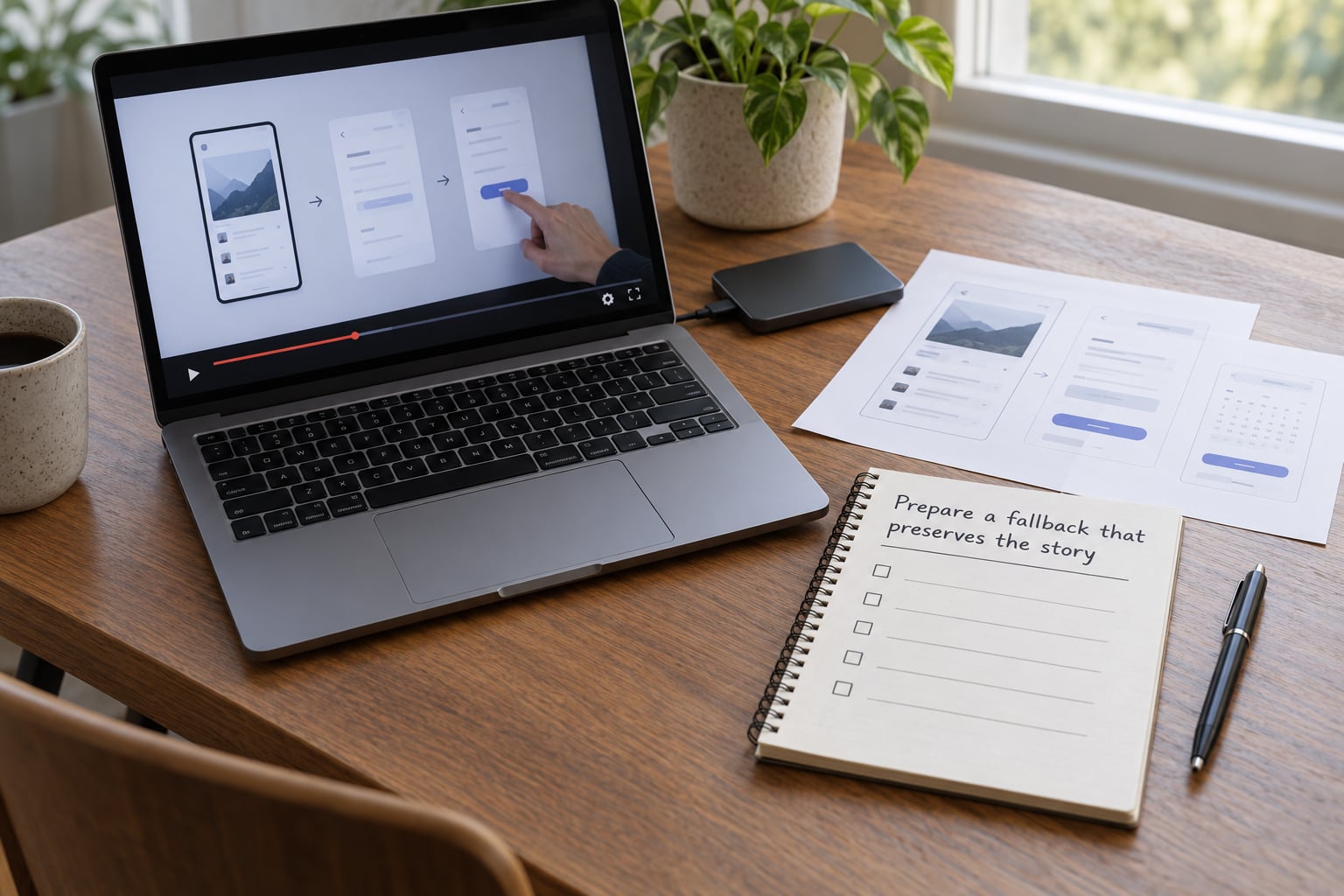
Build a fallback tier, in this order, and rehearse the switch to each:
- A pre-recorded capture of the same path. Same build, same data, trimmed to your demo length.
- A static walkthrough. Exported screenshots of each step, full screen, readable at distance.
- A second device, loaded and ready. Powered, logged in, sitting next to the first one.
- A teammate on standby. Their only job during the demo is the reset.
Keep the fallback on the same machine or drive as the demo, not in a cloud folder you would need to log into. Local copies survive dead networks.
Say the transition out loud once, in advance, so the room knows what happened: that you built the prototype so the core loop runs without a network, so you are showing exactly that. Then keep going. Do not apologise repeatedly, and do not debug in front of the audience; narrate the problem and move to the fallback.
Failures sometimes make the best clip you own, but only after the meeting. Keep the recording, tell the story honestly, and fix the cause the same week.
Extra: hardware and AI prototypes fail differently
Physical prototypes have their own failure modes: batteries that sag under load, motors that overheat after ten minutes of continuous use, fasteners loosening, and mounts that shift when a cable is moved. Rehearse for the full length of your demo, not a two-minute sample, and check anything that heats up well before you speak.
Robotics builders treat on-stage demos as genuinely risky, and the honest move is a safety plan plus a video of the real machine as the backup. A demo where someone has to reach in and steady a falling prototype costs you more credibility than a smooth video.
AI and LLM demos add a different kind of volatility, since the same prompt can produce a different answer every time. Pin what you can: seed the random generator, set temperature low for anything on the critical path, and pre-cache the responses for the exact prompts you will send. If output quality varies, pre-record the three outputs you are presenting as a set, and keep the live run as your bonus rather than your plan.
Common Mistakes
Testing only on the happy path. Rehearse the ugly states: empty data, a very long string, an error state, a slow response. If those look fine, nothing will surprise you.
Using a real account with real data. Login screens, personal names, and half-finished tickets on a projector are the wrong signal. Use a clean account seeded with a story you designed.
Depending on venue WiFi. Assume it fails. Test on the venue network if you can, but plan on the hotspot and then plan on offline mode.
Unrehearsed transitions. The moment you switch to a recording is where demos get awkward. Rehearse the switch itself, not just the demo.
Hidden browser alerts. A permission prompt or a password manager overlay sitting behind your window will surface at the worst moment. Close everything else first.
Shipping a build on demo day. A last-minute fix is an untested build. Freeze the build the day before and rehearse only that one.
Untested integrations. Anything that calls out to a third party should be mocked, cached, or removed from the path.
Forgetting the reset. Your demo state is dirty after run two. Build a reset script or a known starting point you can restore in seconds.
Over-apologising in the moment. Acknowledge once, name the cause, move on. Confidence here is about the plan, not the miracle.
Prevention is mostly boring and mostly works: freeze the build, shrink the scope, own every dependency, rehearse the failure, and write the recovery line before you need it.
Frequently Asked Questions
Should I use the venue Wi-Fi for a live prototype demo?
Treat venue Wi-Fi as a bonus, not a dependency. Test on it if you can before you speak, but run the demo on your own private hotspot, and keep a fully offline path available. If the path includes media, fonts or scripts loaded from a CDN, pre-cache or self-host them. The point is not to distrust the network, it is to make sure no single connection can end your demo.
Is it safer to demo a recording than a live prototype?
Yes, and for a rough early prototype it is often the better call. A recording cannot hit a rate limit, lose focus or drift. The tradeoff is honesty and energy: audiences can tell, and a video removes the moment of proof that a live run gives you. The usual compromise is to show the recording as the main act and run the live prototype afterwards as a bonus if the room is still with you.
What data should I use when testing a prototype demo?
Use a dedicated demo account with seeded data you designed in advance: realistic names, clean images, no real customers, no confidential records, no unfinished tickets. Know the exact starting state so you can reset between runs in seconds. Mocked or synthetic data works fine and removes an entire category of risk, as long as it looks like something your real users would recognise.
What should I do if the prototype crashes during a presentation?
Stop trying to fix it on stage. Say one calm sentence naming what happened, for example that the demo runs offline so you are switching to the recorded run of the same build, then move to your fallback within five seconds. Keep narrating what the product does while the fallback plays. Do not debug aloud, and do not apologise repeatedly. Save the debugging for after the room clears.
Should a developer appear during the product demo?
Usually one presenter is better than two, because the second voice splits attention and doubles the chances of a mishap. Have a developer in the room, not on stage, as the designated reset person with access to the backup device. If the demo is technical enough that questions are inevitable, plan to take them straight after the run-through rather than inviting interruption mid-demo.
Conclusion
Start with the critical path: write down the single thing the demo must prove, cut everything else, and keep only three features. Audit the dependencies behind that path and mock, cache or remove the ones you do not control. Build a fallback that looks identical to the live run, then rehearse the switch to it as carefully as the demo itself. That is how to demo a prototype without it breaking: not by hoping nothing fails, but by having already decided what happens when it does.