Using a Creative Commons image correctly comes down to three things: find the original source, read the actual license attached to that image, and give the creator the credit the license demands. Anyone publishing online can do this in about five minutes per image, and the whole process is easier once you stop treating “free to view” as “free to use”. This guide is the workflow I use for clearance on newsroom visuals, from first search to archived source record.
A Creative Commons license never removes copyright. It is a permission slip attached to a work that stays fully protected, and the permission lapses the moment a condition breaks. That single idea fixes most of the confusion people bring to CC images.
Table of Contents
- What You Need
- Step-by-Step
- How to Use Creative Commons Images Correctly Step 1: Define the Image’s Purpose
- How to Use Creative Commons Images Correctly Step 2: Find the Original Source
- How to Use Creative Commons Images Correctly Step 3: Identify the License and Version
- How to Use Creative Commons Images Correctly Step 4: Check Whether Your Intended Use Is Allowed
- How to Use Creative Commons Images Correctly Step 5: Watch for Third-Party and Personality Rights
- How to Use Creative Commons Images Correctly Step 6: Write the Required Attribution
- How to Use Creative Commons Images Correctly Step 7: Apply Changes Within the License Rules
- How to Use Creative Commons Images Correctly Step 8: Place the Credit Where Readers Can See It
- How to Use Creative Commons Images Correctly Step 9: Save a License Record
- Common Mistakes
- Frequently Asked Questions
- Can I use a Creative Commons image for free?
- Do I always have to credit the creator of a Creative Commons image?
- Can I use a Creative Commons image in a commercial publication?
- Can I crop or edit an image with a Creative Commons license?
- Does a Creative Commons badge mean I can use any image?
- What should I do if an image has a Creative Commons label but no clear license?
- Conclusion
What You Need
Creative Commons publishes six main licenses plus a public-domain dedication, and every one of them trades off how much you can do with an image against how much you have to give back. The letters read left to right: BY means credit is required, NC means no commercial use, ND means no derivatives, SA means share alike.
| License | Commercial use | Edits allowed | Attribution required | Share alike |
|---|---|---|---|---|
| CC BY | Yes | Yes | Yes | No |
| CC BY-SA | Yes | Yes | Yes | Yes |
| CC BY-NC | No | Yes | Yes | No |
| CC BY-ND | Yes | No | Yes | No |
| CC BY-NC-SA | No | Yes | Yes | Yes |
| CC BY-NC-ND | No | No | Yes | No |
Two of those six are the strictest: the NoDerivs licenses, CC BY-ND and CC BY-NC-ND. Those are the two answers to the popular search question about which CC licenses do not allow changes. CC0 is separate again. It is a public-domain dedication with no attribution requirement at all, though crediting the creator remains good manners.
Before you open a single search page, work out what you are going to use. For each image, know the publication type, whether money changes hands anywhere near it, whether you need to crop or annotate it, and whether it appears as a standalone asset or is just named in a caption.
A few tools make the rest mechanical. The Creative Commons search interface filters by license, the license chooser helps you read a license deed in plain language, and a reverse-image search is how you confirm you have found the original rather than a repost. Keep one reusable attribution template on hand so you are not retyping credits at deadline.
Step-by-Step
The following nine steps take a CC image from “looks good” to “cleared and recorded”. Work them in order. The order matters because the intended use decides which licenses qualify, and you cannot check qualifications until you know the exact license on the original page.
How to Use Creative Commons Images Correctly Step 1: Define the Image’s Purpose
Write one sentence describing the use before you search: “hero image for a nonprofit newsletter, cropped, with a text overlay.” That sentence becomes your test in Step 4.
Four variables do most of the work. Publication type sets the audience and permanence. Commercial context decides whether an NC license survives contact with reality. Editing needs decide whether NoDerivs is disqualifying. And the role of the image matters, because an image merely identified in text is a very different legal question from one reproduced in full.
How do you tell it worked? If you cannot write that sentence without hedging, you do not have a use yet, and browsing will not fix that.
How to Use Creative Commons Images Correctly Step 2: Find the Original Source
Search results point at copies. The license lives on the page belonging to the person or institution that made the work, so that is the only page that counts.
Move from any repost to the highest-authority source you can reach: the creator’s own portfolio, the institution’s collection record, or the official project page. Only there can you verify the license version, the attribution wording the creator asks for, and any extra restrictions layered on top of the standard license.
If the original has disappeared, treat the license as unverified. A thumbnail on a search page is not evidence of anything.
How to Use Creative Commons Images Correctly Step 3: Identify the License and Version
Record the full code exactly as written, including the version number and any jurisdiction suffix. CC BY 4.0 and CC BY 2.0 are different licenses, and the version is part of the deal the creator made.
Older CC licenses are unported, meaning they rely on local copyright law and carry no jurisdiction suffix. Ported licenses name a country, which swaps in that country’s legal code while keeping the conditions identical. If a page shows only a bare badge with no version, open the license deed link behind it and check what it points to before you rely on it.
A page-level license is not an image-level license. Sites sometimes label a whole gallery or a whole archive with CC terms while individual items keep separate rights. Only an explicit license attached to the image counts.
How to Use Creative Commons Images Correctly Step 4: Check Whether Your Intended Use Is Allowed
Take the sentence from Step 1 and hold it against each condition. If the use is commercial and the license carries NC, stop. If the plan needs a crop and the license carries ND, stop. If you will publish an adaptation and the license carries SA, budget for releasing the adaptation under the same license.
The trap that catches publishers is NC on an ad-supported or sponsorship-funded site. Non-commercial is a genuinely contested term and forum discussions show there is no shared definition of it. A practical rule: if the page that carries the image generates revenue for you or for the organization publishing it, treat NC as blocking and find another image.
Public-domain status, an open-access badge, or a visible Creative Commons mark does not settle this. Those signal intent, not permission. Only the license terms do.
How to Use Creative Commons Images Correctly Step 5: Watch for Third-Party and Personality Rights
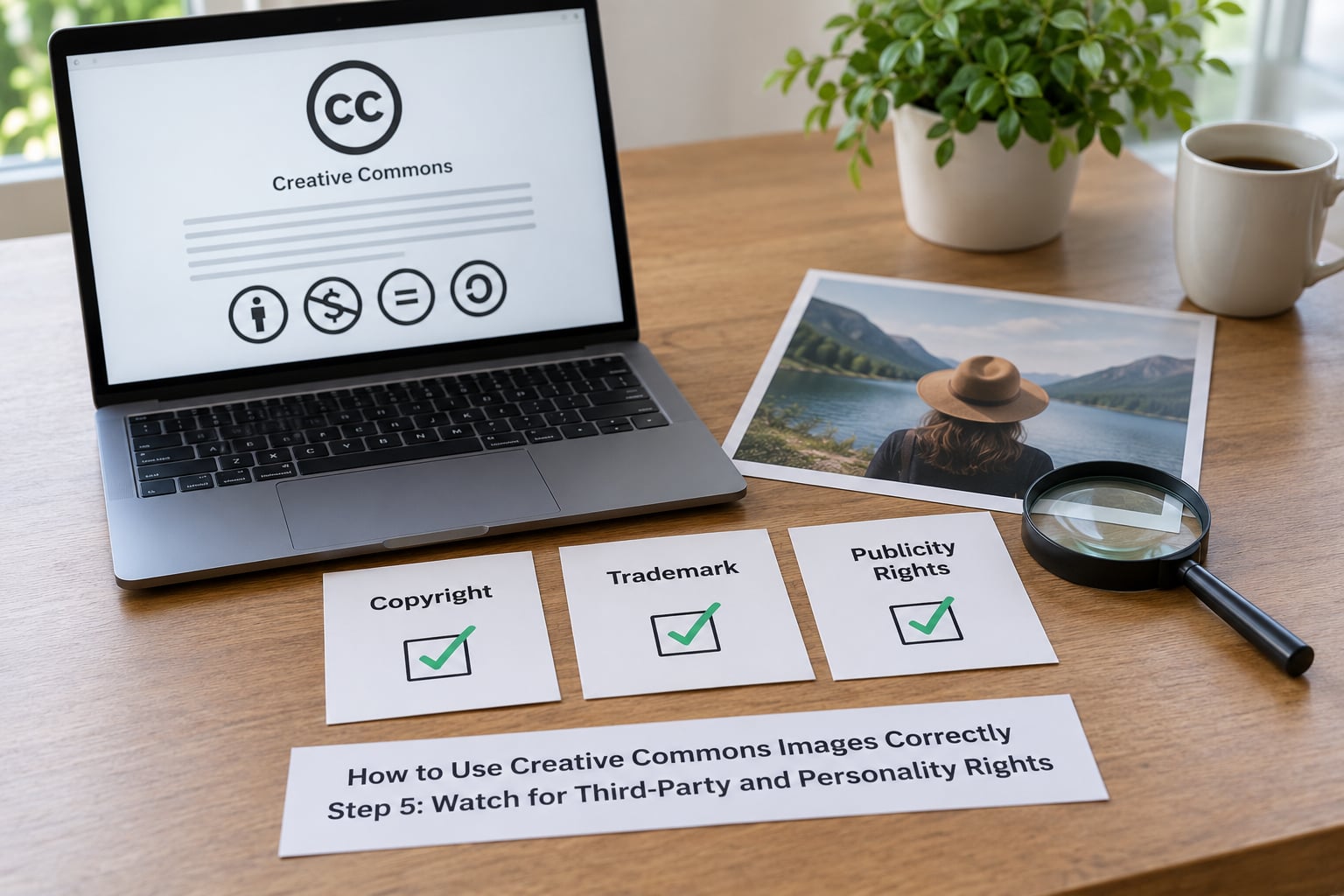
Copyright permission is only one of three. Creative Commons licenses cover copyright, and they say plainly that they do not cover trademarks, publicity rights or privacy rights. A perfectly licensed photo can still be a problem if it shows a company logo used to imply endorsement or an identifiable person in a context they never agreed to.
Three things slip through here most often. Artwork collections that include third-party material where the licensor only owns part of what they published. Screenshots, memes and reposts, where the platform’s terms of service grant the platform its own broad rights and can conflict with the license you are relying on. And identifiable people in editorial contexts, where newsroom legal review and consent rules apply on top of the copyright check.
How do you tell it worked? Ask whether a reasonable reader could think the image endorses a product or that a person in it is speaking for you. If yes, get it reviewed before publication rather than after a complaint arrives.
How to Use Creative Commons Images Correctly Step 6: Write the Required Attribution
Use TASL: Title, Author, Source, License. Every CC BY-family license expects those four elements, in that order or another order that conveys the same information, with the creator’s preferred form of their name and a working link to both the original and the license deed.
Then add what you changed. Say “cropped” or “desaturated” if you cropped or adjusted the image. Silence about edits is the most common way people breach a license they thought they were following.
A copy-paste-ready plain-text version:
“Market on Rue Mouffetard, Paris” by Claire Dubois, licensed under CC BY-SA 4.0. Source: example.org/photos/rue-mouffetard. Cropped to 16:9.
The same credit as HTML, ready for an image caption:
<p>“Market on Rue Mouffetard, Paris” by Claire Dubois, licensed under <a href="https://creativecommons.org/licenses/by-sa/4.0/">CC BY-SA 4.0</a>. Source: <a href="https://example.org/photos/rue-mouffetard">example.org/photos/rue-mouffetard</a>. Cropped to 16:9.</p>
Swap in the real details and the string is compliant. What makes attribution defensible is that a reader can reach the creator, the work and the license without leaving the page.
How to Use Creative Commons Images Correctly Step 7: Apply Changes Within the License Rules
Resizing is usually fine. Cropping, annotating, translating, combining or restyling turns the image into an adaptation, and ND licenses forbid producing one at all, so even a trim can be a breach there.
Under SA licenses, an adaptation must be released under the same license, which matters when you publish a derived piece as something new. Indicate that changes were made, keep the credit intact, and leave the notice unmodified: do not rewrite the creator’s statement of terms or strip the license reference.
Moral rights sit alongside the license in many jurisdictions, which is why heavy retouching that changes the meaning of a documentary photo can be argued about even under permissive terms. Crop for layout, disclose the crop, and you are in solid ground.
How to Use Creative Commons Images Correctly Step 8: Place the Credit Where Readers Can See It
Attribution buried in metadata is invisible to the reader and does not reliably satisfy the condition. Put the credit somewhere a person can actually read it.
Articles handle it best in the caption or in a credits line at the foot of the story. Social posts need it in the caption or on the linked page. Slide decks need it on the slide itself or in a closing credits slide. Newsletters and videos need a visible credit segment, and print needs it set in the caption or on a credits page.
Do not rely on a link alone with no name, or a name with no link. Both are the two failure modes that turn a correctly licensed image into an incorrectly licensed one.
How to Use Creative Commons Images Correctly Step 9: Save a License Record

Licensing does not fail at publication. It fails two years later when someone asks where a photo came from and nobody can answer. Save the record the day you clear the image, not the day you need it.
A workable record carries nine fields: asset identifier, creator name as given, work title, source URL, license code with version, access date, the exact attribution text you published, the modifications you made, and where the final file lives. A spreadsheet with one row per image is plenty.
How do you tell it worked? Pick any image from a story published a year ago and reconstruct its credit line from the record alone. If you can, your clearance is defensible. If you cannot, you were relying on memory, and memory is what disappears when a source page changes or an image gets removed.
Common Mistakes
Most licensing problems are not exotic. They are one of eight recurring errors, each with a straightforward fix.
Trusting a thumbnail or a repost. Fix: reverse-image-search it and move to the creator’s own page. The license is only verifiable there.
Copying an incomplete credit. Fix: use the four TASL elements plus your modification note every time, rather than copying whatever line a previous user left behind.
Treating the license chooser as proof. Fix: the chooser describes what a license means. It tells you nothing about whether this particular image carries that license.
Ignoring version differences. Fix: record 2.0 versus 4.0 and any jurisdiction suffix. Two images labelled “CC BY” may carry different terms.
Assuming every CC image is freely editable. Fix: check for ND before any crop, overlay or combination.
Failing to disclose edits. Fix: one clause, “cropped and color-corrected,” resolves it.
Relying on a click-only link. Fix: name the creator and the license in visible text, then link.
Losing the license record. Fix: fill the record at clearance time, not at audit time.
For newsrooms specifically, the discipline that pays off is a shared clearance checklist reviewed before publication: license code and version confirmed on the original page, intended use matched to conditions, third-party marks and recognizable people flagged, attribution string drafted, record filed. Editors on small teams can run the same check informally in a few minutes, and it catches the two issues that actually cause complaints.
One more practical note from people who have been on the receiving end of these complaints: enforcement for bad attribution is real and it arrives late. Anecdotally, a rights-holder has described a letter arriving about an image published roughly two years earlier with improper credit. Nobody remembers the sourcing of a photo they ran years back, which is exactly the argument for logging it on the day you clear it.
Frequently Asked Questions
Can I use a Creative Commons image for free?
Yes, if you follow the license attached to that specific image. Free to use is not the same as free of conditions. Every CC BY-family license requires attribution, some restrict commercial use or derivatives, and CC BY-ND plus CC BY-NC-ND forbid changes entirely. The image stays copyrighted, and if you break a condition the permission ends and you are back to needing a direct permission. Free to view on the internet means nothing at all.
Do I always have to credit the creator of a Creative Commons image?
With any of the six main licenses, yes. Attribution is the one condition common to CC BY, CC BY-SA, CC BY-NC, CC BY-ND, CC BY-NC-SA and CC BY-NC-ND. A compliant credit gives the title, the creator’s preferred name, a link to the original, the license name and version with a link, and a note of any changes. CC0 is the exception, since it waives attribution, though crediting the creator is still appreciated.
Can I use a Creative Commons image in a commercial publication?
Only if the license allows commercial use, which means any license without the NC element: CC BY, CC BY-SA and CC BY-ND. A commercial publication normally includes advertising or sponsorship revenue, which many creators treat as commercial, so an NC image is the wrong choice there. There is no settled legal definition of non-commercial, which is why the safe move on a revenue-generating site is to skip NC images entirely.
Can I crop or edit an image with a Creative Commons license?
It depends on the license. CC BY, CC BY-SA, CC BY-NC and CC BY-NC-SA allow adaptations, subject to disclosing the changes and, for SA versions, releasing the adaptation under the same license. CC BY-ND and CC BY-NC-ND do not permit derivatives at all, which includes cropping, retouching, annotating or combining the image with other material. Resizing for layout is generally treated as safe, but check the deed when the edit is substantial.
Does a Creative Commons badge mean I can use any image?
No. A badge on a page, a search filter, or a site-wide license statement does not establish that any individual image carries that license, and many platforms label a gallery while items inside it keep separate rights. Posts on social platforms are copyrighted by default unless the platform itself grants a license, and its terms of service can conflict with a Creative Commons mark elsewhere. Confirm the license on the original page for the exact image, every time.
What should I do if an image has a Creative Commons label but no clear license?
Assume the image is fully copyrighted and unusable until you find the terms. A bare badge with no license code, no version number and no deed link is not a license anyone can rely on. Search for the creator’s own page or the holding institution’s record to see whether a license was ever attached. If you cannot verify one, either write to the rights-holder for permission or choose a different image.
Conclusion
The first thing to do is simple: open the original page, read the license code and version off that page, and write down the use you intend before you decide anything else. From there the workflow runs in order — check the conditions, build the TASL credit, note your edits, place the credit where a reader can see it, and file the record.
Before publishing, check four things: the license is on the image’s own page, the conditions match your use, the credit names the creator and links to the license, and your source log entry exists. If all four are true, the image is cleared, and you can defend that clearance without guessing.