To use AI transcription without errors, you have to treat the output as a draft and control the input. Automatic speech recognition is genuinely good on clean audio — roughly 95 to 99 percent accurate by vendor and independent measures — and genuinely weak at proper nouns. One published accuracy test found error rates of 28.9 percent on person names and 19.6 percent on organisation names, so a two-hour interview can come back with dozens of mangled spellings of exactly the words you cannot afford to get wrong.
What follows is the workflow I wish more people used: fix the audio, configure the tool with your actual vocabulary, transcribe, then run a timed verification pass before anything gets published, quoted or filed. Each stage has a job, and skipping a stage does not save time, it moves the cost to the worst possible moment.
Table of Contents
- What You Need
- How to Use AI Transcription Without Errors: Step-by-Step
- Common Mistakes
- Frequently Asked Questions
- How accurate is AI transcription for interviews and meetings?
- Can AI transcription identify different speakers automatically?
- How do I improve accuracy for names, job titles, and technical terms?
- Should I use automatic transcription for sensitive or confidential interviews?
- What is the best way to edit an AI-generated transcript?
- How much time does it take to check an AI transcript for errors?
- Conclusion
What You Need
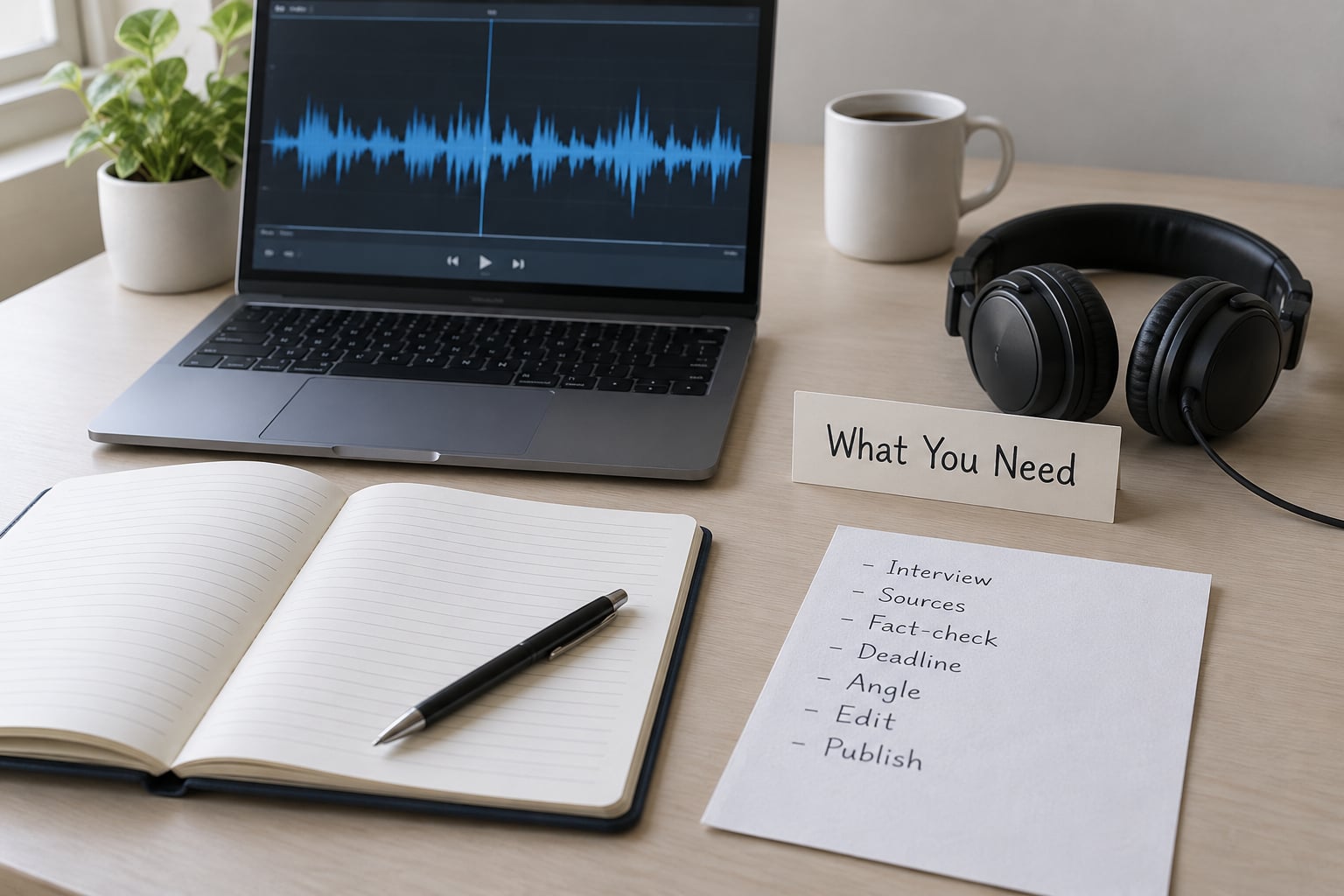
Accuracy problems almost never come down to the software alone. They come down to the recording, the settings and the review time you gave yourself. Before you upload anything, line up these five things.
- A source recording you would be willing to broadcast. If you can hear the air conditioner, so can the model. Test thirty seconds before the interview rather than discovering the problem in the export.
- A microphone that is not your laptop. A USB microphone or a lavalier clipped to the speaker’s collar does more for accuracy than any setting inside the tool.
- Software matched to the stakes. Batch transcription for a clean monologue, diarization for a two-person interview, and a human or hybrid workflow for anything that goes on the record or into a filing.
- A reference list of names and jargon written before you transcribe, not discovered while reading errors.
- A quiet place to review with headphones and roughly ten to fifteen minutes per hour of audio set aside for checking.
Add one non-technical requirement: consent. Tell people the conversation is being recorded and that a transcript will be made, before you press record rather than afterwards.
How to Use AI Transcription Without Errors: Step-by-Step
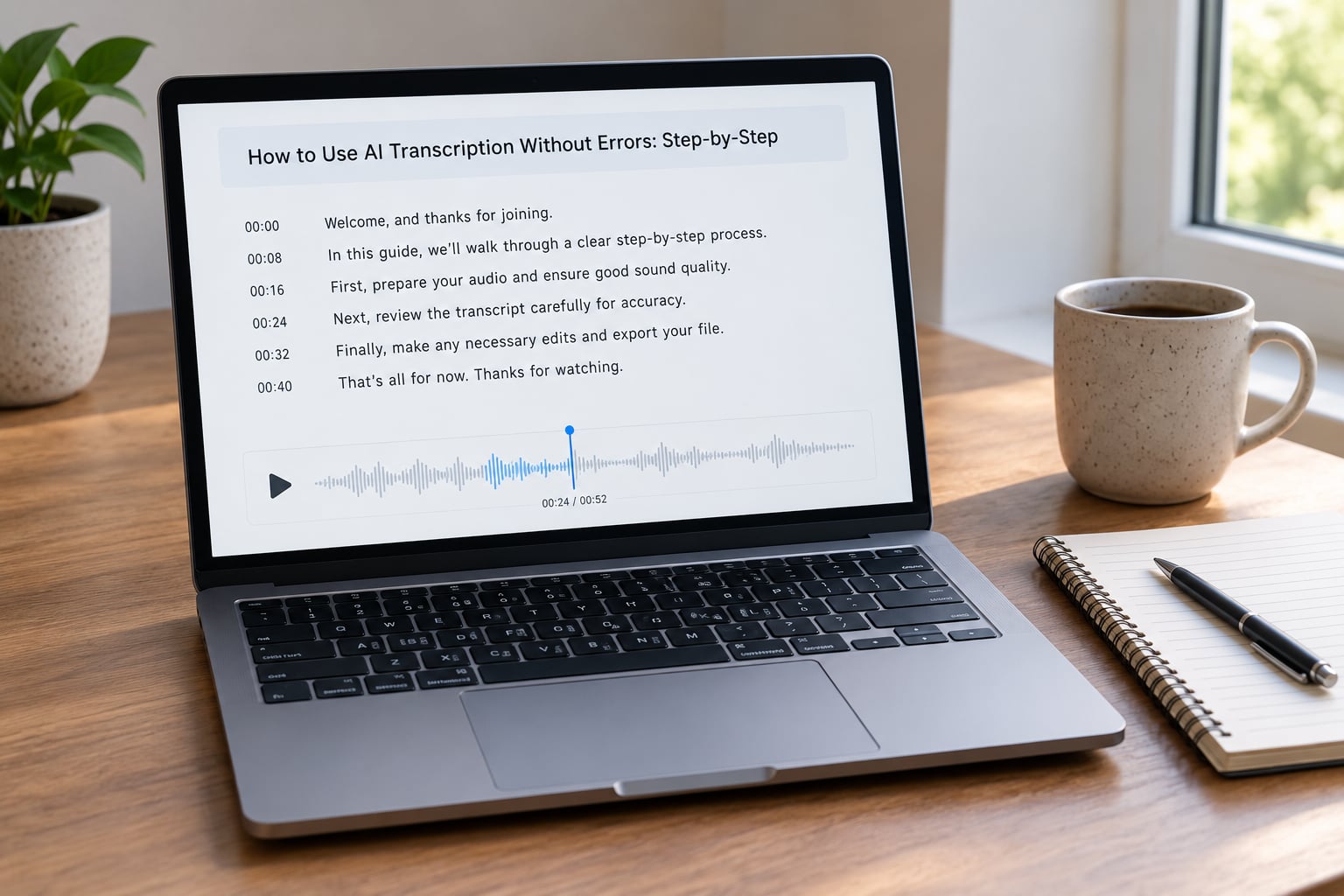
Choose the Right Transcription Method
How to use AI transcription without errors starts here: pick the method that matches the recording and the consequences of an error, not the one with the longest feature list. Accuracy depends almost entirely on how well the audio resembles what the model was trained on, so the same tool behaves very differently in a quiet room and in a noisy cafe.
| Recording condition | Typical word accuracy | Method that suits it |
|---|---|---|
| Studio or treated room, one speaker, close mic | 98 percent and above | Automatic batch transcription plus a skim pass |
| Quiet room, lapel mic, two speakers | 95 to 99 percent | Diarization with a name list loaded |
| Noisy public space or phone line | 85 to 90 percent | Noise reduction, then manual correction of flagged words |
| Three or more speakers, overlapping speech | 80 to 90 percent speaker attribution | Hybrid: automatic draft plus human relabelling |
These ranges come from published vendor claims and independent tests, not guarantees, so treat them as a shape rather than a promise. On tool choice: local models such as Whisper keep audio on your own machine, which matters for sensitive material, while cloud services from Google, AWS and Azure suit high volume batch work. Otter and Descript lean toward meetings and text-based editing, Riverside toward capture, and Trint and Sonix toward team review. I would not argue from a feature chart, though. I would run your own audio through two of them and count mistakes, which takes ten minutes and settles the question permanently.
Prepare the Audio Before Transcription
Most of what people call AI errors are recording errors, and no setting recovers them. Reduce noise at the source: a quiet room, a mic close to the mouth, no laptop fan running under the recording, no music in the background.
Enforce one speaker at a time. Cross-talk is the single hardest condition for any model, and it is the one thing you fully control in the room. When someone interrupts, pause for a beat afterwards so the segments stay separate.
Keep the untouched original, then work on a copy. Trim leading and trailing silence, split anything longer than about ninety minutes into segments, and note the risky passages before you start — the middle of a story, the part with a thick accent, the stretch where everyone talks at once. Users on video editing forums describe the same failure repeatedly: errors pile up mid-sentence, words repeat themselves, and the only fix offered is re-running the whole job. Splitting the file first makes re-running cheap.
Use noise reduction sparingly. Aggressive filtering smears consonants, and smeared consonants are exactly what a speech model struggles with. Light cleanup on a noisy source helps; heavy cleanup on a good source hurts.
Set Language, Names, and Specialized Terms
Before you press transcribe, set the language and locale explicitly rather than letting the tool guess. Auto-detection on a bilingual or accented recording often picks the wrong language for a whole passage, and every word after that is wrong in a consistent direction.
Then load your vocabulary. Most tools accept a custom vocabulary or hot-word list, and this is the highest-return five minutes in the entire process, because it attacks the failure mode with the worst error rate. Build the list like this:
- Every person name, with the spelling you want and the syllable emphasis if pronunciation is unusual.
- Organisation names, spelled out letter by letter if an acronym is ambiguous when spoken.
- Job titles and the terms your field uses that a general model has no reason to know.
- Places, streets and anything with a local pronunciation.
Turn on diarization for anything with more than one voice, then check the labels rather than trusting them. Consider disabling aggressive automatic punctuation in legal or clinical work, where a misplaced full stop can change what a sentence means. Where a domain-specific model exists for your field, it is usually worth the extra step.
Run the Transcription and Check the Result
Run it, then do not start reading from the top like an article. Play the audio against the text at around double speed and skim for gross failures: missing stretches, two speakers merged into one paragraph, a sentence that sounds too polished to have been said.
Watch specifically for content that was never spoken. Some models invent sentences on silence or on trailing audio, and long files can drift as the run continues. If a paragraph sounds like a summary rather than a person talking, go find it in the audio before it reaches your draft.
Mark what you cannot hear rather than guessing. A consistent convention such as [inaudible] with a timestamp, [unintelligible] for a phrase you cannot resolve, and [sic] for words the speaker actually said that look wrong, keeps the record honest and tells your source exactly what to re-record.
Edit, Format, and Export the Final Transcript
Editing an AI transcript works best as three passes, each with a different job. The first is the skim you just did. The second is the targeted sweep, where you search for every name, number, date, percentage, currency figure, negation and quoted term, and confirm each against the audio. The third covers speaker attribution, checking that each turn is labelled to the person who actually said it.
That whole sequence should take ten to fifteen minutes per hour of audio. Anyone who tells you that verification is optional has not had a source call to correct a quote you published.
Then format for the reader: consistent speaker labels, paragraph breaks at natural pauses, punctuation that matches the speech, false starts removed or kept according to your house style, and timecodes retained for anything long enough that someone will need to find a passage later. Export to the format the destination expects — SRT or VTT for video and captions, a document for editing and review, plain text for search and archive — and keep the audio file linked from the transcript so any claim can be traced back to a timestamp.
One habit saves the most time: fix spelling globally instead of inline. Podcasters report keeping a personal glossary precisely so they can correct a name once and have it correct everywhere, rather than hunting the same misspelling through forty pages.
Common Mistakes
| Mistake | Why it damages the transcript | Correction |
|---|---|---|
| Transcribing audio recorded on a laptop’s built-in microphone | Room reverb and fan noise defeat the acoustic model before any setting is applied | Re-record with a USB or lavalier mic if you can; otherwise clean lightly and plan for a manual pass |
| Skipping the name list because it feels like extra work | Proper nouns carry the highest error rate of any word class | Spend five minutes on a hot-word list before every interview with new names |
| Trusting an accuracy figure with no conditions attached | Clean-room and cafe numbers differ by more than ten points | Ask what audio the claim was measured on, then test on your own worst recording |
| Using auto-detected language on an accented or bilingual recording | One wrong guess corrupts everything downstream | Set the language and locale by hand every time |
| Publishing or filing without the verification pass | Mangled names, numbers and negations reach the reader as fact | Three passes, and a named person signs off before publication |
| Uploading confidential audio without reading the retention policy | Voice data can sit on someone else’s servers longer than your story needs | Check retention and deletion terms, or process locally with an open model |
Two further traps deserve naming. Speakers with heavy accents, non-native voices and non-normative speech are measurably more error-prone in every accuracy study, which means the source most likely to be misheard is often the source with the least power to correct you. And bulk imports arrive pre-mangled, so if your source audio is already damaged, lowering your accuracy target and saying so publicly beats pretending to a precision you do not have.
How Accurate Does Your Transcript Need to Be?
Set the bar before you start, because it decides how much human time the job deserves. Published journalism needs near-perfect accuracy on quoted words, since a quote is evidence. Legal depositions carry a standard of 99 to 99.5 percent, which automatic tools cannot consistently reach on their own. Clinical notes have historically landed in a 7 to 11 percent automated error rate, which is why they require human sign-off. Academic research and podcast production can usually run at 95 percent plus once names and jargon are swept.
Frequently Asked Questions
How accurate is AI transcription for interviews and meetings?
On clean, close-mic audio, automatic tools commonly land between 95 and 99 percent word accuracy. In a noisy room expect 85 to 90 percent, and with three or more overlapping speakers, speaker attribution can drop to 80 to 90 percent. Treat every published figure as conditional on the audio behind it, and test on your own worst recording rather than the best.
Can AI transcription identify different speakers automatically?
Diarization labels who spoke when, and it works well for two distinct voices in a quiet room. It struggles when people talk over each other, speak at similar pitch, or sit at different distances from the mic. Always play back every speaker turn before publishing, and relabel by hand where the labels matter.
How do I improve accuracy for names, job titles, and technical terms?
Write the list before you transcribe. Add each name with the spelling you want, note unusual pronunciation, and include job titles, organisation names and field jargon as they appear in your reporting. Load that list into the tool’s custom vocabulary or hot-word feature. It is the fastest way to cut the error rate on the words that matter most.
Should I use automatic transcription for sensitive or confidential interviews?
Only after checking where the audio goes. Cloud tools vary widely in retention, training-use and deletion terms, and some keep files longer than your legal exposure allows. For source-protected material, medical notes or anything under a court order, run a local model such as Whisper on your own machine and keep the files off third-party servers.
What is the best way to edit an AI-generated transcript?
Work in three passes rather than one slow read. Skim against the audio at speed for gross failures, then search for names, numbers, dates, negations and quoted terms and confirm each one, then check speaker attribution turn by turn. Budget ten to fifteen minutes per hour of audio and fix spelling globally instead of inline.
How much time does it take to check an AI transcript for errors?
Ten to fifteen minutes per hour of audio for a competent verification pass on clean recordings, and considerably longer on noisy or multi-speaker material. The search-and-replace sweep for names and numbers is the fastest part, and the speaker check is the slow one. Budget more time when the transcript will be quoted or filed.
Conclusion
Start with the audio, not the tool. Secure a clean source, choose the workflow that matches your stakes rather than the one with the longest feature list, load your names and jargon before you transcribe, and then reserve ten to fifteen minutes per hour of audio to verify. If you do only one thing from this guide, do the name list — it is where the errors actually live.
Knowing how to use AI transcription without errors comes down to that habit, repeated on every file. It makes the transcript yours, which is the only kind worth publishing.