
Good documentation starts with a specific reader who has a specific job to finish, puts the answer where they will see it first, and backs every instruction with a worked example. If you know how to write documentation people read, you organise around the reader’s task rather than the order you happened to build things in. That single shift explains most of what separates a doc that gets opened twice from one that gets bookmarked.
Most documentation fails quietly. Nobody files a complaint about the runbook they never opened. The signal shows up later, as a repeat question in Slack, a new hire taking three weeks to ship their first fix, or a support inbox full of the same ticket. The writing was not bad. It was just arranged for the author instead of the reader.
The method below is a sequence, not a style guide. It takes roughly a day for a short task document and about a week for something larger. I have used it on newsroom mapping guides, publishing SOPs, and API references, and the drafting steps rarely change even when the subject does.
What You Need Before You Write a Word
Five inputs turn a documentation task from guesswork into a brief. Anything you cannot fill in is a gap you will pay for during editing.
- One real reader, named by role. “The reporter” is not an audience. “A reporter who has been here three weeks and has never used the CMS” is.
- One task, small enough to finish. “Publish a live blog post” rather than “use the CMS.”
- Reader evidence. Actual questions from actual people: support threads, stand-up questions, search queries in your own help desk, interview requests.
- A place it will live. Decide now, not later. A Markdown file in the repo, a page in the internal wiki, or a public docs site all work; a shared drive folder nobody opens does not.
- An owner and a review date. A name, not a team. A date, not “quarterly.”
The five fields map cleanly onto a familiar framework. The who is your reader’s role and skill level. The what is the task. The when is the trigger that makes someone open the document. The where is the platform, the menu, the screen, the repo. The why is the reason the task matters, and it is the field most often skipped.
Write those five answers on one page. It takes ten minutes and it will tell you, before you draft a paragraph, whether you have anything worth writing.
Step-by-Step: How to Write Documentation People Read
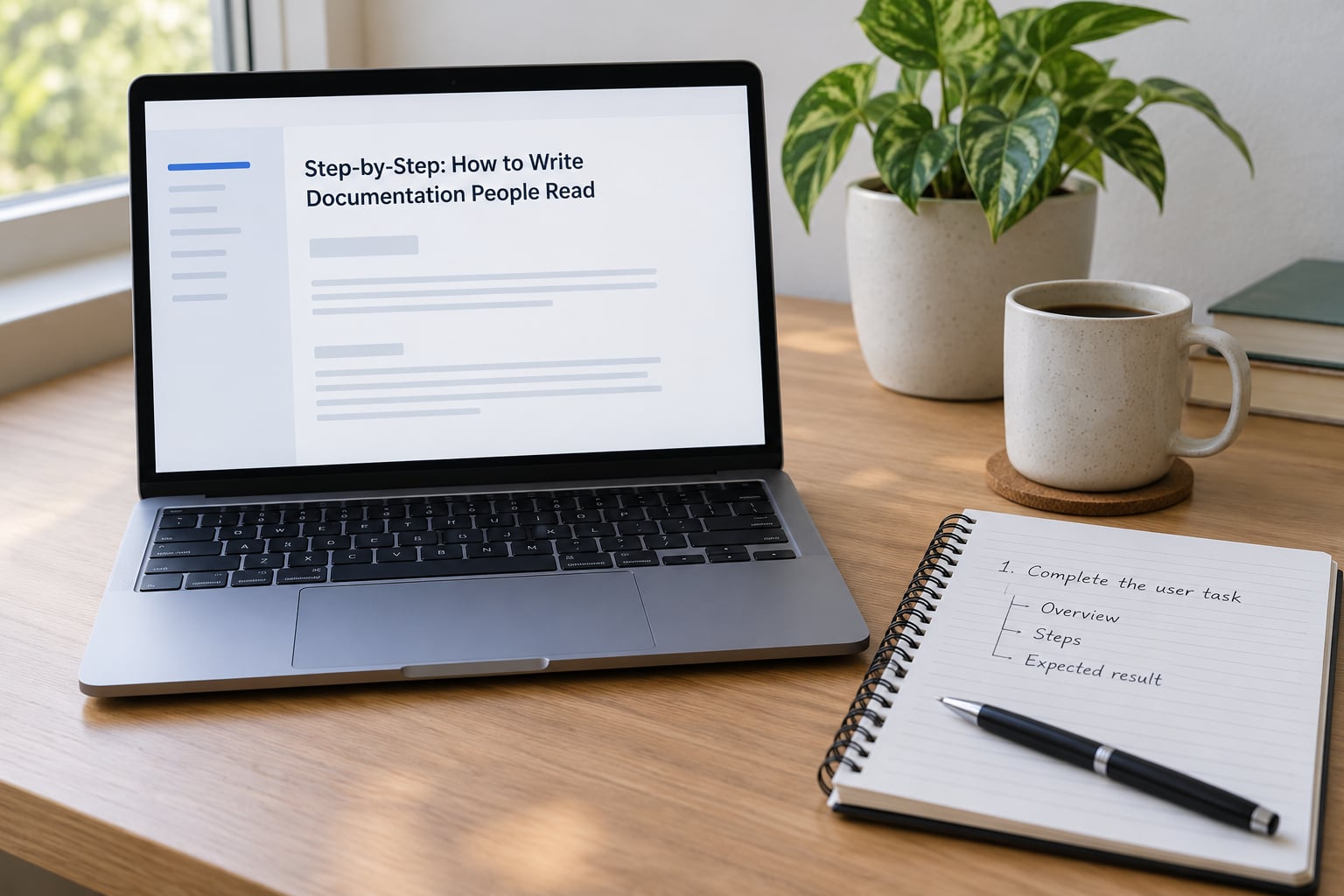
1. Define the Reader and the Job They Need to Finish
Narrow the audience by role and technical level, then state the trigger. Readers open documentation at a specific moment, usually something broke or something is due. “Something broke” and “we ship weekly” are different triggers, and they call for different openings.
Then name the outcome in one sentence, in the reader’s terms. Not “understand the asset pipeline” but “publish a map embed without asking for help.” If you cannot write that sentence, you are not ready to draft; you are still deciding what the document is for.
Also decide what the reader already knows. This is the step that gets skipped, and skipping it is why docs read like they were written for the author. Assume too much and the doc is padded with basics. Assume too little and it is full of unexplained jargon. For most newsroom and engineering audiences, the safe assumption is: they know their own job, they do not know your system.
2. Find the Questions Readers Actually Ask
Do not invent a table of contents from scratch. Mine the questions that already exist.
Support requests and internal help channels are the richest source, because a question someone typed is a question they had. Meeting notes and stand-up chatter surface the recurring confusion. Issue trackers show what broke. Search queries inside your own help desk tell you the words readers use, which is not always the words you would have chosen.
Watch for the failure signal too. When a reader follows the instructions and still gets stuck, the problem is usually a missing assumption rather than a missing step. Someone asked “why does the embed render blank in the morning build?” and the answer belongs in the document.
Three to five real questions is a good target. That is enough to shape a page without turning it into a support archive.
3. Plan the Shortest Useful Path
Arrange content in the order the task happens, not the order the system was built. Prerequisites come before actions, actions come in sequence, and everything that is optional goes last or goes to a linked page.
Use progressive disclosure: show the common path in full, and push rare cases one level down. A reader who needs the unusual edge case can open the details. A reader who just needs the standard path never has to.
Then cut. Every section that does not move the reader toward finishing the task is a candidate for deletion or for a separate page. Length is not a virtue here. The test is simple: could a reader who skips this still complete the task? If yes, move it down or out.
4. Write Steps in Actionable Language
Use a repeatable pattern for every instruction: action verb, the specific thing, the expected result.
Weak: “Configure the asset settings appropriately for your publish window.” The reader has to guess at “appropriately.”
Strong: “Open Settings, then Publish Window, and set Embargo to 06:00. The panel shows a green check when the window is valid.”
The pattern gives you three things for free. The verb tells the reader what to do. The named location removes the hunt. The expected result tells them whether they succeeded, which is the part most instructions skip and the reason people scroll back up to check whether they read it right.
Add a troubleshooting cue to the two or three steps most likely to fail. One short line, in plain words: “If the check stays grey, the window is in the past; pick tomorrow.”
Keep sentences short and the voice active. “The build fails when the token expires” beats “When the token expires, the build will fail.” Front-load the subject. Cut hedges like “it should be noted that.”
5. Add Examples That Reduce Uncertainty
An instruction tells a reader what to do. An example removes the question “is mine supposed to look like that?” Use whichever form matches the uncertainty.
Completed examples work when the pattern matters more than the mechanics: a finished configuration block, a sample record, a realistic dataset snippet. Input and output pairs are best for anything a reader will transform: a query and its result, a before and after value.
Annotated screenshots help when the layout itself is the instruction, which is common for admin panels and publishing interfaces. Label the one control that matters and crop away the rest; a screenshot of a whole window helps nobody.
Code snippets must be runnable as written. A snippet that is missing a variable teaches the reader to distrust every other snippet on the page. If you can, execute your examples as part of your build so broken ones fail loudly.
Keep examples synchronised with the product. A stale example is worse than no example, because the reader tries it, it fails, and their trust in the rest of the document goes with it. That collapse is near-universal: one wrong instruction and the reader stops trusting the page.
6. Test the Draft with a Real Reader
You cannot tell whether a document is clear by reading it. You already know what it says, and knowing destroys the test. So hand it to someone who does not.
Give them a realistic task and a time limit, then ask them to think aloud. Watch where they hesitate, backtrack, or ask you a question. Those pauses are the seams in your document.
Define success before they start: task completed, no outside help, inside the limit. Note that “they got it eventually” is not a pass. If they needed you to explain a step, that step is not written yet.
Prioritise revisions by how many readers the fix affects and how early it blocks them. A confusing first step costs every single reader; a confusing sixth step costs only the people who get that far. Fix in that order, then retest with someone new.
7. Publish, Maintain, and Improve
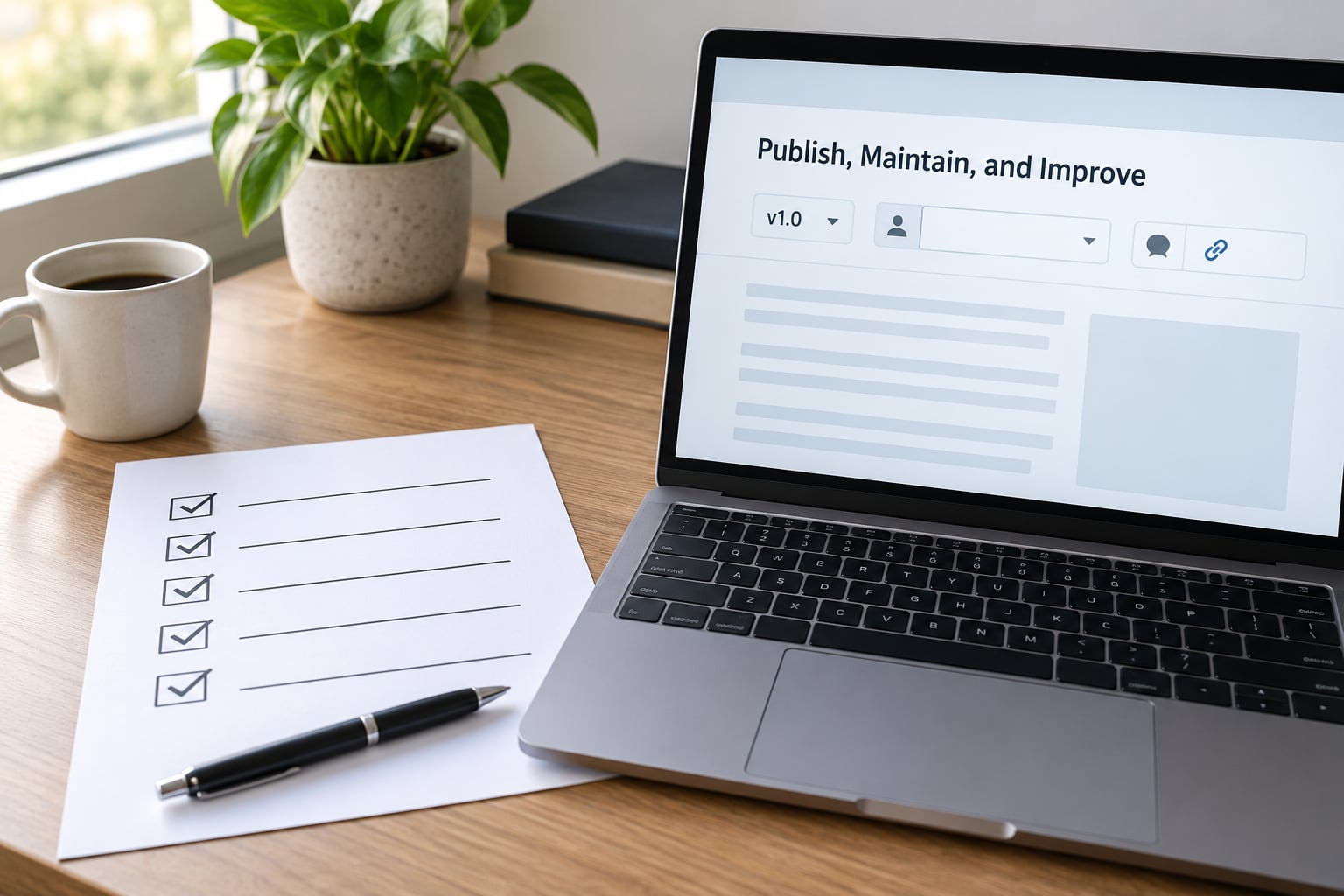
Publishing is the moment documentation becomes real, and it is also the moment it starts going stale. Nothing in the writing prevents that. Process does.
Put a named owner and a review date in the page header. Not a team, a person. Teams do not get pinged, people do. And put a version label, so a reader who followed an old bookmark can tell immediately whether they are looking at the current procedure.
Set change triggers rather than relying on the calendar alone. A good trigger is any of these: a release that changes the interface, a support ticket that shows readers got stuck, a new team member who had to ask you something in person, or a search term inside your help desk that returns nothing.
Ask for feedback in one place, and make it a single click. Feedback nobody can send is feedback nobody sends.
Watch the search-zero terms in your own help desk. The queries that return no result are the exact sentences your documentation is missing, and they are free topic research sitting in a log you already have.
Retire pages deliberately. A page with a banner saying it is out of date, with a link to the current version, is more useful than a page you quietly deleted and a reader now finds in search. When you do replace a page, leave a redirect to the new location.
One practice that works better than any reminder: ask new team members to make one edit or flag one error in their first week. It is a small ask, it is genuinely useful, and it means your freshest reader is the one keeping the page honest.
Common Mistakes and How to Fix Them
Writing for experts who already know the system. The document assumes the context you have and they lack. Fix: write one paragraph explaining the background the task depends on, then link out for the rest.
Organising by feature or by team instead of by task. Readers do not care that four settings live on one screen. Fix: organise by what the reader is trying to finish, and let the settings fall where they fall.
Burying the answer. The critical instruction sits three paragraphs down, after history and background. Fix: invert it. First paragraph gives the answer; everything after it is context for people who want it.
Vague instructions. “Configure appropriately,” “as needed,” “when relevant.” Fix: replace every instance with the actual value, menu name, or condition. If the condition really varies, write the decision rule.
No worked example. The reader completes the steps and cannot tell whether the result is right. Fix: add the expected output, not just the action.
Duplicated reference material in two places. Two copies mean one gets updated and the other does not. Fix: keep one source of truth for the detail and link to it from everywhere else.
Stale screenshots. The UI moved months ago, so the picture and the product disagree. Fix: keep screenshots in version control next to the code, and prefer a labelled crop over a full-window capture.
Unverified technical detail. You wrote a plausible claim and never checked it. Fix: link to the source, run the command, or ask someone who knows. A confident wrong statement costs more than a missing one.
Perfectionism. The framework took three weeks and the page still does not exist. Fix: publish a good-enough version today. A page that exists and is mostly right beats a perfect one that never ships, and the reader who hits a small error can still finish the task.
A 10-Minute Readability Pass
Run this in order after a draft. Doing it out of order wastes the pass.
- Read the first paragraph only. Can a reader get the answer without scrolling? If not, rewrite before anything else.
- Check every heading in a row. Read them without the paragraphs. If the outline alone does not tell the story, the structure is the problem.
- Search for vague words. “Appropriately,” “as needed,” “shortly,” “recently,” “the usual.” Every hit gets a real value or gets cut.
- Cut sentences over 25 words. Split them. Long sentences are where meaning hides.
- Convert passive to active. “The build was broken by the new token” becomes “the new token broke the build.”
- Verify every number and claim. Especially the ones that felt obviously right.
- Confirm the examples still work. Run them, or have someone run them.
- Read the last line. It should tell the reader what they just finished and what to do next.
Frequently Asked Questions
How long should documentation be?
As long as the task requires and no longer. A getting-started page that runs two screens is often too short, because the missing content usually shows up as support questions later. A reference page that runs forty screens is usually too long, because the reference should be split into one page per concept. The test is whether a reader can complete their task without scrolling past material they did not need.
How do I write a tutorial for beginners?
Start from a real thing the reader wants to make, then walk them to a finished version of it. Explain each term the first time you use it, keep the first tutorial on one tool and one goal, and end with something they can break. Beginners tolerate detail; they do not tolerate being told to figure something out. Have a genuine beginner try it and watch where they stall.
Should I use screenshots in documentation?
Yes, when layout or visual state is the instruction: admin panels, publishing interfaces, anything where the reader must recognise a control. Skip them for procedures that are fully described in words, because a screenshot goes stale the moment the interface moves. Crop to the part that matters, label it directly, and keep the images next to the code so they can be updated with the release that changes them.
What is the difference between a tutorial and reference documentation?
A tutorial teaches by walking a beginner through a real task from start to finish, in a fixed order, with no expectation they will use it as a lookup table. Reference documentation describes the parts: every option, every field, every behaviour, arranged so a reader who already knows what they want can find it in seconds. Tutorials should be read front to back. Reference should be scanned.
How do you keep technical documentation up to date?
Give every page a named owner and a review date in its header, then add change triggers so it is revisited when it actually matters: a release that alters the interface, or a support ticket that shows readers got stuck. Watch the search terms inside your own help desk that return no results, since those are the exact questions your docs are missing. Retire outdated pages with a banner and a link rather than deleting them quietly.
What tools can I use to write and test documentation?
Use whatever your readers already use, because the tool matters far less than the structure. Markdown in the repository gives you version history, review in pull requests, and examples that can run in CI. An internal wiki gives non-technical readers search. A docs site gives public readers navigation. The testing tool is simpler than people expect: a colleague outside the project, a real task, and a stopwatch.
Conclusion: Start With the Reader’s Task
If you take one thing from this, make it the five-line brief at the top. Name the reader, the single task, the trigger, the platform, and the reason it matters. Everything after that is mechanical, and the mechanical part is the easy half.
Pick one real question someone asked you this week, write the shortest clear path from question to finished task, and give it to a colleague who has never seen the system. Where they hesitate is your edit list. Publish that version today, put your name and a review date on it, and let the next real question pull the page forward. That is how to write documentation people read, one honest reader at a time.