If you need to know what a web page said on a particular date, the Wayback Machine at web.archive.org is where you look. The short version: paste the URL into the search box, read the timeline of capture dates, open the snapshot closest to the date you care about, and save the archive permalink for citation. The whole process takes about five minutes once you know where the traps are.
This guide is written for journalists, students, and anyone documenting a claim that a site made online. Web content gets rewritten, deleted, and reshaped constantly, and the archive is often the only surviving record of an earlier version. It is a free service run by the Internet Archive, and it stores timestamped copies called snapshots. What follows is the workflow I would hand a new reporter, including the parts where snapshots quietly fall short.
Table of Contents
- What You Need
- How to Use the Wayback Machine for Research Step by Step
- Common Mistakes
- Frequently Asked Questions
- Is the Wayback Machine free to use?
- Does the Wayback Machine save every page on the internet?
- How do I find content from a deleted website?
- Does the Wayback Machine save videos and JavaScript apps?
- Is it legal to use archived pages in published research?
- Why are some publishers blocking the Internet Archive?
- Conclusion
What You Need
A current desktop browser is the only real requirement. Everything works in Chrome, Firefox, Safari, and Edge, and the interface has not changed enough in recent years to make older tutorials useless.
A stable connection matters more than it sounds. Archive pages load their images and scripts from the archive’s own servers, so a slow link makes a working snapshot look broken. If a page stalls repeatedly, that is usually transport, not a failed capture. Check the text first, come back to the images later.
The exact URL is the piece people usually lack, so build it before you start. Write down every variant you can think of: with and without www, with http and https, with the old article path, and with any tracking parameters stripped off. Archives capture URLs literally, and a near-miss returns nothing.
Your target date range matters too. Know roughly when the claim was made and how much drift you can tolerate. A snapshot three months late may still prove a page existed, but it will not prove what it said that week.
Finally, set up a note-taking system before you start clicking. A single row per snapshot with five fields is enough: original URL, archive permalink, capture timestamp, access date, and one sentence on what the snapshot proves. Doing this as you go takes seconds. Reconstructing it a month later does not.
How to Use the Wayback Machine for Research Step by Step
Open web.archive.org and paste the URL into the search field on the landing page. The results page gives you a timeline bar with a dot for every capture, plus a list of specific snapshots underneath. That list is the most useful part for research, because it shows exact timestamps you can cite.
Search by URL, domain, or keywords
A URL search is the default and the most precise. Paste the address, press enter, and you get every capture of that exact page. Use it whenever you know the page you want.
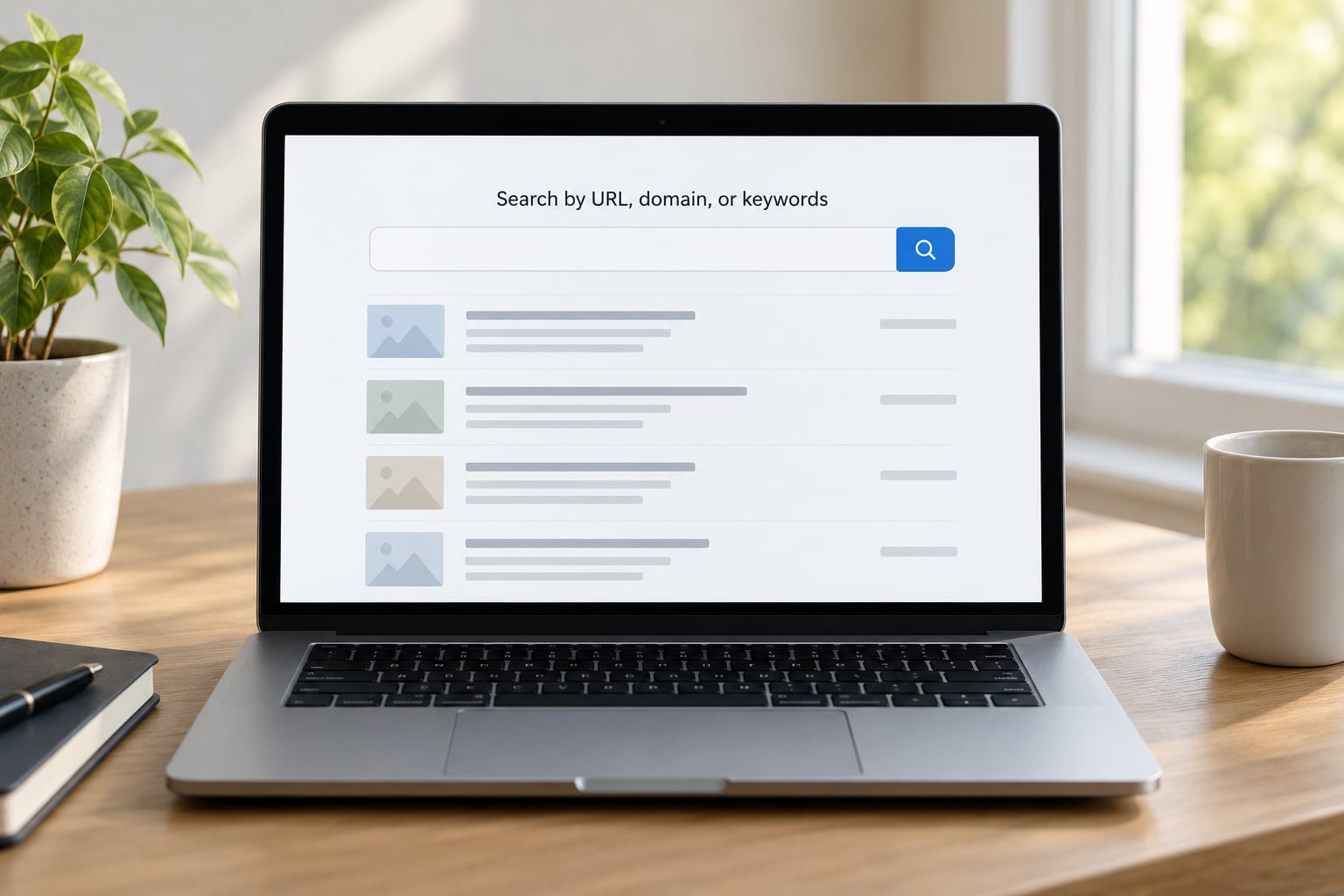
If nothing comes back, move up a level and search the whole domain. That search collects captures across the site rather than one page, which is the move to make when you are hunting a removed article or a deleted press release. The domain view also surfaces a site’s older paths, sometimes under an archive-style address the original publisher never used publicly.
Keyword search is the third option, and it needs a warning. It works best inside a specific collection, such as archived websites or archived news video, rather than across the full archive corpus. Researchers searching r/WaybackMachine and r/DataHoarder hit this wall constantly: they expect a global full-text search and get a partial one. Treat keyword results as leads, then confirm each lead by opening the specific page and reading it.
Review and compare archived captures
Each snapshot gets a permalink ending in a timestamp, such as web.archive.org/web/20190314120512/https://example.com/news/post. That string is your evidence. Everything else on the page is navigation.
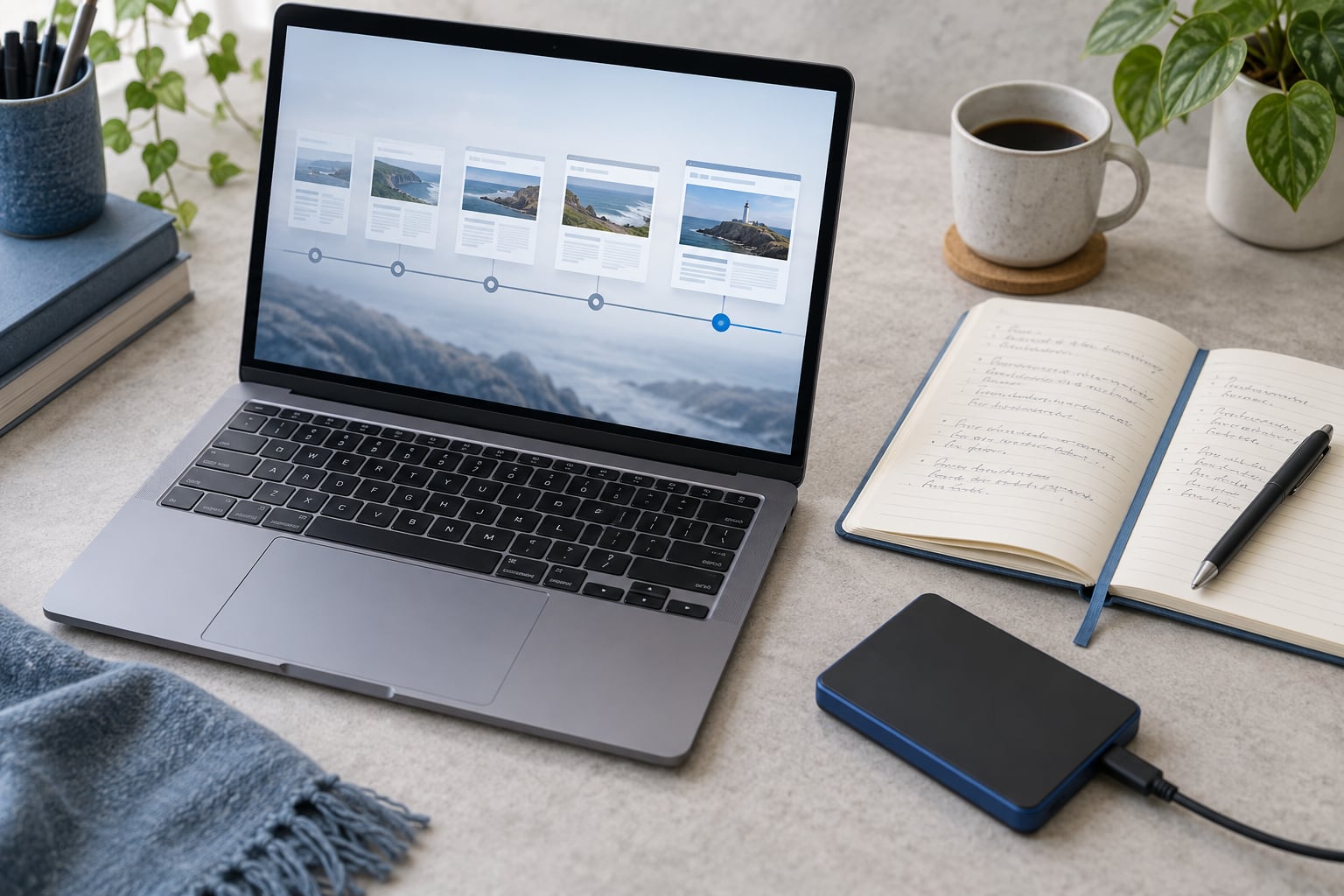
The timeline bar shows how often a page was captured, with colour intensity indicating frequency. Dots cluster heavily during news events, which is often exactly when you need a capture. A calendar view gives you a month grid with marked days, useful when you need to work forward or backward from a known capture.
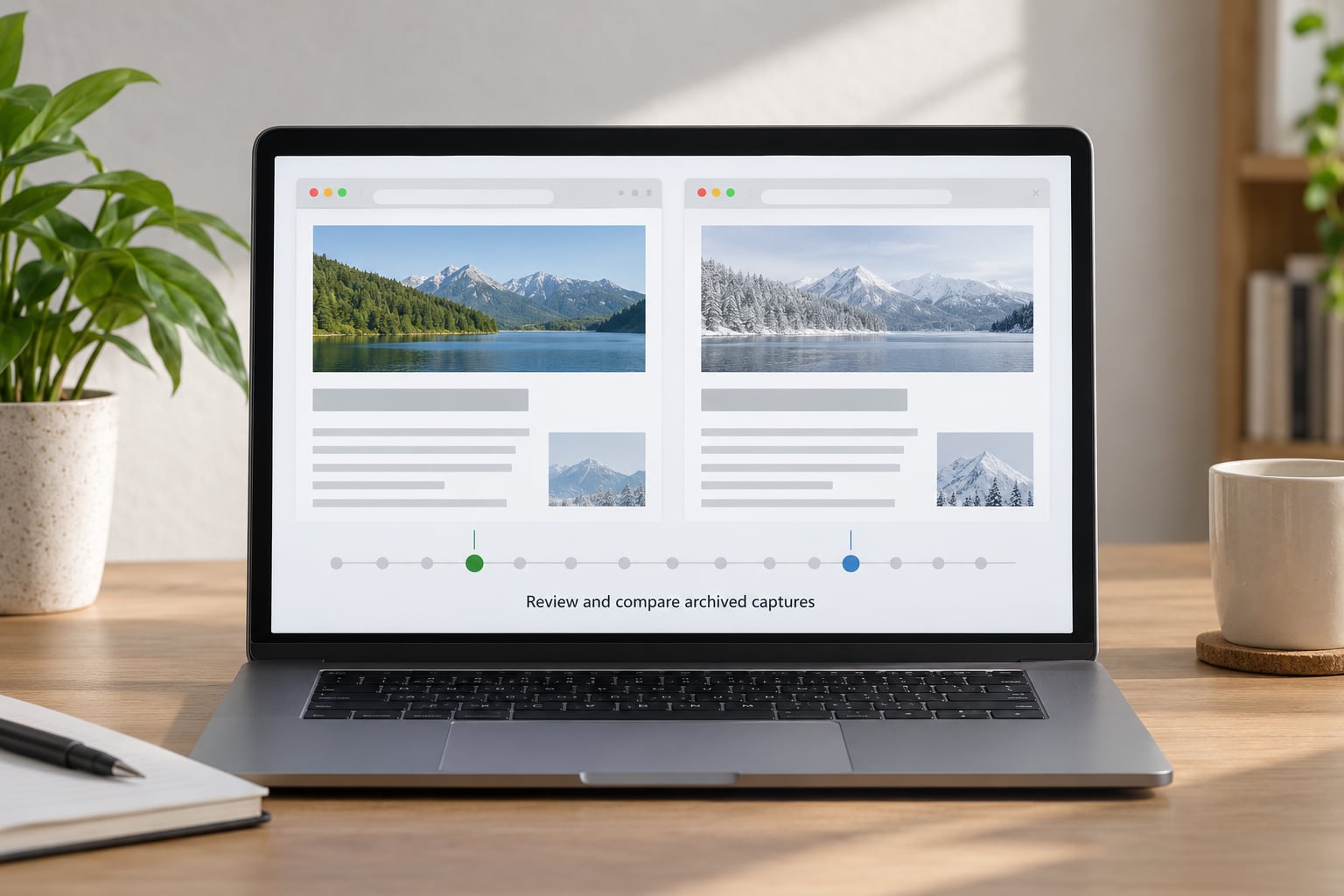
Pick the capture nearest your event, not the newest one. The most recent snapshot tells you what the page says now, which is usually not your question. For a claim made in 2019, open the capture closest to that date, then check the one before and after it to confirm the wording held steady.
Two snapshots can be placed side by side by replacing the timestamp in the same permalink. Reading them together catches edits that a single capture hides, and it is the fastest way to show a page quietly changing its wording or its headline after a story broke.
Check archived pages for media and data
Text survives well. Headlines, body copy, navigation, publication dates, and many images come through intact, and PDFs are usually captured as part of the crawl.
Heavy interactive content does not. Video, audio, and animated embeds often capture as an empty frame or a placeholder, because the media is served from a separate host that the crawler may skip. Pages that build their content with JavaScript can capture as a nearly empty shell, since the crawler reads the HTML before the scripts run. Paywalled articles often archive only the first few paragraphs, which is the free preview and nothing more. Social embeds — a tweet thread, a video post — frequently disappear entirely from the capture.
Data visualisations sit in the middle. Charts built from a static image usually survive. Interactive maps and dashboards often do not, because the underlying data call may fail once the page is served from an archive address. This is the gap forum users complain about most, and it is a real one: an empty chart frame is not a record of the data.
So decide what your snapshot is for. If you need to prove a page existed and contained a sentence, the capture is enough. If you need the underlying numbers or a working graphic, treat the snapshot as a lead and go find the original dataset, the author’s own repository, or a published paper describing the method.
Record and cite the archive evidence
Save the permalink, not the search results page. A results URL can change as new captures arrive, and it tells a reader nothing about which version you read. Copy the full archive URL with the embedded timestamp and treat that string as your citation handle.
Log five fields for every snapshot you rely on: the original URL, the archive permalink, the capture timestamp, the date you accessed it, and a sentence describing what the snapshot shows. In a piece published a year later, that access date is what makes the reference checkable.
A workable citation template reads like this: Page title, original site, capture date, archived URL, accessed date. Most style guides accept the archive as the location of record when the live page has changed or disappeared. When the original is still live and unchanged, cite the original and add the archive as a backup reference rather than the other way around.
Common Mistakes
Assuming the newest snapshot is the right one. It is the default capture you land on, and it is rarely the relevant one. Always move back to the timestamp closest to the event you are documenting.
Reading a missing capture as proof of absence. No results means no capture of that exact URL, nothing more. The page may have existed under a slightly different address, or been excluded by a site’s crawler rules. Say “no capture was found,” not “the page did not exist.”
Trusting a snapshot without its context. A capture reflects one crawler’s visit at one moment, often from a specific country, on a specific device. Banner text, cookie notices, and paywall prompts can be stale. Read the surrounding page, not just the sentence you came for.
Citing a search results page instead of the snapshot. Results URLs shift as the archive grows. A citation should point to one fixed version with a timestamp in it.
Treating an empty interactive graphic as a complete record. If a chart or map renders blank, write that the archive captures the page structure but not the data, and find the numbers elsewhere.
Expecting Save Page Now to save a whole site. It captures the single page you submit, not its neighbours. For a site you need to preserve in full, submit pages individually or use a scripted approach, and accept that some assets still will not come through.
Frequently Asked Questions
Is the Wayback Machine free to use?
Yes. web.archive.org and every search, snapshot, and comparison tool are free for anyone with an internet connection, and you do not need an account to read archived pages. You only need an Internet Archive account if you want to save pages with Save Page Now or use the API at higher rates. There is no charge for viewing or citing an archived page.
Does the Wayback Machine save every page on the internet?
No. Its crawlers visit sites on an irregular schedule, and some sites block them through crawler rules or paywalls. Coverage is thick for large, long-running sites and thin for small or new ones, so a missing capture tells you almost nothing about whether a page existed. For important sources, save your own copy with Save Page Now while the page is still live.
How do I find content from a deleted website?
Search the domain rather than the exact URL, since the article may have moved or been republished under a new address. Look through the capture list for dates around the period you care about, and check whether the same text appears on another archived path. If the whole domain is gone, the domain-level captures are often your only record of what it once contained.
Does the Wayback Machine save videos and JavaScript apps?
Rarely well. Video and audio files are served from separate hosts that crawlers often skip, so captures usually show an empty player. Pages that render their content with JavaScript can capture as a bare shell because the crawler reads the HTML before scripts execute. Text, images, and PDFs come through far more reliably than anything interactive.
Is it legal to use archived pages in published research?
Generally yes, for research, fact-checking, quotation, and citation. You are reading a publicly accessible copy of a page rather than republishing a whole work, and short quotations with attribution fall under standard fair use and quotation exceptions. Copyright law and terms of service vary by country and by platform, so check the rules that apply to your publication and cite the source clearly.
Why are some publishers blocking the Internet Archive?
Publishers object to full-text copying of their content and argue it competes with their archive access, so some subscription sites have excluded the archive’s crawler from their pages. That exclusion shows up in research as thin or first-paragraph-only captures. When a snapshot looks truncated, this is usually the reason, and the original subscription remains the citable source.
Conclusion
Start with the most precise URL you can build, search it on web.archive.org, and step back along the timeline to the captures on either side of your date rather than the newest one. Then copy the permalink with its timestamp, note the access date, and write down in a sentence what that snapshot proves. Do that before you read a third source, because in 2026 the web does not wait for your notes.
When the capture is thin — a truncated article, a blank chart, an empty video player — treat it as a lead rather than a conclusion and go find the underlying source. Knowing what the archive cannot show you is half of using it well.