Knowing how to archive a web page for evidence comes down to saving a verifiable copy of what the page displayed at a specific moment, plus proof of when you captured it. On a static page the whole job takes fifteen minutes and needs three things: the rendered copy, the underlying source, and a checksum you can re-verify later. Capture first and argue about admissibility afterwards, because pages get edited or deleted within hours.
I work with reporters who keep discovering the same thing the hard way. The page they need is gone, or it has been quietly rewritten, and the screenshot in their notes shows only that somebody pressed a button once.
What follows is the workflow I would hand a new reporter on their first week. It is general information about preservation practice, not legal advice, and admissibility rules differ by country and by the kind of case.
Table of Contents
- What You Need
- Step-by-Step: How to Archive a Web Page for Evidence
- 1. Define the page, date and evidence purpose
- 2. Capture the page as it appears
- 3. Save a second, machine-readable copy
- 4. Preserve linked images, scripts and attachments
- 5. Capture metadata and the page source
- 6. Generate and independently verify a checksum
- 7. Create a dated evidence log
- 8. Store the archive and consider independent timestamping
- Common Mistakes
- Frequently Asked Questions
- Is a screenshot enough to archive a web page for evidence?
- What is the best file format for preserving a web page?
- Should I record the IP address of the website?
- Does a WARC file prove who published a page or when?
- How should I capture a page that requires JavaScript or a login?
- Is a web archive automatically admissible in court?
What You Need
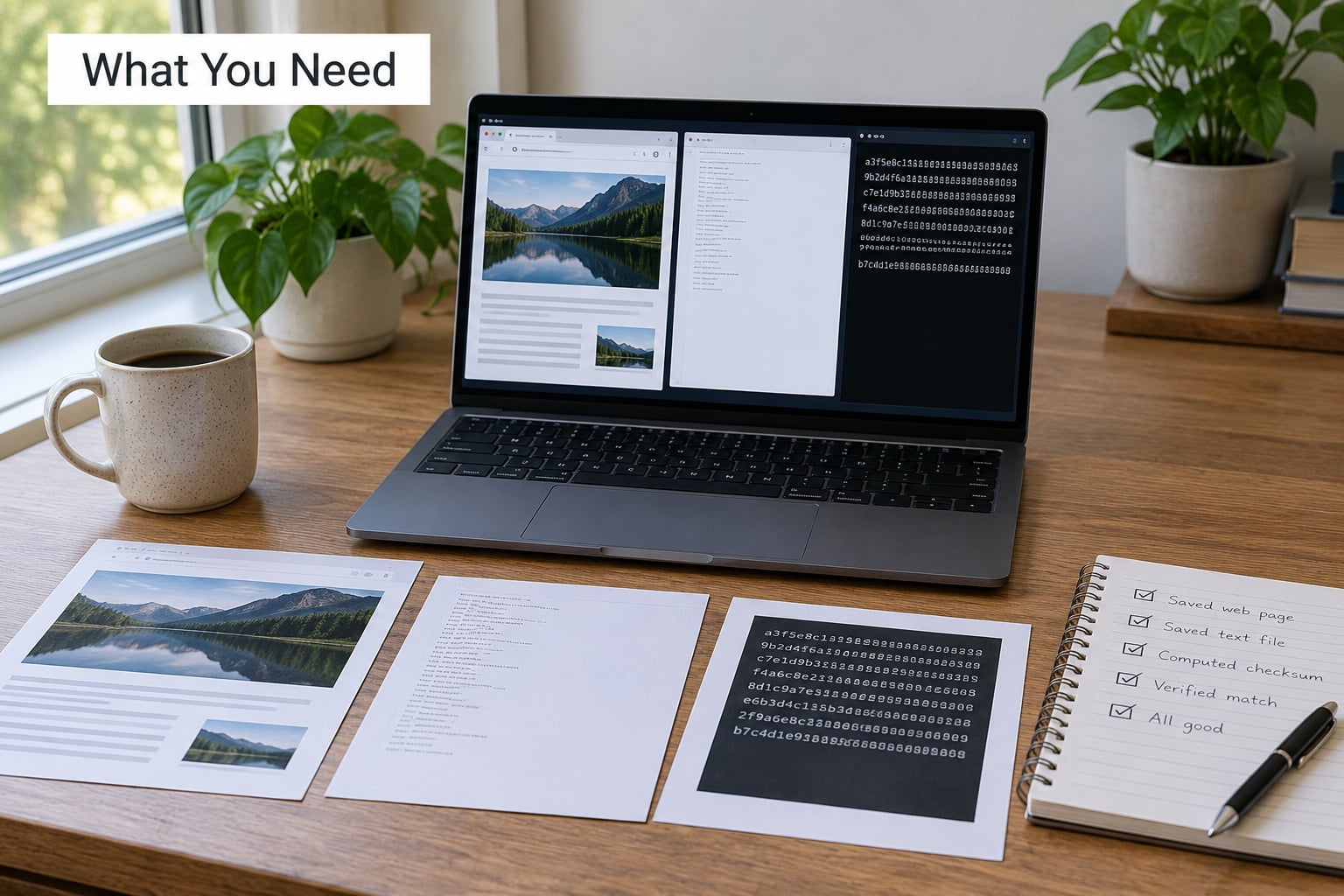
Six things, and you can decide how many of them you need by asking what the capture is for. A fact-check citation needs far less rigour than a defamation claim or a disclosure in litigation.
- A browser you trust. A current Chrome, Firefox, Edge or Safari. Note the version; rendering differences are the reason the Internet Archive admits it cannot prove what any individual visitor saw.
- A capture method. A full-page save from your browser, or a dedicated capture tool that produces a PDF, MHTML or WARC file plus metadata.
- A file manager and a text editor. You will be renaming files, and names matter more than people expect.
- A hashing utility.
sha256sumon Linux,shasum -a 256on macOS. Both ship with the operating system. - An evidence log. A plain text file, dated, in your own words, recording who captured what and when.
- An optional timestamp service. An RFC 3161 timestamping provider or an OpenTimestamps client, if the capture may end up in front of a court.
Match the rigour to the purpose. Over-engineering a routine citation wastes an afternoon; under-engineering a preservation notice ahead of litigation costs you the claim.
Step-by-Step: How to Archive a Web Page for Evidence
Work through the eight steps in order. The sequence matters because each step produces something the next one depends on, and skipping the hash step means you can never prove your files were not edited afterwards.
1. Define the page, date and evidence purpose
Write down the exact URL before you touch anything: scheme, hostname, path, query string. Then record whether the page needs a login, who asked for the capture, which date or event it relates to, and whether the goal is supporting a report, an internal record, a complaint or potential litigation.
That purpose decides your method. If the page will change tomorrow, capture it in the next five minutes and write the context afterwards.
2. Capture the page as it appears
Load the page and save it. In Chrome or Edge, Ctrl+S on Windows or Cmd+S on Mac gives you a choice between a single HTML file and a complete folder of resources. Choose the complete folder, because the single file drops images and stylesheets.
Do not scroll once and screenshot. Use a full-page capture so the entire scroll length is recorded. Note the browser name and version, the operating system, the exact time with the UTC offset, and anything visible on screen that could confuse a reader later: a cookie banner, a consent overlay, an error message or a region-blocked notice.
3. Save a second, machine-readable copy
Print to PDF as well. On a static page this is your most portable artefact, and most courts will accept a PDF without argument.
For a page with a login, a single-page application or infinite scroll, save the page as MHTML from your browser, which stores the rendered DOM in one file. Where you can, also save a WARC file: it is the archival standard, it keeps the raw HTTP response and headers alongside the content, and any specialist reviewer will recognise it instantly.
A screenshot on its own is nearly always insufficient. It carries no metadata, no independent time and no way to prove the image was not edited.
4. Preserve linked images, scripts and attachments
Decide what counts as evidence. If the claim is about a photograph, the image file itself is evidence. If it is about a downloadable report, the PDF behind the link is evidence. If it is about a claim made in a video, the video file is.
Save those files separately into the evidence folder and note where each came from. Anything that would not save because it needs a session, uses DRM or streams on demand goes in your log as a gap. Recording an honest limitation is stronger than leaving a silent hole that opposing counsel finds first.
5. Capture metadata and the page source
Save the HTML source from your browser’s view-source or developer tools. Then record the page title, the final URL after any redirects, and any visible publication or modification dates.
Response headers are worth grabbing when you can. This fetches the page and writes both the raw response headers and the body to disk:
curl -s -D headers.txt -o page.html "https://example.com/page"
Read headers.txt for the date header, the content type, the server software and any cache-control instruction. If the site uses a content management system, the Last-Modified header is often the closest thing to a publication date that the site itself will admit to.
6. Generate and independently verify a checksum
Generate SHA-256 hashes for every file in the folder and write them to a manifest. Linux:
sha256sum * > SHA256SUMS.txt
macOS:
shasum -a 256 * > SHA256SUMS.txt
After writing the manifest, run the check from a second machine or a second session and confirm every line reports OK:
sha256sum -c SHA256SUMS.txt
That single command is what turns a folder of files into verifiable evidence. Anyone, including a court, can rerun it years later and see whether a byte has changed. A hash does not prove who published a page or when; it proves your copy has not changed since the moment you hashed it. When editors ask how to archive a web page for evidence that will hold up under challenge, this is the step that carries the most weight.
7. Create a dated evidence log
Write this yourself, in plain language, on the day you capture. Reconstructed logs are the weakest part of any evidence file, and courts notice that.
Capture this template and fill it in:
Evidence log
Captured by:      (name, role, organisation)
Captured at:      (local time) / (UTC offset)
Location:         (city, country)
Device:           (make, model, serial or asset tag)
Software:         (browser and version, capture tool and version)
URL requested:    (exact URL, including query string)
Final URL:        (after redirects)
Purpose:          (why this capture was made)
Method:           (full-page save, PDF, MHTML, WARC, archive service)
Files preserved:  (filename, description)
Hashes:           (SHA256SUMS.txt, generated at, verified at)
Limitations:      (what could not be captured and why)
Subsequent events: (every transfer, copy or access, with date and person)
Append to this log every time the folder moves, is copied or is handed over. That list of movements is the chain of custody, and the absence of one is the first thing an opponent asks about.
8. Store the archive and consider independent timestamping
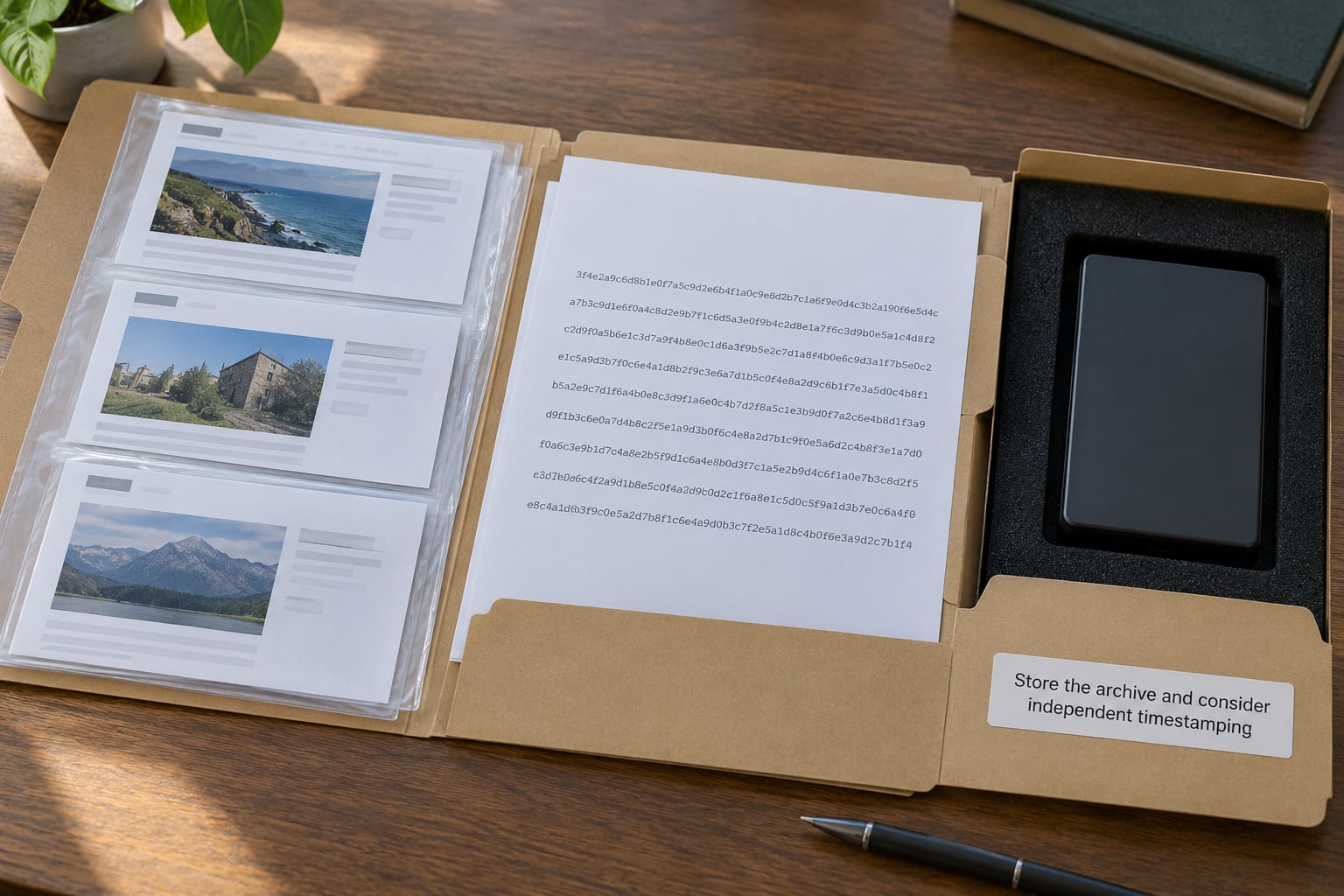
Keep at least two copies in different places, and keep the originals unchanged. Write-protect one copy or move it to a drive nobody edits. The familiar 3-2-1 rule still holds: three copies, on two kinds of media, one of them off site.
Your own hash is self-asserted, so it only proves nothing changed after you wrote it. An independent timestamp from a trusted third party proves something narrower but stronger: that this file already existed, in this exact form, at a time the timestamp authority vouches for. For a capture that may go to court, that is worth the fee.
Send the manifest hash to an RFC 3161 timestamping service, or run an OpenTimestamps client to have it anchored publicly and independently of you. Keep the returned receipt with the folder. This is a belt-and-braces step, not a replacement for your log.
Common Mistakes
Most failed web-page evidence comes down to one of eight avoidable errors.
- Relying on the screenshot alone. Fix: add the PDF, the source HTML and the hash manifest. The screenshot becomes an illustration rather than the proof.
- Leaving out the time zone. A capture logged as “Tuesday, 3pm” is ambiguous by hours, sometimes by a day. Fix: record local time plus the UTC offset on every timestamp.
- Re-saving or optimising the originals. Running files through a compressor, an editor or a re-export changes the bytes and breaks the hashes. Fix: hash first, and keep the originals on read-only media.
- Losing linked assets. The page saved, the photograph did not, and the claim was about the photograph. Fix: pull each relevant file into the folder and name it after what it shows, not after its URL.
- Failing to record redirects. A short link can land anywhere, and a URL that changed hands changes meaning. Fix: log both the requested URL and the final one, plus every redirect hop you can see.
- Vague filenames.
page.htmlorscreenshot.pngtell a judge nothing six months on. Fix: use the date, a short slug and the capture time, such as0403-acme-claims-1341.html. - Skipping independent verification. A hash you never re-checked is a claim, not a verification. Fix: run
sha256sum -c SHA256SUMS.txtfrom a different session and note the result in the log. - Assuming a capture is admissible. Rule 901 of the US Federal Rules of Evidence, the UK Civil Evidence Act 1995, section 65B of the Indian Evidence Act and the EU’s eIDAS 2 regime each ask for different things, and authentication is a question for the judge. Fix: expect to file a declaration or affidavit describing how the capture was made, and get a lawyer involved before the capture is due in a hearing.
One limit is worth stating plainly. An archive proves what the capturing server received at that moment. It cannot prove what any particular visitor saw, because rendering varies by browser, location and account.
Frequently Asked Questions
Is a screenshot enough to archive a web page for evidence?
A screenshot on its own is weak. It carries no metadata, no independent timestamp and no way to show it was not edited. Courts do accept screen captures, usually alongside something else: a PDF, the page source, a hash manifest and a signed declaration describing how the capture was made. Treat the screenshot as an illustration of the page and the hashed files as the evidence itself.
What is the best file format for preserving a web page?
Use more than one. PDF is the most portable and the easiest to file, and it renders exactly what you saw. MHTML preserves the rendered DOM in a single file, which suits pages built with JavaScript. WARC is the archival standard and keeps the raw response, headers and resources, which is what a forensic reviewer expects. Save the HTML source and key images alongside whichever of those you choose.
Should I record the IP address of the website?
Usually, yes, and it costs nothing. Resolve the hostname before you capture and put the address in your log next to the time, because it shows where the content was served from. Note that an address identifies infrastructure, not a person or a company, and servers move. Treat it as supporting detail rather than as proof of who published the page.
Does a WARC file prove who published a page or when?
No. A WARC file proves what the capturing machine received, at the moment it requested it, and its headers often carry a server date. It does not identify the author or the owner, and it does not by itself prove authenticity of authorship. Use it to establish the content of the capture, then pair it with your evidence log, a third-party timestamp and any account or registration records you can corroborate.
How should I capture a page that requires JavaScript or a login?
Save the page as MHTML from a fully loaded session so the rendered DOM is written to one file, and add a full-page PDF for readability. Capture it in an incognito window first to see what an anonymous visitor sees. Keep your session details out of the evidence folder, and record in your log that the capture was made while logged in, since that changes what the page represents.
Is a web archive automatically admissible in court?
No. Admissibility is decided by the judge under the evidence rules of that country, and authentication is usually the deciding issue. In the US, Rule 901 governs authentication and Rule 1003 allows duplicates unless authenticity is genuinely questioned. The UK Civil Evidence Act 1995, section 65B of the Indian Evidence Act and eIDAS 2 in the EU each set their own conditions. Get legal advice before relying on any archive.
Start with the file, not the theory. Open the page, save it twice, hash it, and write the log while you still remember the reason you were there. Everything after that is a question for a lawyer, but nothing after that is possible without those files.