A secure tip line is any channel a newsroom controls that lets a source send documents or information without revealing who they are: an encrypted web drop, an encrypted messaging account, or a dedicated number answered by trained staff. Knowing how to use a tip line securely comes down to process rather than gear. Set the system up once, then follow it every single time a tip arrives.
This is not a theoretical risk. Roughly 75% of whistleblowers raise a problem internally before they ever approach a reporter, and research cited across the whistleblower-support community finds many of those reports are ignored, which means the organisation may already be paying attention to the person who finally makes contact.
Two things are worth saying up front. This guide runs from the newsroom side, because that is where most published advice goes quiet. And no newsroom can promise total anonymity, so your public tip-line page should say plainly what you control: your infrastructure, your encryption, your access logs. You do not control the sender’s device or network, and pretending otherwise costs you credibility with the sources who most need to trust you.
Table of Contents
- What You Need
- Step-by-Step: How to Use a Tip Line Securely
- Common Mistakes
- Frequently Asked Questions
- Can a tip line identify who sent a message?
- What is the safest way to receive anonymous documents?
- Should reporters use a personal phone or email for tip-line messages?
- How can a newsroom verify an anonymous tip?
- How long should securely received tip-line material be retained?
- What should happen if a source says they are in immediate danger?
- Conclusion
What You Need
Before publishing anything, name the people and write the policy down. A tip line run by whoever happens to be online tends to leak through ordinary inattention, not through a clever attack.
- Named roles. An intake editor who is the only person screening the inbox, the reporter who owns the story, a security lead, and one legal or standards contact. Small outlets can combine these, but the person who does intake should not be the same person who later writes the story.
- One approved channel. A system the newsroom runs or contracts for, never a personal account. SecureDrop is the best-known self-hosted option and its software is free and open source; the real cost is hardware, hosting and the staff hours to keep it patched.
- A clean intake device. A dedicated laptop or machine used only for tip traffic, updated on a schedule, with full-disk encryption and no personal accounts signed in.
- A non-identifying intake log. Date received, channel used, topic, who has access, and what happened next. No sender identifiers, no metadata fields, nothing that could later be subpoenaed and handed over.
- Published instructions. A plain-language page a non-technical reader can follow, written for someone nervous and in a hurry.
- Training time. An hour per person who touches the system, plus a written SOP that survives staff turnover.
Step-by-Step: How to Use a Tip Line Securely
Eight steps, and the order matters more than the tooling. Skipping straight to “reply to the source” is how good intentions turn into an exposed witness.
Create a Clear Submission Policy
Write down what you accept, what you promise, and how fast someone will hear back. Most people who approach a tip line want two things: to know it arrived, and to know nobody was harmed by sending it.
Be specific about limits too. State that you will not ask for passwords or for anything that would break a law, and that reporters cannot promise to keep you anonymous if a court orders otherwise. Set a response expectation you can hit, such as an acknowledgement through the same channel within a few days. A policy nobody follows is worse than no policy, because it teaches sources that the newsroom cannot be trusted to hold a promise.
Choose and Test the Approved Channel
Pick the channel by risk tier, not by what is easiest for your reporter. Routine public-interest tips work over an ordinary encrypted messenger or a published email address. Internal documents and anything a source could lose a job over want an anonymous web drop where no IP address is logged. Leaks touching national security or an active investigation need a hardened system and specialist support before contact, not after.
Then test the whole path end to end before you publicise a word of it. Have a colleague who has never seen the system submit a test file, follow the instructions exactly, and write down every step where they got confused. On source-side anonymising tools, security settings often sit below the level the system expects and warn the sender about it, so check the source-facing warnings as part of testing. If a non-technical reader cannot finish it unaided, the instructions are wrong, not the reader.
Minimize Metadata and Personal Details
Collect less than you think you need, because anything you hold is something you may be forced to disclose. Filenames are a common giveaway: lastname_invoice_final_v2_REAL.xlsx tells a story. Ask senders to rename files to something generic, and note that many office documents carry author names, editing time and revision history inside the file itself.
Photos and recordings carry more than people expect. Location data, device serial numbers and timestamps can sit in the file, and PDFs often store editing software and previous versions. Keep the original untouched and offline, work only on a copy, and keep a record of where the original came from and when you received it. That chain-of-custody habit is what lets you describe the material honestly months later.
Triage the Tip Without Exposing Anyone
Run the same four questions on every submission, in the same order, so no tip gets special handling that becomes a clue later. How urgent is it? Is there a named person at risk right now? What can be verified without going back to the sender? Who genuinely needs to see it?
That last question does the most work. Access should default to as few people as possible, and every person added should be logged. Urgency can be real and criminal at once, which creates a legal problem as well as an ethical one: several whistleblower statutes carry short filing windows, so a genuine internal grievance can expire while a reporter verifies the story. When that clock is ticking, involve your legal contact early rather than treating the deadline as a reporting detail.
Verify the Information Independently
A tip is a lead, not evidence. Check documents against independent sources: does the timeline hold, do the names appear in public records, does the location match the metadata you can see, does a second document confirm the first. Reverse image search is fast and catches re-used material. Public filings, court records and company disclosures often confirm or contradict a claim in minutes.
Avoid contacting the sender for verification while you still have work to do. Every extra message is another record, and a wrong assumption about who is on the other end can burn a source permanently. Verify what you can without them, then ask the one question you actually needed answered.
Communicate Safely With the Source
Keep the conversation on the approved tool for as long as possible. Moving to a channel that logs IP addresses “just to send a photo” is the most common way a careful tip line falls apart.
Assign a code name at intake and use it everywhere afterwards, including in file names and calendar entries. Tell the source what you can and cannot protect, and never promise more than your legal position allows. If a source needs a safer channel than you run, say so plainly and point them to specialist organisations rather than improvising. Any move to a riskier channel should be a deliberate decision you can explain, made with your security lead in the loop.
Store, Share and Delete Material Securely
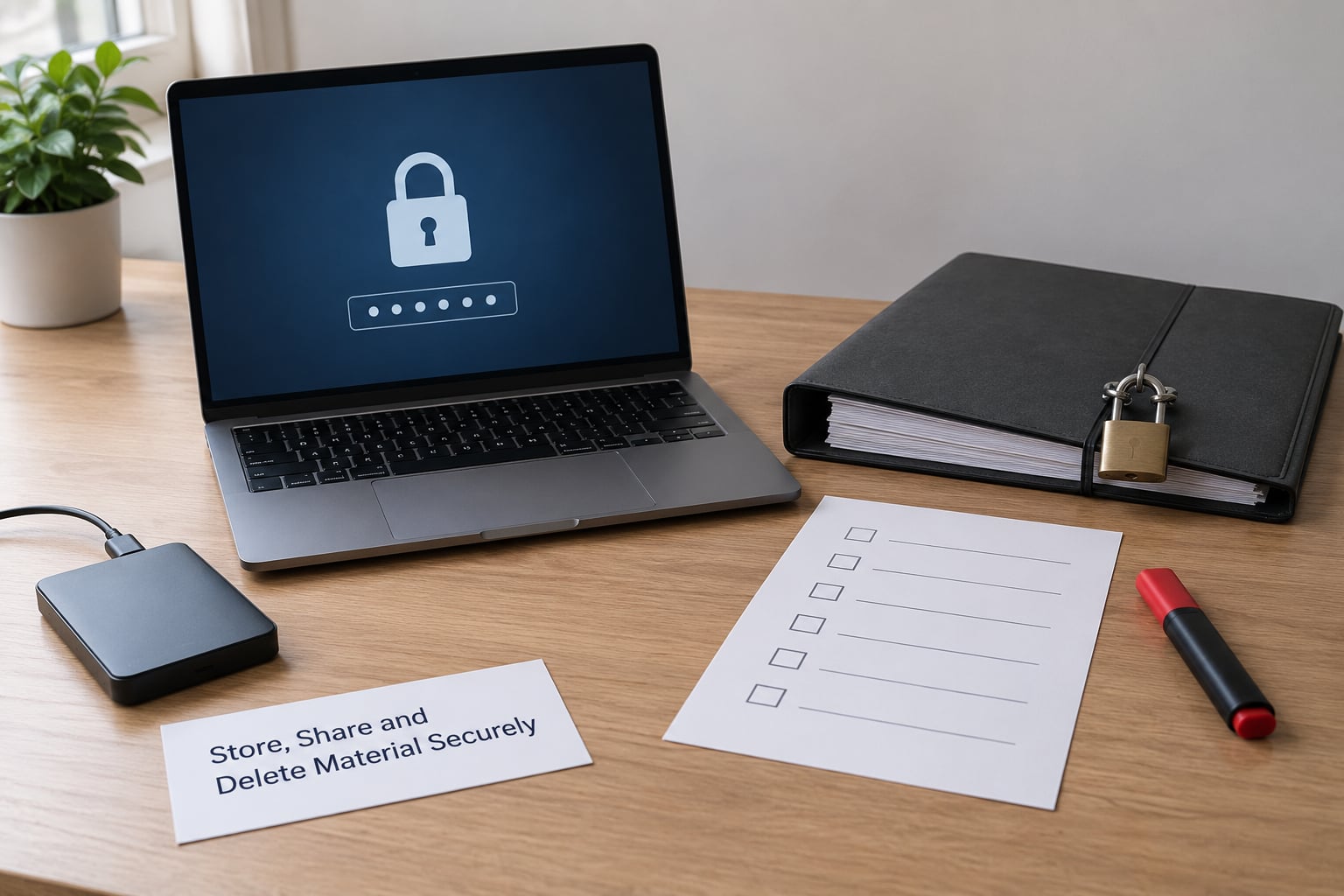
Store submissions on encrypted storage, access-controlled by role, with originals kept separate from working copies. Name files with the date and code name rather than anything descriptive. Redact before you share, and share with a log that records who received what and when.
Decide retention before you need it. Most outlets keep material for the life of the story plus a defined window, then destroy it, and a written retention policy stops the default of keeping everything forever. Destruction has to be real: deleting a file from an inbox or a shared drive does not remove earlier copies from inboxes, backups or devices that sync. Ask the people you shared with to confirm deletion in writing when a story closes or a source is no longer needed.
Plan for Emergencies and Retaliation
Decide in advance who answers when things go wrong, before you are the person making the decision under stress. Credible threats, doxxing, a compromised newsroom account or an urgent takedown request each need a named response and a short path to your legal and security contacts.
Ask what the newsroom owes a source who says they may be retaliated against. That can include helping someone relocate devices and accounts, arranging a different channel within hours, and coordinating with legal counsel. It can also mean declining to run a story that would expose them, which is a real editorial cost and a real protection. If you cannot deliver a response after a threat, your tip-line copy should not have advertised one.
Common Mistakes
Almost every tip-line failure I have seen traces back to something small and fixable.
Collecting identifiers nobody needs. Ask for a name or an account “for verification” and you have converted an anonymous source into a stored record of their identity. Ask only for what a specific verification step requires, and nothing beyond it.
Using personal accounts. A reporter’s personal phone or mailbox can be subpoenaed, lost, backed up to a personal cloud, or seized with their device. Newsroom-controlled accounts and dedicated devices are slower and slightly less convenient, and that is the entire point.
Pasting tips into AI chatbots. Chat assistants are not anonymous submission channels. Prompts can be retained, logged or reviewed for quality purposes, and the submission arrives from an account tied to a person. SecureDrop’s own guidance has warned sources off this route for exactly that reason. Treat any tip material as too sensitive to hand to a tool you have not audited.
Skipping verification because the tip feels urgent. Urgency is a pressure tactic as often as a genuine emergency. Verify what you can without the source, and if the story cannot be corroborated, do not run it.
Too many people with access. Every person who opens a file is another person who could be subpoenaed, compromised or simply careless. Start small and expand only with a reason you could write down.
Keeping everything forever. Retention without an end date is a liability that compounds. Set the period, write it down, and actually destroy what falls out of it.
And the awkward case: a source tells you they already sent the material from a work phone or an employer network. Do not panic and do not lecture them. Stop using that channel immediately, ask what steps they have already taken, and get your security lead or specialist counsel involved before you reply.
A Secure Tip-Line Checklist for Every Assignment
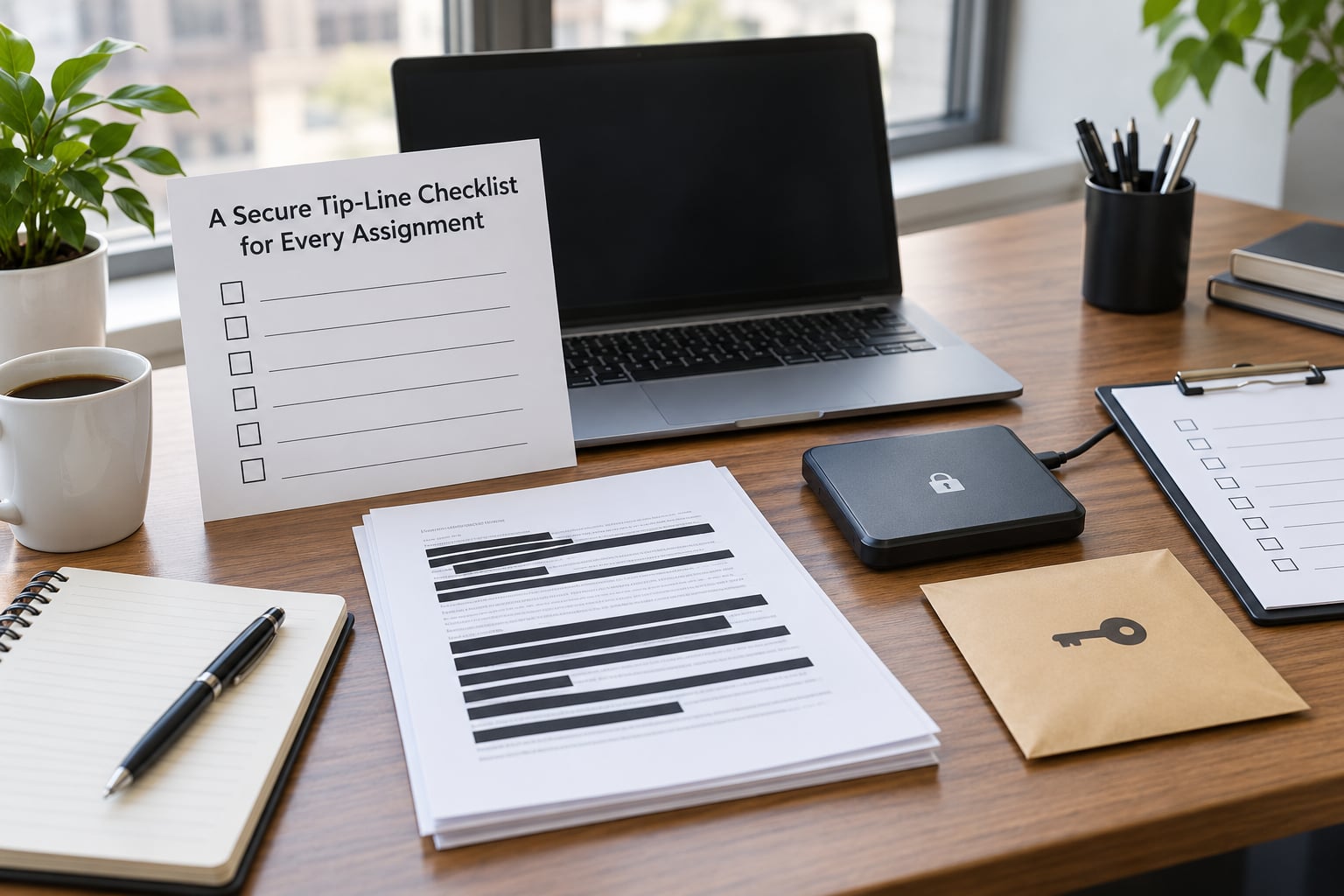
Run this before publication, before a hard deadline, and whenever a new reporter joins the assignment.
- Only the approved channel was used, on newsroom-controlled hardware and accounts.
- Sender metadata was minimised, and the original file is preserved untouched and offline.
- The claim has at least one independent confirmation, and documents corroborate each other.
- Access is limited to the people who need it, and every addition is logged.
- Source contact happens on the approved tool, under the assigned code name.
- Retention period is known, and deletion is scheduled with written confirmation from recipients.
- A legal, security and ethics contact is named and reachable if the source reports retaliation or danger.
- Nothing sensitive has been pasted into a chatbot, a personal account or an unapproved cloud service.
Frequently Asked Questions
Can a tip line identify who sent a message?
A well-built channel should not, and that is exactly what you should be able to state on your public page. Traffic routed through an anonymising network hides the sender’s IP address, content encrypted in the browser or app is not stored on an email server, and a system that logs nothing identifying means the newsroom holds nothing that could identify anyone. What you cannot control is the sender’s own device and network.
What is the safest way to receive anonymous documents?
An anonymous web drop that logs no IP addresses and stores submissions encrypted, run by the newsroom itself, is the safest option available to a member of the public. SecureDrop is the best-known example and its software is free and open source. It also carries the heaviest setup burden, so a smaller outlet should pair it with a simpler encrypted channel rather than delaying the whole system.
Should reporters use a personal phone or email for tip-line messages?
No. Personal devices and accounts are subpoenaeable, lost, backed up to personal cloud services and can be seized alongside the person carrying them. Tip traffic should run through newsroom-controlled accounts and dedicated devices with full-disk encryption and no personal logins. That is slower and slightly less convenient, which is precisely the trade-off you want.
How can a newsroom verify an anonymous tip?
Treat the tip as a lead and test it against independent material: check whether dates and locations line up, search public filings and court records, run any images through reverse image search, and look for a second document that confirms the first. Avoid going back to the source until you know the single question you actually need answered. Every extra message is another record that could identify them.
How long should securely received tip-line material be retained?
Set a written retention period tied to the story rather than a default of forever, and review it with legal counsel. Many outlets keep material for the life of the project plus a defined window. Deleting from a shared drive does not remove copies held in inboxes, backups or syncing devices, so confirm destruction in writing with everyone who received a copy.
What should happen if a source says they are in immediate danger?
Treat it as urgent and stop the normal verification pace. Acknowledge through the same channel, tell them what you can and cannot promise, and bring in your named legal, security and ethics contacts straight away. Depending on the situation that may mean moving them to a safer channel within hours, arranging new devices and accounts, or declining to run a story that would expose them.
Specialist organisations handle the parts a general guide cannot: Freedom of the Press Foundation supports newsroom security programmes and the SecureDrop project, and whistleblower.org publishes practical guidance for people deciding whether to come forward. Point sources there rather than writing bespoke advice for a situation that may have legal consequences.
Conclusion
Learning how to use a tip line securely comes down to five first actions. Use only the newsroom-approved channel, on newsroom-controlled devices. Collect the least information you can justify keeping. Limit who can open a submission and log every addition. Verify the claim against independent material before anyone writes a word. Escalate any threat of retaliation immediately, using contacts you named in advance.
Get the system running before the first tip arrives, not after. A published, tested, honestly-scoped tip line does more for source protection than any tool on its own.