
Learning how to write your first SQL query for a story comes down to four clauses in one sentence: pick the columns, name the table, filter the rows, sort the result. That is genuinely all a first query is, and you can have one running against a real public-records file in about twenty minutes. No programming background required.
Most tutorials hand you an employee table with fake salaries. This guide uses something closer to what you actually get handed: a CSV of municipal service requests with a date, a neighborhood, a category and a status. Same queries, real shape of problem.
We will go from a story idea written on a legal pad to a query that produces a defensible number, and finish with the checks to run before that number goes in a headline. Along the way you will see the exact error messages beginners hit and what each one is telling you.
Table of Contents
- What You Need
- Step-by-Step
- Common Mistakes
- Frequently Asked Questions
- What is the basic order of clauses in a SQL query?
- How do I choose the right table for my story?
- How do I filter newsroom data by date in SQL?
- How can SQL show the top five neighborhoods or categories?
- What should I do when a newsroom dataset has missing values?
- Can I use these SQL examples if my newsroom uses PostgreSQL or MySQL?
- Conclusion
What You Need
Three things, and nothing expensive.
One narrow story question. Not a topic, a question with an answer in it. “Crime” is a topic. “Which neighborhoods filed the most street-light repair requests last quarter” is a question you can query.
One clean tabular file. A CSV works. So does a spreadsheet exported to CSV. What matters is that it has a header row with column names and one record per row.
A place to run the query. Two options I recommend for beginners. DB Browser for SQLite is a free desktop app where you open a file, click a tab, and type queries in a box. SQLite is the database engine underneath it, and it is the dialect used in every example below. If you would rather not install anything, a browser-based SQL sandbox works fine for the syntax here.
You also need the data dictionary, if the agency published one. More on why in the next step.
Step-by-Step
1. Turn the Story Question into a Data Question
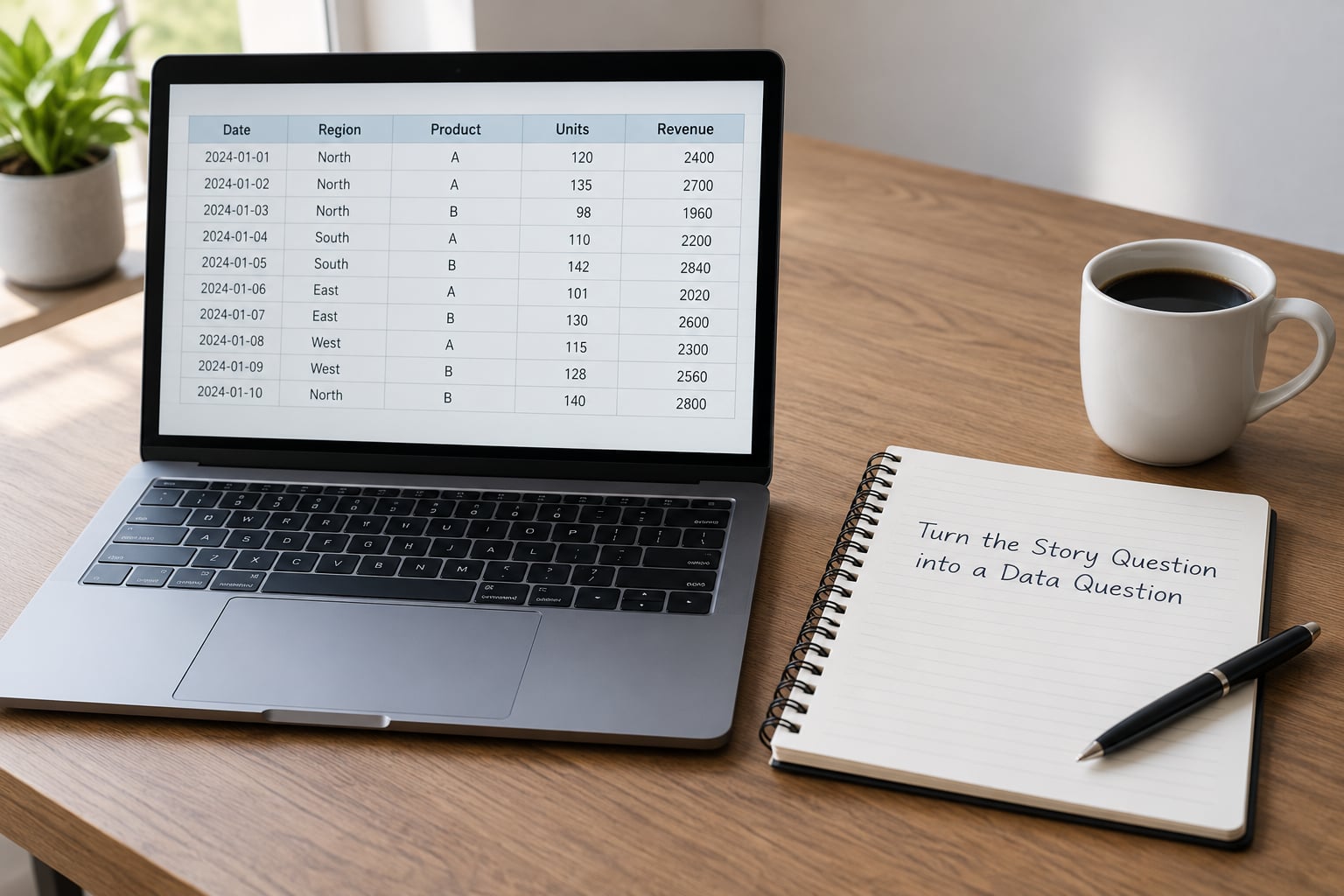
A story question has to be translated before it can become a query. Take the broad version and narrow it until you can point at the field that holds the answer.
Broad: street-light problems in the city.
Narrower: how many street-light repair requests came from each neighborhood between January and March?
Now name four things before you type anything: which table holds the records, which columns carry the answer, what date range you mean, and what counts as one record. For our practice file the table is requests and the columns are request_date, neighborhood, category and status. One record is one service request.
Write those four answers down. Most failed first queries fail because the question was never pinned down, not because the syntax was wrong.
2. Inspect the Table and Understand Its Fields
Open the file and look at it before you query it. This is the step beginners skip, and it is the single biggest time saver.
Read the header row and write down the column names exactly as they appear, including capitalisation and underscores. Then look at three actual data rows. Are dates stored as text? Is a category spelled the same way every time, or do you see “Streetlight”, “Street Light” and “STREETLIGHT” in the same column? Is anything blank?
Five quick queries do the inspection for you:
SELECT * FROM requests LIMIT 5;
That returns five rows with every column, which is how you see what the table really contains rather than what the documentation promised.
SELECT COUNT(*) AS total_rows FROM requests;
SELECT DISTINCT neighborhood FROM requests ORDER BY neighborhood;
The distinct list is the fastest way to catch spelling variants, stray blanks and misspelled entries. It is also how you find out the exact spelling you must use in a WHERE filter, and people paste the value from this list rather than typing it from memory.
SELECT MIN(request_date), MAX(request_date) FROM requests;
If the earliest and latest dates do not match the period your story covers, you know why before you start writing sentences about it.
3. Select Only the Columns You Need
Your first SQL query needs no filtering and no grouping. Just name the columns and the table.
SELECT request_date, neighborhood, category, status
FROM requests;
SELECT chooses which columns come back. FROM names the table. That is the whole sentence.
Two habits worth building now. Select only the columns the story uses, because a narrower result is easier to check by eye. And give columns a readable name with AS, which works as a label in your output:
SELECT
  request_date AS "Date reported",
  neighborhood AS "Neighborhood",
  category      AS "Category"
FROM requests
LIMIT 10;
Order the columns in the sequence you will describe them. When someone else runs your query, the shape of the output should already suggest how to read it.
4. Filter Rows with WHERE
Filtering is where a story starts taking shape. WHERE keeps only the rows that match a condition.
SELECT request_date, neighborhood
FROM requests
WHERE category = 'streetlight';
Text values go inside single quotes. Numbers and dates as dates do not. That one rule explains most of the confusing errors beginners hit.
Use the operators for ranges and comparisons:
SELECT request_date, neighborhood, category
FROM requests
WHERE category = 'streetlight'
  AND request_date >= '2026-01-01'
  AND request_date <  '2026-04-01'
ORDER BY request_date;
Two things to notice. Combining conditions uses AND, and a date range is usually written as greater-than-or-equal on the start date and less-than on the end date, which avoids a time-of-day problem on the final day.
OR, LIKE and IN cover the rest:
-- Either of two categories
WHERE category IN ('streetlight', 'pothole')

-- Anything starting with "street"
WHERE category LIKE 'street%'

-- Excluding closed requests
WHERE status  'closed'
Before you use any filter in a story, count what it returns. The number you get here is the number you would quote:
SELECT COUNT(*) AS matching_rows
FROM requests
WHERE category = 'streetlight'
  AND request_date >= '2026-01-01'
  AND request_date <  '2026-04-01';
Run the count first. If it returns zero, your filter is wrong, and you have saved yourself a strange story.
5. Sort, Count, and Group the Results
Individual rows are rarely the finding. Totals are.
ORDER BY sorts, and LIMIT stops after a set number of rows. Together they answer a top-five question:
SELECT neighborhood, COUNT(*) AS requests
FROM requests
WHERE category = 'streetlight'
  AND request_date >= '2026-01-01'
  AND request_date <  '2026-04-01'
GROUP BY neighborhood
ORDER BY requests DESC
LIMIT 5;
Three aggregate functions cover most newsroom questions: COUNT(*) for how many records, SUM() for a total of a numeric column, and AVG() for an average. COUNT(*) counts rows. COUNT(column_name) counts only rows where that column has a value, which is a different number when the column has blanks.
Three clauses look similar and are not interchangeable:
| Clause | Runs | Filters | Typical use |
|---|---|---|---|
| WHERE | Before grouping | Individual rows | Keep only streetlight requests from January to March |
| GROUP BY | During grouping | Nothing; it defines the groups | One row per neighborhood |
| HAVING | After grouping | Whole groups | Keep only neighborhoods with more than 50 requests |
The rule that resolves most confusion: WHERE filters the rows you feed in, HAVING filters the summary rows you get out. To find neighborhoods with more than 50 requests in the quarter:
SELECT neighborhood, COUNT(*) AS requests
FROM requests
WHERE category = 'streetlight'
  AND request_date >= '2026-01-01'
  AND request_date  50
ORDER BY requests DESC;
That output is a chart, a sidebar, or a lede sentence. It is the moment the query becomes reporting.
6. Validate the Query Before Reporting It
The fear of publishing a wrong number is the reason good reporters keep notes. Here is the check I run before any SQL figure goes into a draft.
Check the total against the whole file. Sum the grouped counts and compare with the COUNT(*) of the same filtered set. If they disagree, a group was dropped.
SELECT SUM(requests) FROM (
  SELECT COUNT(*) AS requests
  FROM requests
  WHERE category = 'streetlight'
  GROUP BY neighborhood
);
Look for duplicates. Run SELECT incident_id, COUNT(*) FROM requests GROUP BY incident_id HAVING COUNT(*) > 1; If it returns rows, the file has double entries and every count above is inflated.
Confirm the date boundaries. Run the same count with one day moved on each side. If a single day adds hundreds of records, check whether that is real or a file-loading artefact.
Test an alternate filter. Run the count with an equivalent condition, for example LIKE 'streetlight%' instead of an exact match. Similar results mean you understand your own filter.
Write down what the query cannot tell you. Coverage gaps, records the agency never logged, categories that mean different things in different years. A note like “unlogged requests are not in this file” belongs in your methodology.
Save the query with the story. Paste the final SQL into your notes, not a screenshot of the output. Anyone should be able to rerun it against the same file and get the same numbers. That reproducibility is the real advantage of doing this in SQL rather than in a spreadsheet, and it is worth a line in the story’s methods note.
Common Mistakes
“no such column” or “no such table”. A misspelled or differently named field. SQLite uses double quotes for names it did not recognise as identifiers. Fix: run SELECT * FROM requests LIMIT 1; and copy the name exactly.
Using double quotes for text values. Double quotes delimit names in standard SQL, not strings. A comparison written as WHERE category = "streetlight" looks right and silently matches nothing in some engines. Use single quotes.
“aggregate functions are not allowed in WHERE”. You put COUNT(*) inside a WHERE clause. The filter has to run before counting, so that condition belongs in HAVING.
“ambiguous column name” after a join. Two tables have a column with the same name. Qualify it as requests.neighborhood, or give each table a short alias.
A stray comma at the end of a column list. One comma too many is a syntax error in nearly every engine.
No date boundary. A query about “this year” that never names the dates returns whatever sits in the file. The filter is the finding.
Counting rows that do not exist. COUNT(*) counts rows. COUNT(column) counts non-blank values in that column. On a file with gaps, the two totals differ, and the gap is usually the story.
Reading missing values as zero. A blank is not the same as a zero, and a NULL is not a zero. Where blanks matter, check them explicitly with WHERE column IS NULL and say so in the story.
Two more habits close most of the gap. Add LIMIT 10 while you explore, so a large file does not flood your screen. And run the query against the real file from the start rather than a made-up example, because the spellings and gaps in real data are what cause the errors.
Frequently Asked Questions
What is the basic order of clauses in a SQL query?
Clauses run in a fixed order regardless of how you write them: SELECT, FROM, WHERE, GROUP BY, HAVING, ORDER BY, LIMIT. SELECT names the columns, FROM names the table, WHERE filters rows before grouping, GROUP BY creates one row per group, HAVING filters the grouped results, ORDER BY sorts, and LIMIT caps the row count. Write them in that order and your query is readable by anyone who touches it later.
How do I choose the right table for my story?
Look for the table that has one row per thing your story is counting, and a column that holds the thing you are measuring. In a public-records extract that is usually a single table. If it is split across several, the story is probably in the relationship between them, and you will need a JOIN on a shared key such as an incident or case number. Confirm by running SELECT * FROM the_table LIMIT 5 and checking that one row means what you think it means.
How do I filter newsroom data by date in SQL?
Compare the date column against quoted dates in ISO format, which sorts correctly as text: WHERE request_date = ‘2026-01-01’ AND request_date ‘2026-04-01’. Use greater-than-or-equal on the first day and less-than on the day after the last one, so records with a time component on the final day are not dropped. Run MIN and MAX on the column first to confirm the file actually covers the period your story describes.
How can SQL show the top five neighborhoods or categories?
Group by the column, count the rows, sort by the count descending and limit to five: SELECT neighborhood, COUNT(*) AS total FROM requests GROUP BY neighborhood ORDER BY total DESC LIMIT 5. Add a WHERE clause first if you need to restrict the period or category. Check that the gap between fifth and sixth is wide enough to matter, because a top-five list built on a difference of one request is not a finding.
What should I do when a newsroom dataset has missing values?
Find out what the blanks mean before you count anything. Run SELECT COUNT(*) and COUNT(column) together: if they differ, the column has gaps. List them with WHERE column IS NULL, and check whether they cluster in a time period or a neighborhood, which often explains them. Never treat a blank as a zero in published figures, and say in your methods note what the missing records could mean for the result.
Can I use these SQL examples if my newsroom uses PostgreSQL or MySQL?
Yes. SELECT, FROM, WHERE, GROUP BY, HAVING, ORDER BY and LIMIT work the same way in all three, so every query here runs unchanged once your CSV is loaded into a table. The differences are in the edges: MySQL uses LIMIT for row caps, PostgreSQL uses LIMIT as well but handles dates with its own date type, and both prefer double quotes for identifiers where SQLite is forgiving. If your data is already in a warehouse, check its dialect documentation before assuming.
Conclusion
Write one narrow question first, then look at the file before you type anything. The first action takes five minutes: open the CSV, run SELECT * FROM requests LIMIT 5;, and write down what each column actually contains.
From there, build up in the order that keeps you honest. SELECT and FROM to see the raw records, WHERE to narrow to the period and subject, then GROUP BY with COUNT(*) to turn rows into a finding. Add ORDER BY and LIMIT when you want a ranked list, and reach for HAVING only once you understand what WHERE does to the rows underneath.
Save the query, not just the output. In 2026, a saved query is the part of your reporting that still works next year.