
Most sites do not have a traffic problem, they have a dating problem. The articles still ranking for you were written years ago, cite statistics nobody would print now, and answer questions the search results have moved on from. Learning how to update old articles for search traffic is mostly a matter of diagnosis: find the pages losing impressions, decide what kind of fix each one needs, and change as little as you can get away with changing.
A full refresh of a strong page takes a few hours. Rewriting a page that was quietly carrying a fifth of your traffic takes longer, and it may cost you what that page was earning. The method below keeps the URL, the backlinks and the reporting you already did, and spends your effort on the parts readers and search engines can actually see.
Table of Contents
- What You Need
- Step-by-Step
- 1. Identify the Articles Worth Updating
- 2. Check Search Intent and Current Performance
- 3. Preserve the Page’s Existing Search Value
- 4. Refresh Old Articles for Search Traffic and Current Readers
- 5. Improve Headings, Media, and Internal Links
- 6. Validate SEO and Publishing Details
- 7. Measure the Refresh After Publishing
- Common Mistakes That Break a Refresh
- Frequently Asked Questions
- How often should old articles be updated for search traffic?
- Should I change the URL when updating an old article?
- How do I know whether an article has lost search traffic?
- Is keyword density necessary when refreshing old content?
- How long should I wait to evaluate an updated article?
- What is the difference between updating and republishing an old article?
- Conclusion: Start With Your Highest-Potential Article
What You Need
You need access to the numbers behind the page before you touch the page. A refresh you cannot measure is a rewrite you cannot evaluate, and it leaves you arguing about whether it helped.
- Google Search Console access. This is where impressions, clicks, click-through rate and average position live for every page on the site.
- Google Analytics 4. GA4 tells you which pages actually earn sessions and goal conversions now, which is not always the same list.
- CMS access to the original article, plus the ability to see the publish date and modified date separately.
- The original article and its sources. For published work this means the data files, chart embeds and reporting notes, not just the live page.
- A keyword and backlink tool. Ahrefs, SEMrush, or free equivalents such as Google Trends, Google Search Console’s own query data and a site search for “not found”.
- A crawl tool. Screaming Frog finds broken links and redirect chains at a scale a browser tab cannot. ContentKing or a scheduled crawl does the same job in the cloud.
- A spreadsheet. One row per URL: baseline impressions, clicks, average position, referring domains, decision, date refreshed, result. This is the refresh log, and it is the whole reason you will know in six weeks whether your work paid off.
Build that inventory before editing anything. Pull the last 12 months of Search Console performance data by page, export GA4 landing-page data for the same period, add referring domain counts from your backlink tool, and sort by clicks. Then flag every page whose clicks are lower than they were a year ago even though impressions held roughly flat. That pattern is content decay, and it is the single most useful column in the whole exercise.
One more thing worth doing at this stage: write down what each page is for. Ten pages that all target the same query are competing with each other, and refreshing all ten will not produce ten times the traffic. Decide now which URL is the primary one so consolidation becomes an option later instead of a crisis.
Step-by-Step
Here is the workflow I use on a content library of a few hundred published pages. Seven steps, in order. Each one has a decision point and a way to check that it worked, because a refresh you cannot verify becomes an argument you cannot settle.
1. Identify the Articles Worth Updating
Prioritise by evidence, not by age. An article from six years ago that still earns 4,000 sessions a year and holds positions 4 to 9 is a much better candidate than one from last year that never ranked at all.
Score each candidate on three things: how far its traffic has fallen, whether it still ranks at all, and how much the topic matters to what the site is for. Articles sitting on page two with a decade of links behind them usually score highest, because the authority is already there and only the content is holding them back.
Some pages are not worth updating. A 300-word post that targets a term nobody searches for, has no backlinks and never had impressions is not a refresh candidate; it is a consolidation candidate, or nothing at all. Cap your first batch at roughly 30 articles so the effort per page stays high enough to matter.
How to verify: your spreadsheet has a ranked list, and every name on it has a number attached to it rather than a hunch.
2. Check Search Intent and Current Performance
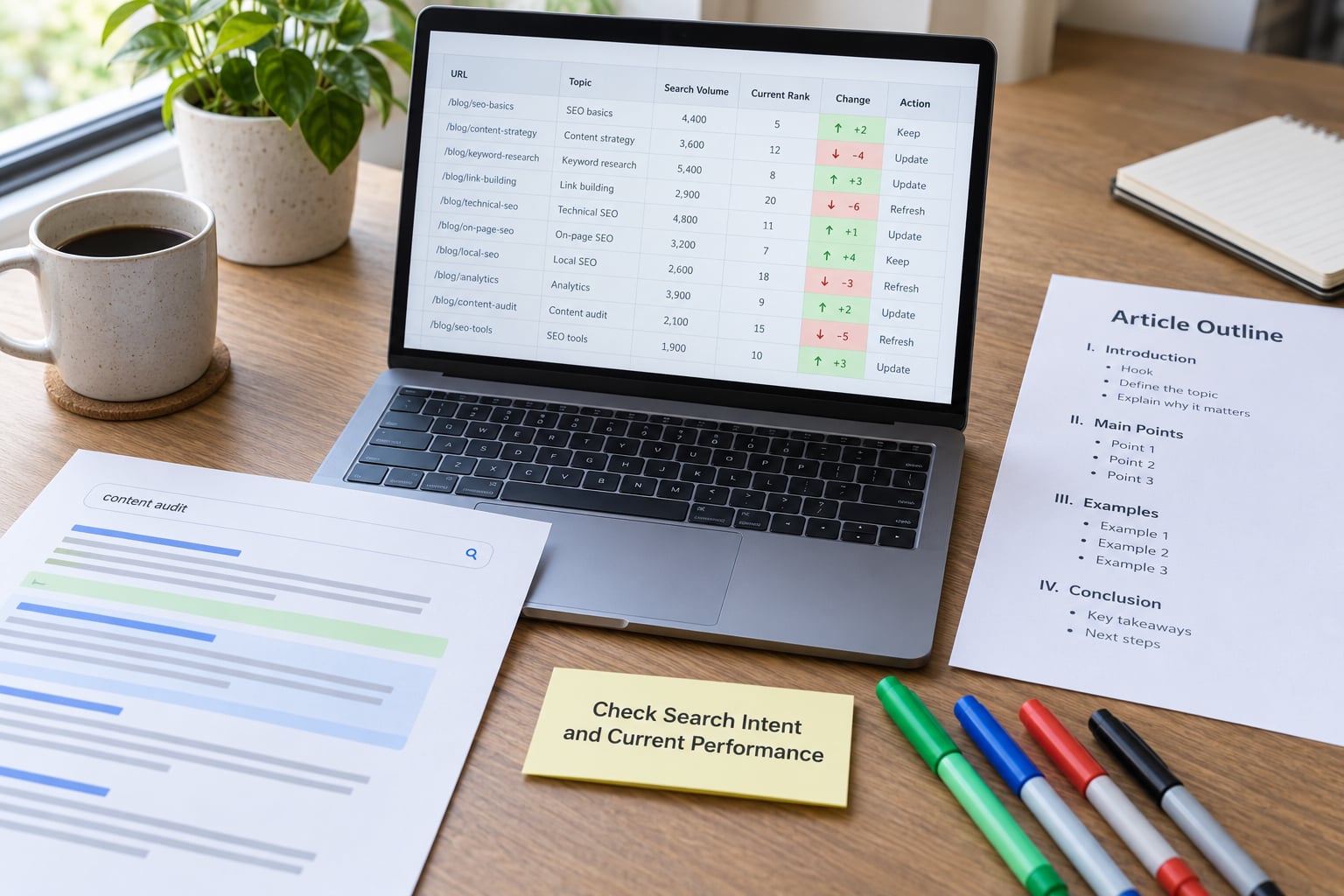
Search the article’s main query and look at what ranks now, not at what ranked when you wrote it. In most cases the intent has drifted: the query that once wanted a definition now wants a comparison, a calculator, or a step-by-step walkthrough.
Cross-check three things. In Search Console, the Queries tab under Performance tells you which terms actually send you traffic, which are often not the ones the article targets. On the live search results page, note the format of the top results, because if every one of them is a table and yours is a wall of prose, you have a formatting problem, not a writing problem. And in the People Also Ask box, count the questions the results answer that your article does not.
This is also where the newer surfaces show up. AI Overviews pull a short, extractable answer, and a page that opens with a clean two-sentence answer to the query is easier to cite than one that wanders for four paragraphs. You do not need a scoring tool for that; you need a direct first paragraph.
How to verify: you can state in one sentence what the current search results reward, and your article does not do that yet.
3. Preserve the Page’s Existing Search Value
Most of what made the page work is still there. Keep the URL, keep the H1 that earned its click-through rate, keep any heading that matches a query you already rank for, and keep the sections that bring in backlinks. Editing is the default; rewriting is the exception you have to argue for.
A practical way to see what is worth protecting is to check which pages send you internal links and which external ones still point at this piece. Anything with links is carrying equity that you did not pay for twice.
Leave the publish date alone. If your CMS shows a modified date, update that, and let it be the signal. Changing the original publication date makes an archive look dishonest and buys almost nothing.
How to verify: the diff between old and new version shows additions and corrections, not a blank page where something used to be.
4. Refresh Old Articles for Search Traffic and Current Readers
Now edit the substance. Work through the article and mark anything a reader in 2026 would question: statistics older than two years, prices, names of people who have moved on, screenshots of interfaces that no longer exist, links to tools that have been renamed.
Then add what is missing rather than rewording what is there. If the current results cover a step your article skips, write that step. If a question sits in People Also Ask with no answer on the page, add a short section that answers it in two or three sentences. Delete the throat-clearing and the paragraphs that repeat the introduction.
On a newsroom or data-driven site, this stage has an extra job: check the sources. Government datasets get retired, NGO portals get rebuilt, APIs get versioned out, and chart embeds built on a free tier start rendering as an empty box. Fixing link rot in old stories is not cosmetic, because a broken chart means the reader gets a page with no evidence on it. Where a source has moved, replace the link and say what changed.
Add E-E-A-T signals where they are genuinely available. A line naming who checked the data and when, or a short note explaining a methodology choice, tells a reader more than a stock photograph ever will. Do not manufacture expertise; describe the reporting that already happened.
How to verify: every statistic on the page has a date and a live source, and the new version answers at least one question the old one ignored.
5. Improve Headings, Media, and Internal Links
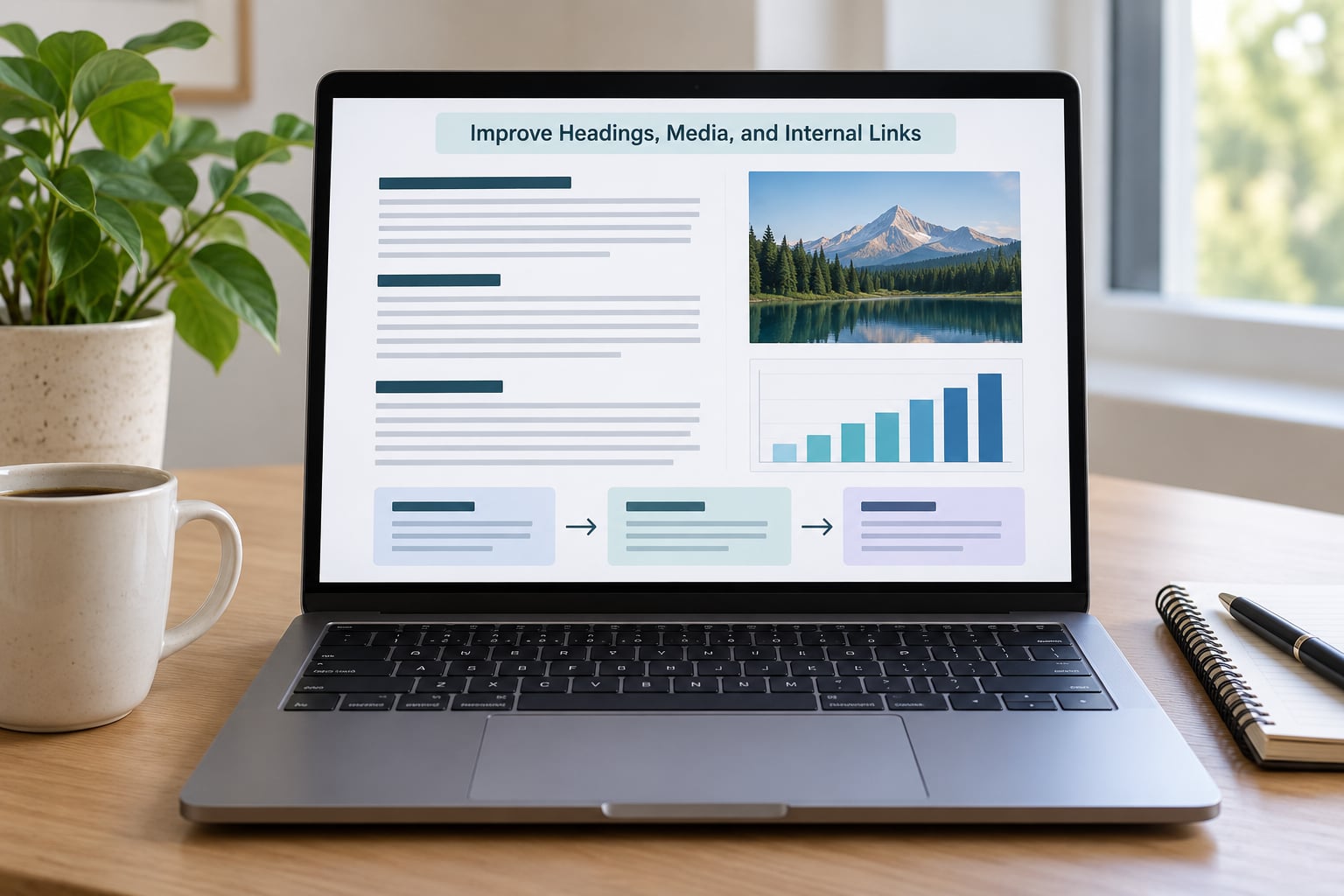
Structure is cheap to fix and readers notice it immediately. Break long sections into H2 and H3 headings phrased the way people type the question, put the direct answer immediately under each heading, and keep paragraphs to a couple of sentences. If the current results use a table to compare options, build that table.
For media, replace what is missing rather than what is merely old. A chart with a caption explaining what the reader should see in it beats a decorative graphic. Check embeds one by one, because a chart that renders as an empty box on a phone costs you more than the image ever earned.
Internal linking is where a refresh quietly compounds. Every piece of relevant newsroom tooling or data journalism you published after this article is a chance to link back to it with descriptive anchor text, and every inbound link you add from a newer article passes relevance to an older one. Do the same for external links: check them, and replace the dead ones with something that supports the claim.
Working through a whole topic rather than one URL at a time works better than scattering effort. When you refresh the main explainer, refresh the two or three pieces that compete with it, link them to each other, and make sure they agree with one another.
How to verify: the article has at least two new internal links in and two out, and no link on the page returns an error.
6. Validate SEO and Publishing Details
Go through the publishing checklist before you hit publish. The title tag still describes the page and does not compete with a different article. The meta description earns the click rather than describing the category. The URL, the canonical tag and the permalink are unchanged. Headings run H1 then H2 then H3 without skipping a level. Every image has alt text that describes the picture.
Check the mobile layout, because old articles often carry wide tables and embeds that were never built for a narrow screen. If the page uses structured data, confirm it still validates, and add FAQPage markup if the article now carries question-and-answer sections.
Preview the update on desktop and mobile, click every link you added, and open the page in a private window to be sure nothing you added depends on being logged in. Then publish.
How to verify: the preview shows the intended version, all links return a live page, and the URL bar has not moved.
7. Measure the Refresh After Publishing
Open the URL inspection tool in Search Console for the updated page, check that Google can fetch it, and request indexing. Then wait, and mean it.
Most refreshes start showing movement in two to six weeks. Re-crawling can happen within days, but ranking changes take time, and a page that sits at position 8 needs to climb past seven competitors before you see a meaningful click change. Use a 28-day window as your first checkpoint and 60 days as the honest one, longer for anything seasonal.
At each checkpoint, compare clicks, impressions, average position and click-through rate against the baseline row in your sheet. Look at engagement too, because a refresh that raises time on page and lowers bounce while traffic stays flat has still improved something real. Write the result in the log, including the refreshes that failed.
If nothing has moved after six weeks, do not revert immediately. Check whether the page lost position or never had it, look at the current results again for a format you are still not matching, and decide whether a second, deeper pass is worth it or whether the page has simply run out of runway. Then move to the next URL.
How to verify: your log has a before figure, an after figure and a date for every article you refreshed.
Common Mistakes That Break a Refresh
Most bad outcomes come from doing too much, or from doing the wrong kind of thing confidently. These are the errors I see most often, with the fix next to each one.
- Changing the URL. It costs you every link and every ranking signal attached to the old address. Fix: keep the URL. If the intent genuinely changed, publish new and 301 redirect the old one.
- Rewriting a page that already works. You throw away the reasons it ranked in the first place. Fix: refresh the weakest 20% of a strong page and leave the rest alone.
- Keyword stuffing. You lose readability and end up with a page that reads as written for a machine. Fix: cover the topic properly and let exact phrasing appear where it sounds natural.
- Deleting sections that still earn links. Referral traffic from publications that cited that section disappears with it. Fix: check referring domains per URL before you cut anything.
- Editing 50 pages in one week. You cannot tell which change did what. Fix: work in batches of 20 to 30, spaced across several weeks, logged each time.
- Touching a page that earns 5% or more of traffic with no rollback plan. A collapse is not something you can undo quickly. Fix: be conservative with small edits, keep a snapshot, and be ready to restore.
- Judging results after four days. You get permanent panic and a pointless revert. Fix: hold the 28-day checkpoint before you conclude anything.
- Changing the publish date to look fresh. You trade trust and an honest archive for almost no gain. Fix: let the modified date carry the signal and leave the original in place.
Three habits cover most of the rest. Start from data every time, because the article you feel is stale is rarely the article that lost traffic. Write down what you changed while you change it, since the log is the only honest memory of a refresh a year later. And publish less than you think you should, because a small careful batch beats a heroic weekend that leaves half the work undocumented.
One caution from the publishing side of the industry: frequent, tiny, unhelpful edits to a lot of pages at once can make a site look unstable. If a refresh adds nothing for the reader, skip it.
Frequently Asked Questions
How often should old articles be updated for search traffic?
Treat it as a scheduled habit rather than a rescue mission. Practitioners working this way typically refresh one or two pieces a week, and evergreen explainers deserve a pass every six to twelve months. Data-driven stories need checking sooner, because their sources and embeds break. Breaking news should not be refreshed at all; it belongs in the archive, refreshed only when something factual turns out to be wrong.
Should I change the URL when updating an old article?
Almost never. The URL carries the history, the links pointing at it and the ranking signals attached to it, and changing it usually means a 301 redirect that recovers only part of what was there. Keep it unless the search intent itself has genuinely changed, in which case publish a new article at a new address and redirect the old one with a 301.
How do I know whether an article has lost search traffic?
Compare clicks against impressions over the same period in Search Console. Falling clicks with steady impressions usually points to a click-through rate problem, which is a title and meta description issue. Falling impressions means the page is losing ground for its queries, often because competitors have covered the topic more fully. A click-through rate under 2 percent is a strong signal the snippet is the weak part.
Is keyword density necessary when refreshing old content?
No. Density is a clumsy target and chasing it produces text that reads badly. What matters is that the article covers the questions searchers are actually asking, in the format the current results use, with related terminology appearing naturally in the body. If the page answers the query well, the exact phrase usually appears a handful of times without you counting.
How long should I wait to evaluate an updated article?
Give it 28 days for the first checkpoint and 60 days for a real verdict. Google can recrawl a changed page within days, but ranking movement takes longer, and a page sitting at position 8 has to pass seven competitors before clicks shift noticeably. Seasonal pages need longer still. Anything you conclude before four weeks is guesswork, and acting on guesswork is how good pages get damaged.
What is the difference between updating and republishing an old article?
An update improves the existing page in place, keeping its URL, publish date, history and accumulated links. Republishing treats it as a new article: new address, new publish date, a fresh listing. Republishing resets the signals the page has built and is usually the wrong move, so it is worth considering only when the piece has been almost entirely replaced and the old version has no remaining value.
Conclusion: Start With Your Highest-Potential Article
Pick one page today: older than two years, still earning impressions, sitting between positions 4 and 15. Record its baseline clicks, impressions, average position and referring domains. Read the current results for its query, fix the outdated material, protect everything that already works, and leave the URL where it is.
Publish that single refresh, wait 28 days, and write down what changed. Learning how to update old articles for search traffic gets much easier once one page has a real before-and-after number attached to it. Twenty of those, spaced over a few months, will do more for your archive than a year of new publishing.