
News SEO is the work of making an article easy to find, easy to trust and easy to quote in Google Search, Google News, Google Discover and AI answer engines. If you have been searching for how to optimize news content for search engines, the honest answer is that most of it is editorial judgment applied before publish, not code. The workflow below takes a story from query research to measurement, and it works for a three-person local newsroom as well as it does for a national outlet.
Start here if your traffic is flat, your stories never surface in the Top Stories carousel, or an editor asks why a rival with weaker reporting outranks you. It runs about 60 to 90 minutes of focused work per article, plus whatever reporting the story actually needs.
Table of Contents
- What You Need
- Step-by-Step
- Step 1: Define the reader’s search intent
- Step 2: Confirm the story has independent reporting value
- Step 3: Research the main query and related searches
- Step 4: Write a clear, specific headline and standfirst
- Step 5: Build a scannable article structure
- Step 6: Optimize the essential page elements
- Step 7: Earn useful internal and external links
- Step 8: Help search engines understand and index the story
- Step 9: Measure performance after publication
- Common Mistakes
- Frequently Asked Questions
- How often should a news article’s SEO metadata be changed?
- Do all news articles need a target keyword?
- How should breaking news be optimized for search?
- Does updating an older article improve its search performance?
- How can a newsroom optimize content without misleading readers?
- What should editors do when a published article is not indexed?
- Conclusion
What You Need
Seven things, most of which you already have:
- A defined audience and intent. Who reads this and what do they need from it: the alert, the explanation, the verdict, the record?
- Source material. Interviews, documents, datasets, filings, photos and prior coverage. Optimization cannot manufacture reporting value.
- CMS access. Enough to edit the headline field, the slug, the excerpt, image alt text, byline and social preview.
- Keyword and trend research. Google Trends, autocomplete, related searches and, ideally, Search Console query data.
- Google Search Console (or Bing Webmaster Tools) for index status and query reporting.
- Analytics that tie a landing page to an article rather than a channel.
- A two-pass editorial routine: one person checks structure before publish, another checks metadata and links after publish.
The one technical caveat worth naming early: newsrooms are often told to verify Google News Publisher Center. That tool is retired. Google now creates publisher pages automatically and surfaces the feed you submit through your news sitemap, so nothing in this workflow depends on it.
Step-by-Step
Step 1: Define the reader’s search intent
Every news article serves one of five intents: inform, explain, compare, investigate, or give a practical next step. Write the intent in one sentence before you touch the headline.
Breaking news usually informs. A post-incident explainer usually explains. An election result analysis compares. A leaked-document investigation investigates. A weekend guide on immigration appeals gives practical steps. The intent decides format and depth: an alert can be 300 words, an investigation can be 4,000, and mismatching them is how a page fails to hold attention.
How to check the fit: look at what currently ranks for the query. If the results are wire rewrites, readers want the facts fast. If they are explainers and trackers, they want analysis. Then read the comments section and the reader emails — the phrases people use there are usually closer to the real query than your internal jargon. Finally, compare against your own audience data for the section.
Step 2: Confirm the story has independent reporting value
Optimization amplifies reporting; it does not replace it. Before any SEO pass, name what this story contains that the existing coverage does not: a source who agreed to talk, a document nobody has published, a dataset you cleaned yourself, a local detail, a first-hand account.
A useful checklist:
- At least one named source with a reason for their authority on this.
- At least one piece of primary material: a filing, a transcript, a contract, a public record, a dataset.
- Local or first-hand context that a national wire could not have.
- Something verifiable a reader could act on.
If you cannot fill that list, the honest answer is that you have an aggregation, not a story. Aggregations can still rank, but they will lose to the original and they will struggle to earn links. Include the phrase “how to optimize news content for search engines” where it describes your actual subject — a piece about newsroom SEO workflow can name it plainly; a story about a city budget cannot.
Step 3: Research the main query and related searches
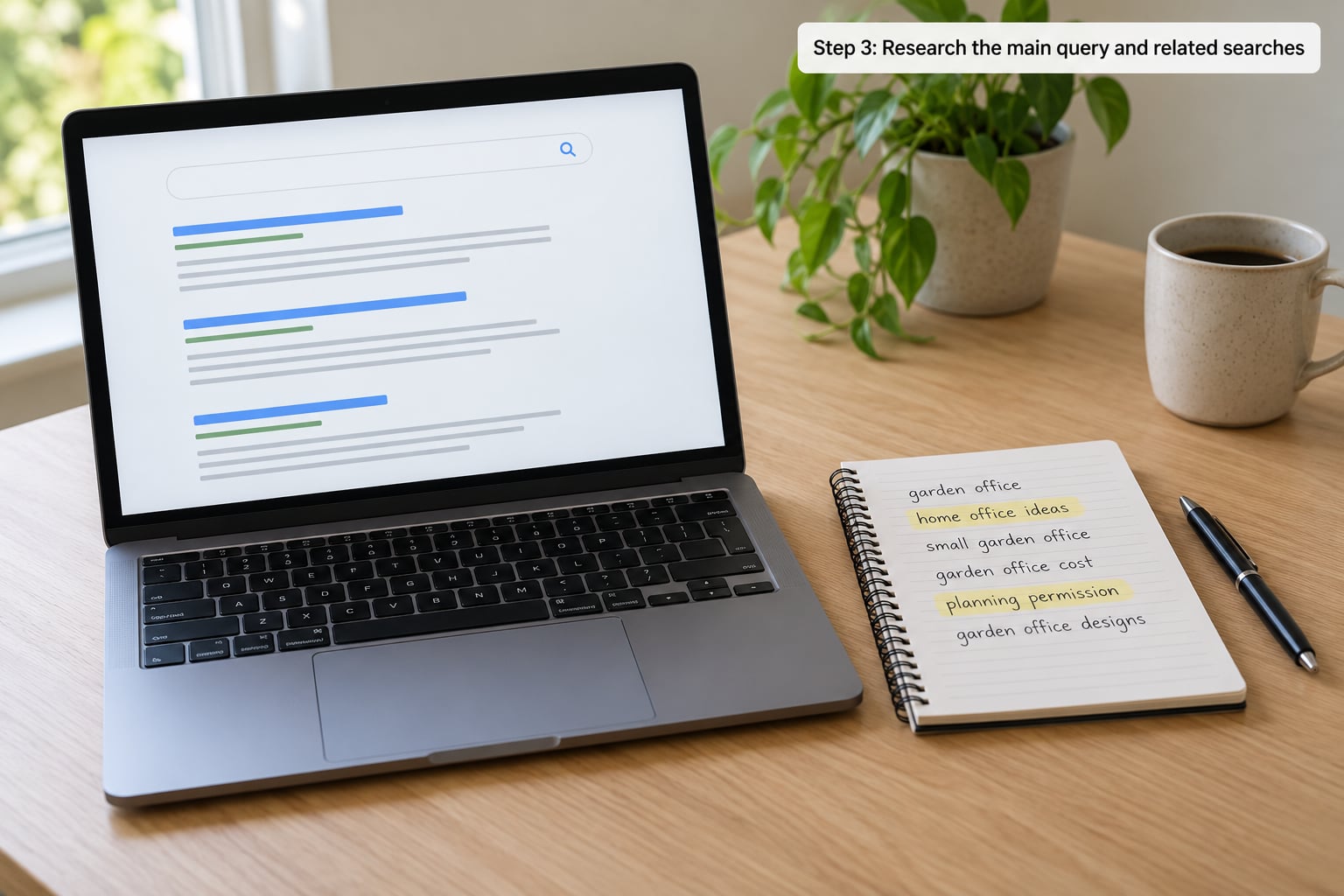
Choose one primary query for the article, then collect five to eight related phrases. Sources: autocomplete in the search box, the related searches block under results, People Also Ask, Google Trends, and the words readers use in comments and on social.
Then map each term to a section rather than spraying it everywhere. “City council vote” goes in the lead. “Budget shortfall” goes in the analysis paragraph. “Public comment period” goes in the practical box. One term per idea is the whole trick — that is the difference between a page that reads well and one that reads like a robot wrote it.
For news specifically, ask whether the query deserves freshness. If someone searching it wants today’s answer, publishing a three-year-old explainer under that headline is a mistake, not an optimization.
Step 4: Write a clear, specific headline and standfirst
A headline has to work for three audiences at once: the scanner, the search engine, and the person who clicks. The practical rules are unglamorous.
- Lead with the main entity: the council, the company, the court, the storm.
- Use active voice and concrete verbs. “Council approves 400-home development” beats “Development approved following council decision.”
- Aim for 55 to 70 characters so it survives truncation on mobile and in results.
- Drop press-release filler: “announces,” “partners with,” “reacts to,” “speaks about.” Say what happened.
- Never promise more than the article delivers. Discover punishes that hardest.
- Use the exact focus keyword only if it reads naturally. Most headlines should carry the entity, not the phrase.
The standfirst, the sentence under the headline, should complete the thought and add the new fact. It is the most-quoted block on the page, so keep it self-contained: no “the company said,” no pronoun pointing at a headline the reader may not have finished.
Step 5: Build a scannable article structure
Open with the inverted pyramid and put the essential answer in the first 250 words: who, what, where, when, why. If a reader leaves after two paragraphs, they should still have the whole story.
After that, use descriptive H2 and H3 headings that answer a real question — “How the vote broke down,” “What happens next” — rather than labels like “Background” or “Analysis.” Where something is genuinely a list, make it a list. Close with a short conclusion that says what is known, what is not, and what happens next.
Use the focus keyword once in the introduction, once in one H2 or H3, and where it genuinely belongs in the body. Then stop. Keyword density under 1.5% is the ceiling, not the target; in news SEO, over-optimization is a named failure mode that readers and quality systems both notice.
Short articles are not a penalty. A 350-word local brief and a 3,000-word investigation can rank on the same site without either dragging the other down. What hurts is thinness — a page with no detail a competitor lacks.
Step 6: Optimize the essential page elements
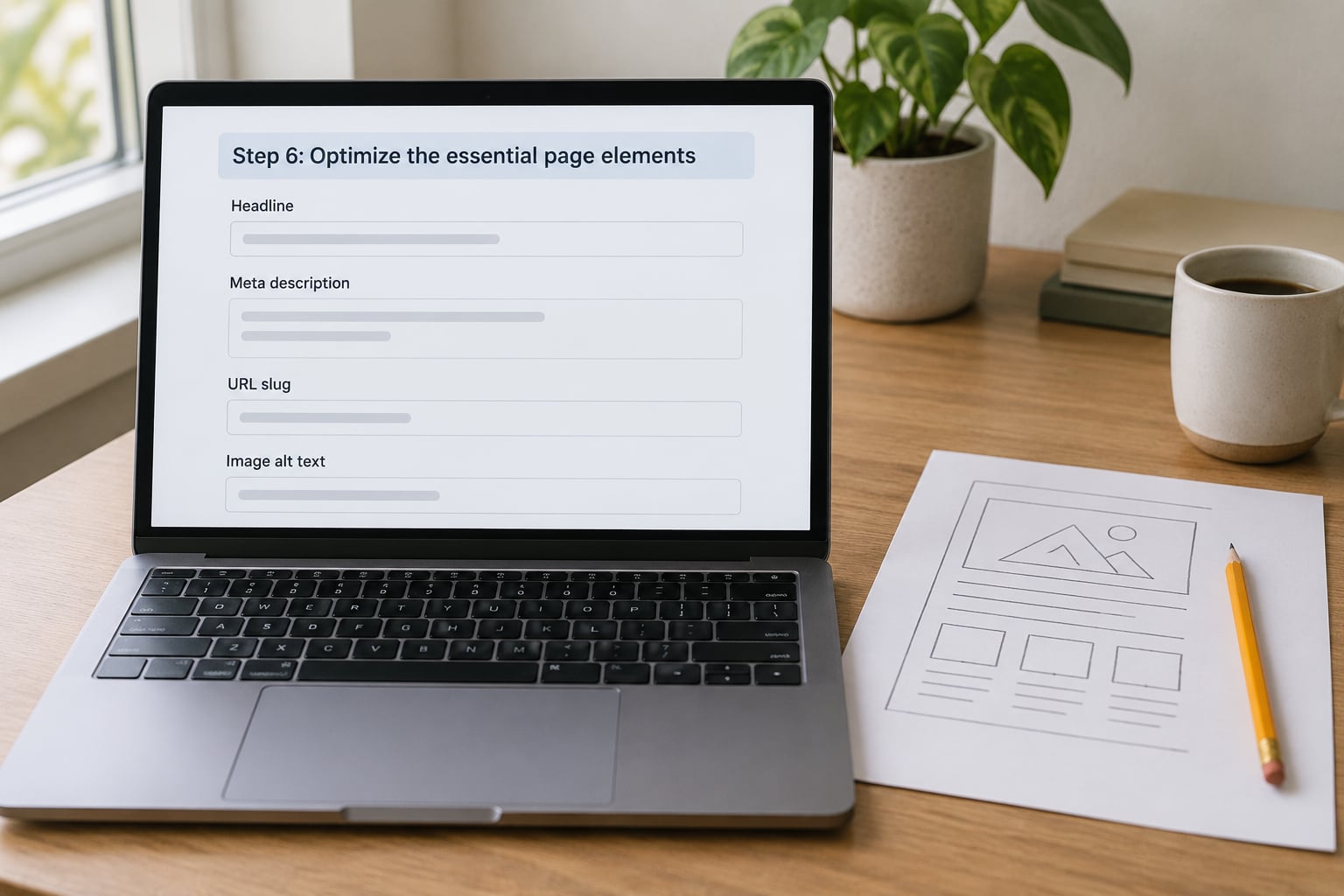
Eight elements, all of which should tell the same accurate story:
- Title tag. Front-load the subject. Keep it under roughly 60 characters so it is not cut in results.
- Meta description. One or two sentences, written like a person, that say why the article is worth the click. It is a pitch, not a keyword field.
- URL slug. Short, lowercase, hyphenated, no dates or stop words unless the archive requires them. Never change a live URL without a 301 redirect.
- Image alt text. Describe the picture in plain words. Mention the topic once. Never stuff keywords.
- Excerpt. Used in related-story modules and social cards.
- Published and updated dates. Both visible, both accurate. Change the updated date only when you genuinely added reporting.
- Byline and author page. A real name, a photo, a beat description and links to earlier work. Publishing as “Admin” reads as no author at all.
- Social preview image. Often the same hero image, at a size that renders cleanly when shared.
None of this guarantees a ranking. It decides how confidently a search engine can present your page, and how accurately it describes you when it does.
Step 7: Earn useful internal and external links
Internal linking is the cheapest distribution you have. Link from category hub pages, from a related-stories module on comparable coverage, and from the archive entry above your own story. Anchor text should describe the destination — “the full council vote record” beats “click here.”
Aim for three to eight contextual internal links per article, pointing at your strongest existing pages rather than at anything at random. Where a story supersedes an older one, link the old page to the new and vice versa, and consolidate when two pages answer the same query.
For external links, cite what you used: the filing, the study, the official statement, the dataset. Ask the source for a link when your reporting is genuinely useful to them, and participate in the places where your beat actually lives. Never buy links, never exchange them, and never pad a story with links to sites your readers do not care about.
Step 8: Help search engines understand and index the story
Foundations first, enhancements second. These are required:
- A canonical tag on every article, self-referencing unless you syndicate.
- HTTPS across the site, one canonical hostname, no forced www or http redirects.
- Clean navigation that works without JavaScript, plus breadcrumbs.
- Core Web Vitals in the good range: Largest Contentful Paint under 2.5 seconds, Interaction to Next Paint under 200 milliseconds, Cumulative Layout Shift under 0.1.
- A news sitemap that contains only URLs from the last 48 hours and stays under 1,000 URLs, regenerated or pinged when you publish.
- NewsArticle structured data.
Here is a complete, copy-pasteable NewsArticle block. Fill in your own values and the article URL:
{
  "@context": "https://schema.org",
  "@type": "NewsArticle",
  "headline": "Council approves 400-home development on former depot land",
  "description": "The vote passed 7-2 after a three-hour hearing. Construction on the site could begin in early winter.",
  "image": ["https://example.com/images/depot-1024.jpg"],
  "datePublished": "2026-10-03T09:15:00-04:00",
  "dateModified": "2026-10-03T14:40:00-04:00",
  "author": {
    "@type": "Person",
    "name": "Alex Moreno",
    "url": "https://example.com/authors/alex-moreno"
  },
  "publisher": {
    "@type": "NewsMediaOrganization",
    "name": "Example News",
    "logo": {
      "@type": "ImageObject",
      "url": "https://example.com/logo.png"
    }
  },
  "mainEntityOfPage": {
    "@type": "WebPage",
    "@id": "https://example.com/city/council-approves-400-home-development"
  },
  "articleSection": "Local",
  "inLanguage": "en"
}
For real-time coverage, LiveBlogPosting with a liveBlogUpdate array is the correct type. For video embedded in a story, add VideoObject. For a verification piece, add FactCheck. Keep the markup visible to readers and matching what the page actually shows.
Validate with Google’s Rich Results Test and the Schema Markup Helper before you publish, not after. Then request indexing through Search Console’s URL Inspection tool. If you republish wire copy, either add real analysis or point the canonical at the original — syndication without either is how traffic goes to zero and stays there.
Step 9: Measure performance after publication
Check at 24 hours, then at seven days, then at 28. Search Console gives impressions, clicks, click-through rate, average position and whether the page is actually indexed. Analytics gives engagement and whether readers continue to the next story.
Diagnose by symptom rather than by vibe:
- Impressions high, clicks low: headline and standfirst problem. Test a variant.
- Impressions low, position strong: distribution problem — promote it, link it internally, share it.
- Not indexed within a week: check robots directives, canonical, sitemap and server response.
- Indexed, no traffic after a month: the topic had no demand, or a rival already owns the query better.
Write down what you changed. Headline tests and publish-time comparisons are the only way to know whether a change helped or whether the story simply rode a spike.
Common Mistakes
| Mistake | Correction |
|---|---|
| Keyword stuffing the lead | One primary term, used where it describes the subject. Read the sentence aloud. |
| Borrowing a competitor’s headline shape | Write the fact first, then compress. Their phrasing carries their reporting. |
| Changing a published URL | Keep it, or 301 redirect to the new location and update all internal links. |
| Publishing a summary with no original detail | Either do the reporting or link to the piece that has it and add something the reader needs. |
| Touching the updated date for nothing | Only change it when new material was added. Artificial freshness is a documented pattern. |
| Publishing as “Admin” with no bio | Named byline, beat description, author page with links to prior work. |
| Adding links to unrelated sites | Link to sources you used and pages a reader would actually want next. |
| Ignoring mobile weight and layout shift | Ship compressed responsive images, reserve space for embeds, cut heavy ad and script payloads. |
| Duplicate title tags and descriptions across a section | Each gets its own, written for that specific page. Templates must accept an override. |
| Refreshing old stories for the sake of it | Add new reporting, merge duplicates into one strong page, or let a stale page go. |
Two operating tips. First, separate the two passes: an editor checks structure, intent and honesty before publish; someone else checks metadata, schema and links after. Second, keep a template that makes the good version the easy version — byline field required, hero image alt text required, schema generated from the same fields.
Frequently Asked Questions
How often should a news article’s SEO metadata be changed?
Change metadata only when the article itself materially changes: a headline rewrite after new reporting, a correction, or a substantially updated analysis. Repeatedly tweaking a title tag or description for a marginal click-through gain does not compound, and churning metadata on a story nobody searched for wastes editor time. Track the version you published, change it once with a reason, and log it.
Do all news articles need a target keyword?
No. Most news articles compete on the entity, the location and the freshness window rather than on a phrase someone types. Reserve a primary query for stories where a real search exists: an explainer, a service page in story form, a topic people search about repeatedly. For a one-off local alert, write an accurate headline with the entity in it and skip the keyword research entirely.
How should breaking news be optimized for search?
Speed comes first. Publish accurate basics with a clear headline naming the entity and location, put the confirmed facts in the first 250 words, mark the timestamp, and post corrections visibly. Then add value in layers: a live blog for ongoing coverage, analysis once the facts settle, and background from your archive. Do not rewrite the headline repeatedly, and do not update the date unless you actually added something.
Does updating an older article improve its search performance?
It does when the update is substantive: new reporting, resolved outcomes, corrected figures, or a section covering a question readers now ask. A date change with no new information rarely moves anything and can read as manipulation. If an old story was superseded rather than improved, merge it into a single strong page or redirect to it and stop paying the crawl cost for two thin versions.
How can a newsroom optimize content without misleading readers?
Every optimization must be true of the page it describes. Keep the headline within what the article supports, keep the standfirst accurate when readers may only read that, and keep metadata consistent with the visible page rather than keyword-shaped. If you optimize for how to optimize news content for search engines, be stricter than usual: trust is the ranking asset that cannot be patched later.
What should editors do when a published article is not indexed?
Check Search Console URL Inspection for the exact reason: robots directive, noindex tag, canonical pointing elsewhere, server error, or a page that was only discovered through a blocked link. Fix the cause, request indexing again, and confirm the URL appears in the news sitemap if it is under 48 hours old. If it is an older archive page, expect slower discovery and make sure at least one internal link points to it.
Conclusion
Start with the first three steps on the next story you publish: name the intent, confirm what the reporting adds, and research the query. Then fix the headline, put the answer in the first 250 words, and complete the metadata fields before you hit publish.
Everything after that — schema, sitemaps, internal links, measurement — compounds on top of a story that deserved to be read. Search engines reward accuracy, clarity and speed of access. The how to optimize news content for search engines question gets easier every time you refuse to trade those away.